

We tested over 20 popular AI tools and spent more than 150 hours reviewing features, user feedback, and real student use cases. These are our top 10 picks for the best AI productivity apps that help you study faster, stay organised, and get more done.
NoteGPT is our #1 recommendation in 2025 — offering powerful lecture transcription, instant AI summaries, and multi-source support, it’s the smartest note-taking tool built specifically for students.
Our Top 5 AI Productivity Tools for Students
| Tool | Best For |
|---|---|
| NoteGPT | Best overall for AI note-taking & summaries |
| Notion AI | All-in-one student dashboard + AI writing |
| Grammarly | Real-time writing improvement |
| ChatGPT | Research, writing help, and quick explanations |
| Quizlet AI | AI-generated flashcards and quiz prep |
Why You Can Trust This Guide
Our team reviewed real user feedback, tested premium and free versions of each tool, and focused specifically on student use cases — not just general productivity. We looked at time-saving potential, ease of use, pricing, and how well these tools support studying, note-taking, and revision.
Whether you’re revising for exams, writing essays, or managing group work, these AI tools will help you save time and perform better.
1. NoteGPT – The Best AI Note-Taker for Students
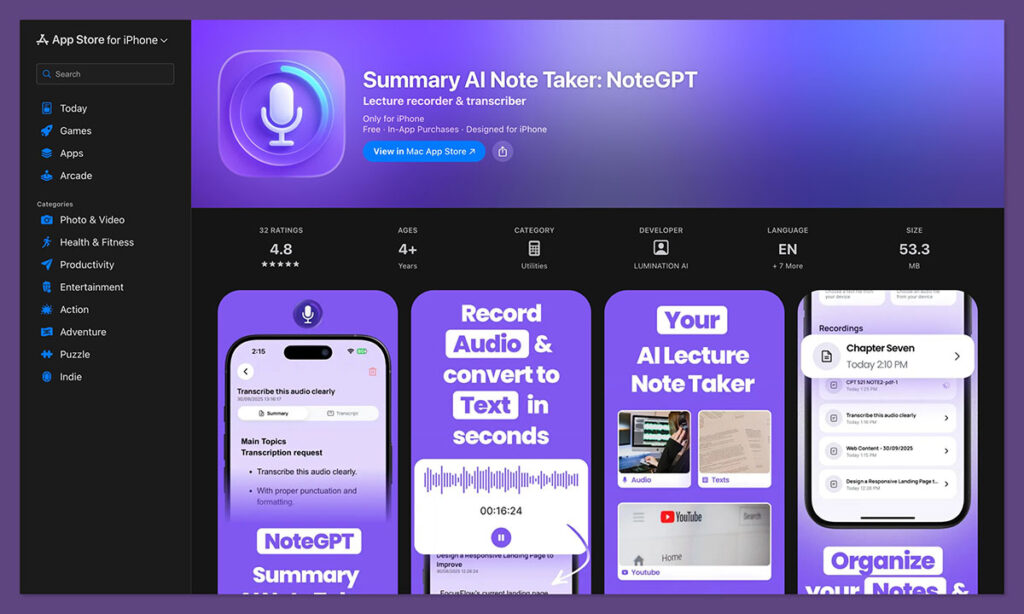
NoteGPT.com is a powerful AI note-taking tool designed to help students save time and retain more information. Whether you’re watching lectures, studying YouTube videos, attending Zoom classes, or just recording a conversation — NoteGPT transcribes and summarises it all using AI. It works as both a mobile app and a web app, making it ideal for students who switch between laptops, tablets, and phones throughout the day.
It takes the hardest, most time-consuming part of studying — turning raw information into usable notes — and makes it automatic.
Key Features:
- YouTube Video Summariser (Web + App)
Paste a video link and NoteGPT will generate timestamped AI summaries. It’s a massive time-saver when studying from long tutorials or academic content on YouTube. - Voice Recording, Transcription & Summarisation
Record lectures live via phone or web, or upload MP3/MP4 files. NoteGPT will transcribe and summarise everything in just a few seconds using GPT models. - Smart AI Notes Across All Devices
Accessible from your browser (NoteGPT.com) or through the iOS and Android apps. Syncs across devices, so you can record on mobile and review on desktop — or the other way around. - Search, Bookmark, and Highlight Key Takeaways
Easily find important parts of your content, bookmark them, and revisit summaries during exam season or group study sessions. - Supports Podcasts, Zoom, Meetings, Webinars, and More
NoteGPT isn’t limited to one format — upload files or import content from multiple sources and get clear, organised notes instantly.
Why It’s Perfect for Students:
Most productivity tools either store your notes or help you write them. NoteGPT actually writes your notes for you. It removes the need to listen to the same lecture multiple times, manually summarise, or highlight content across different platforms.
Instead, you get a clean, structured summary that you can review in minutes. This is ideal for dense subjects like law, medicine, engineering, or any field with complex lectures and reading material.
Real User Feedback:
- Rated 4.9/5 on the App Store
- Students consistently praise its time-saving ability, ease of use, and clear AI summaries.
- Highly recommended by users who juggle full course loads, side jobs, and limited study hours.
Availability:
- Web App: https://notegpt.com — works on any browser
- iOS App: App Store Link
- Android App: Google Play Link
Pricing (USD):
- Free Plan: Includes limited daily summaries and access to basic features
- Premium Plan: Starts at $8.99/month for unlimited recordings, faster summaries, and cloud storage
- Pricing is simple and student-friendly, with no long-term contracts
If you’re tired of wasting time on note-taking, or falling behind because you couldn’t capture everything during class, NoteGPT gives you a serious edge. It’s more than just a recorder or text editor — it’s your AI-powered study assistant.
2. Notion AI – All-in-One Workspace with Smart Writing Tools

Notion has become incredibly popular among students for building custom dashboards to manage their courses, schedules, assignments, and notes. With the addition of Notion AI, it now also helps with writing, brainstorming, summarising, and task automation.
Key Features:
- AI-assisted writing suggestions for essays, emails, and assignments.
- Automatic summarisation of meeting notes or content-heavy pages.
- Customisable databases, calendars, and task lists to track coursework.
- Real-time collaboration features for group projects.
Best Use Cases for Students:
Notion AI is great for students who enjoy customising their workspace. Whether you’re planning out your semester, writing a paper, or managing a group project, Notion can centralise everything in one place and help you stay on top of it all.
Pricing (USD):
- Notion AI add-on starts at $10/month on top of the free or personal plan.
- Free for students with a verified school email (core features only).
While Notion isn’t purpose-built for students like NoteGPT, its flexibility makes it a powerful tool when you need to combine planning and writing in one ecosystem.
3. Grammarly – AI Writing Assistant for Essays and Emails
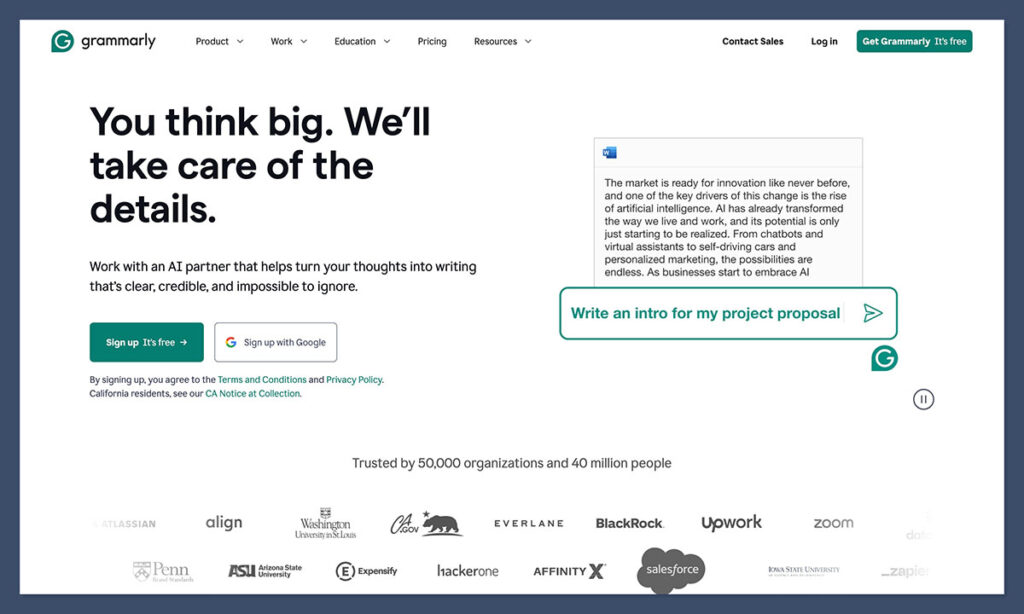
Grammarly is a trusted AI writing tool that checks for grammar, clarity, tone, and conciseness in real time. It’s particularly useful for students working on essays, lab reports, applications, and even informal messages to professors or group partners.
Key Features:
- Real-time grammar and spelling corrections.
- AI suggestions for improving tone, structure, and clarity.
- Built-in plagiarism checker (premium).
- AI-powered writing generator for outlines and content drafts.
Why Students Love It:
Good writing is essential in almost every subject. Grammarly acts as a digital proofreader and writing coach, helping you polish your work before submission. It also helps non-native English speakers write more confidently and clearly, which can boost grades and reduce anxiety during assignments.
Pricing (USD):
- Free plan includes grammar and spelling checks.
- Premium starts at $12/month and includes advanced AI features.
Grammarly works well alongside other AI tools like NoteGPT, especially during final edits and when polishing your writing style.
4. Otter.ai – Voice Recording and Real-Time Transcription Tool
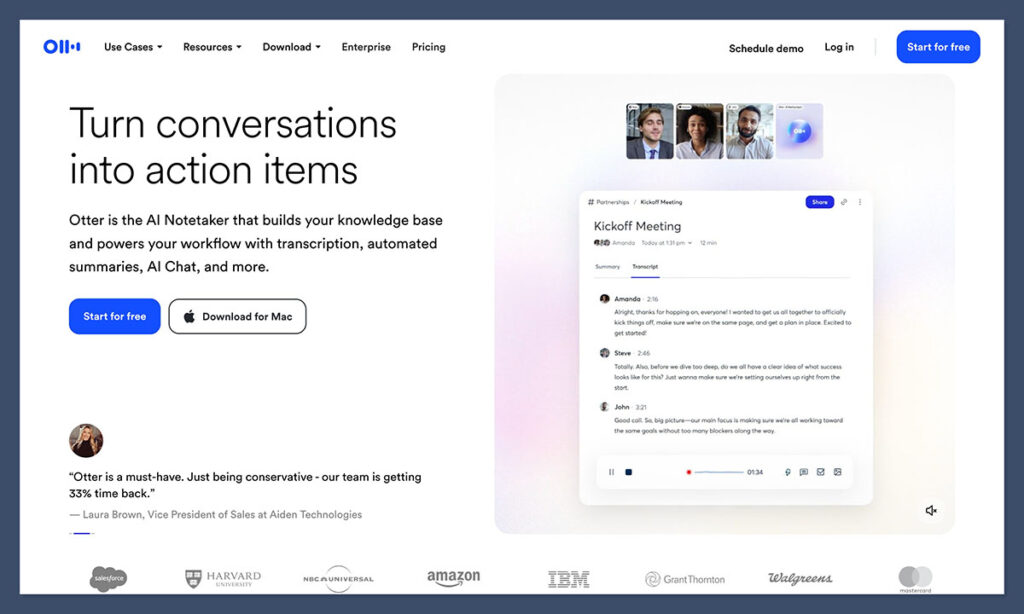
Otter.ai is a well-known tool for real-time transcription and voice notes. It’s popular with students who prefer recording lectures or interviews and reviewing the transcripts later for study or research purposes.
Key Features:
- Live transcription with speaker identification.
- Highlights and annotation tools for easy review.
- Upload existing audio/video files for transcription.
- Syncs with Zoom and Google Meet for automatic note capture.
Where Otter Falls Short:
Otter is excellent for transcription, but unlike NoteGPT, it doesn’t summarise or highlight key points automatically. This means students still have to sift through pages of text to find the most important information.
Pricing (USD):
- Free plan includes 300 monthly transcription minutes.
- Pro plan starts at $10/month with 1,200 minutes and additional features.
If transcription is your main goal, Otter is a solid choice. But if you want something smarter that summarises and organises notes too, NoteGPT offers a more comprehensive solution.
5. ChatGPT – Instant AI Help for Research and Study
OpenAI’s ChatGPT is one of the most versatile AI tools out there. While it’s not designed specifically for students, it’s become an essential part of many students’ productivity stacks. From answering complex questions to generating essay outlines, ChatGPT helps you get unblocked fast.
How Students Use It:
- Drafting outlines and brainstorming essay ideas.
- Explaining complex concepts in simple terms.
- Getting summarised versions of long articles or papers.
- Preparing study flashcards or quizzes.
What to Watch Out For:
While ChatGPT is powerful, it’s not always accurate, especially when it comes to data or specific sources. It’s best used as a first draft tool or assistant — not a replacement for proper research.
Pricing (USD):
- Free access to GPT-3.5.
- GPT-4 (more accurate) is available through ChatGPT Plus at $20/month.
Used correctly, ChatGPT can cut your study and writing time in half — especially when combined with tools like Grammarly and NoteGPT.
6. Google Gemini (formerly Bard) – Quick Research and AI Summaries
Google Gemini is Google’s answer to AI chat and summarisation. It works similarly to ChatGPT but is integrated more closely with Google Search, making it better for pulling up-to-date information and summarising recent news or academic sources.
Features That Help Students:
- Summarises content and web pages instantly.
- Generates short answers with links for further reading.
- Integrates with Gmail, Docs, and Google Workspace.
Key Use Cases:
Gemini is helpful when you’re doing online research and want faster, cleaner summaries. It can also help with emails, Docs formatting, and presentation outlines.
Pricing (USD):
- Free for basic use.
- Advanced Gemini features require a Google One subscription (starting at $19.99/month with AI features).
Gemini is best used alongside other tools — not as a full productivity suite, but a quick assistant during research-heavy tasks.
7. Trello with AI – Organise Assignments and Group Projects
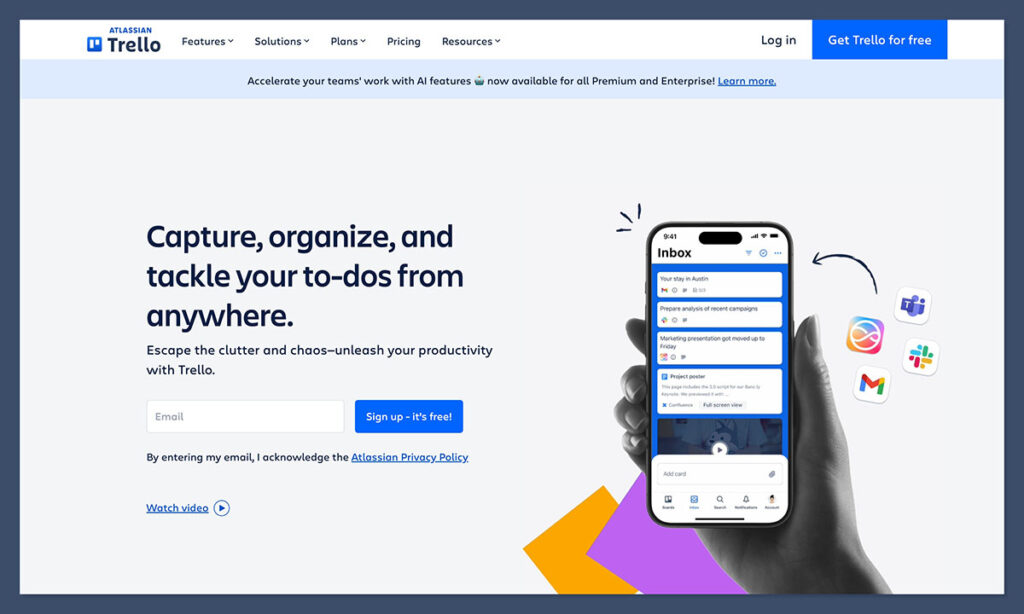
Trello is a visual project management tool, and when paired with AI-powered plugins or automations, it becomes a handy study planner and assignment tracker. Students use it to break down coursework into tasks, set deadlines, and collaborate with classmates.
Benefits for Students:
- Drag-and-drop interface to manage tasks.
- Add AI tools (like Butler or third-party plugins) for automation and reminders.
- Create project boards for group assignments or multi-step essays.
Where It Shines:
Trello’s strength lies in visual organisation. With simple boards and deadlines, it keeps you focused and prevents procrastination. While it’s not a note-taking app, it complements tools like NoteGPT perfectly.
Pricing (USD):
- Free with unlimited cards and boards.
- Premium starts at $5/month with extra features and integrations.
If you need a place to manage your semester workload or collaborate on shared assignments, Trello fits in well with any productivity stack.
8. Speechify – AI That Turns Text Into Audio
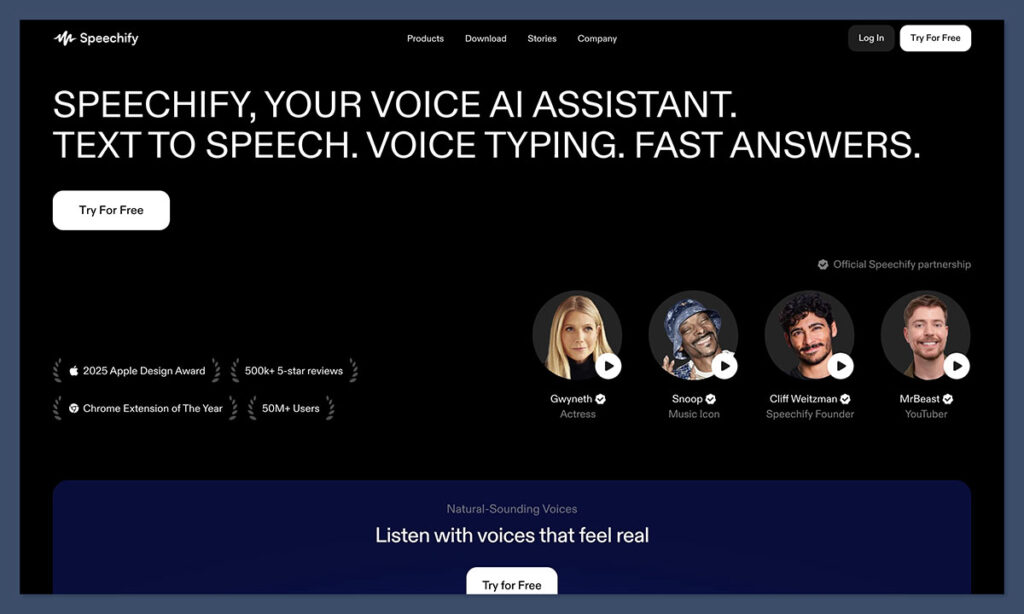
Speechify uses AI to turn written text into high-quality audio. It’s especially helpful for students who retain more information through listening or need to multitask while reviewing study material.
Features:
- Converts PDFs, notes, books, and web articles into speech.
- Choose from different voice types and playback speeds.
- Supports multiple languages for non-English materials.
Best For:
- Students with dyslexia or ADHD.
- Learning on the go (during commutes, workouts, or chores).
- Turning written content into “audiobook-style” study sessions.
Pricing (USD):
- Free basic plan.
- Premium plan starts at $139/year (roughly $11.58/month).
If you’re tired of staring at screens all day, Speechify offers an easy way to keep studying without the visual strain.
9. Forest – Stay Focused with Gamified Time Blocking

Forest is a simple but effective productivity app that helps you stay focused by turning your phone time into a game. It’s not AI-powered, but it pairs beautifully with AI study tools to help keep you on task.
Features:
- Grow a virtual tree by staying off your phone.
- Block distractions and stay focused during study sessions.
- Set daily focus goals and track productivity.
Why It Works:
Forest taps into behavioral psychology by rewarding focus and punishing distraction. Students find it helpful during solo study sessions or when writing long papers with help from AI tools like NoteGPT or Grammarly.
Pricing (USD):
- One-time purchase of $3.99 on iOS and Android.
If your biggest obstacle is procrastination, Forest offers a fun way to stay accountable.
10. Quizlet AI – Smarter Flashcards for Faster Revision
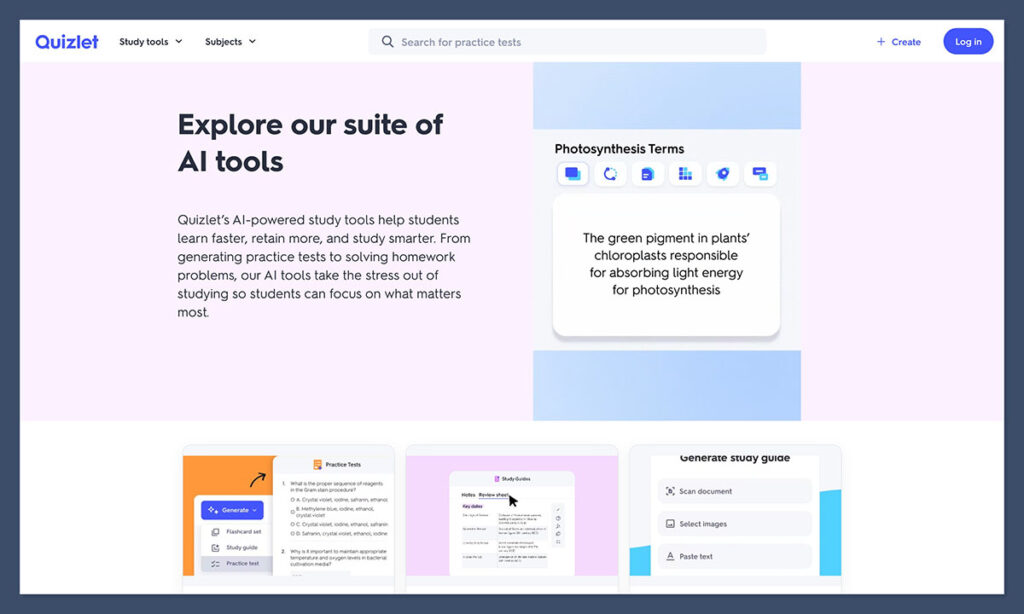
Quizlet now uses AI to generate custom flashcards and practice quizzes based on your notes. It’s a great tool for test prep, memorising terms, and reviewing subjects that rely heavily on recall.
Features:
- AI-generated flashcards and study sets.
- Practice quizzes with instant feedback.
- Gamified learning modes like “Match” and “Gravity.”
How to Use It:
Upload your class notes (or better yet, summaries from NoteGPT), and let Quizlet create smart quizzes to test your memory. It’s perfect for quick reviews before exams or quizzes.
Pricing (USD):
- Free basic plan with ads.
- Quizlet Plus starts at $35.99/year.
Quizlet is a classic study companion, and with its new AI features, it’s even more effective for short, focused revision sessions.
Final Thoughts
Students today are lucky — AI tools can now handle everything from summarising lectures to writing essays and generating quizzes. But the key is using the right combination of tools that actually solve your biggest time-wasters.
If you’re only going to try one tool from this list, start with NoteGPT. It helps with the hardest part of studying: turning hours of spoken information into useful, digestible notes. Combine it with a writing assistant like Grammarly or a focus app like Forest, and you’ll see real productivity gains — not just feel like you’re busy.
