

We researched and tested dozens of productivity apps used by students in real academic settings.
From task managers to note-taking tools and focus apps, we narrowed the list to the seven that consistently deliver real value, are easy to use, and actually help students stay organized.
Whether you’re in high school, college, or university, these are the top picks worth installing.
Our Top Productivity Apps for Students
| App | Best For | Starting Price |
|---|---|---|
| NoteGPT | Summarizing notes with AI | $6.99/week |
| Notion | All-in-one workspace | Free (Student plan) |
| Todoist | Tracking assignments and tasks | Free / $7 per month |
| TickTick | Tasks + Calendar + Pomodoro | Free / $35.99 per year |
| Google Calendar | Weekly planning and time blocking | Free |
| Microsoft OneNote | Free structured note-taking | Free |
| Goodnotes | Handwritten notes on iPad | $35.99 one-time fee |
#1. NoteGPT: Best for AI Summarized Notes
Rating: 4.8
Starting price: $6.99/week
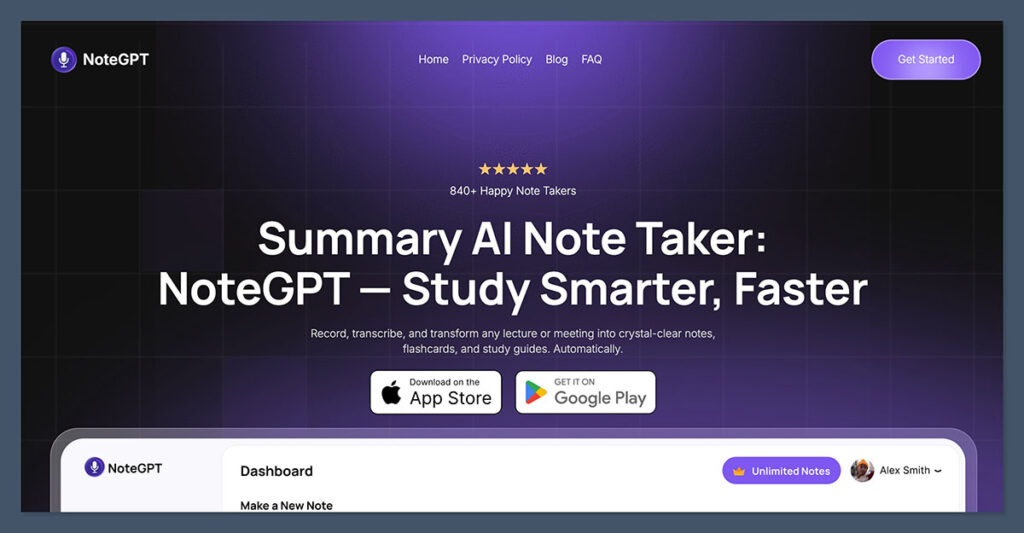
NoteGPT is built for students who already take notes: either handwritten, typed, or recorded, but struggle to review them efficiently.
With AI-generated summaries, transcriptions, and smart topic breakdowns, it turns raw lecture materials into clean, structured study resources.
Key Features:
- Upload PDF notes or recordings and receive summaries
- Use AI to generate flashcards and key takeaways
- Works with Goodnotes, OneNote, and Notability
Pros:
- Saves hours of rewriting notes
- Great for fast review during exams
- Supports audio recordings and PDF input
Cons:
- Summaries can vary in depth with messy input
- Requires internet connection
Bottom Line:
If you’re already capturing notes but not reviewing them effectively, NoteGPT helps convert that material into something useful. It’s a strong companion tool to Goodnotes, Notability, or OneNote.
#2. Notion: Best All-in-One Workspace

Rating: 4.7
Starting price: Free with school email
Notion gives you a flexible workspace to manage class notes, assignment trackers, group projects, and reading lists all in one place.
It’s ideal for students who want a fully customizable setup and don’t mind spending a bit of time building their system.
Best Uses:
- Create a dashboard for all classes
- Track deadlines in a database with status and dates
- Store lecture notes with tags by topic or week
Pros:
- Highly customizable and scalable
- Works across desktop and mobile
- Active student community for templates
Cons:
- Steeper learning curve at first
- Some features hidden behind paid plans
Bottom Line:
If you enjoy building systems or want one app to manage your entire academic life, Notion is a flexible, well-supported option, especially with the student plan for free.
#3. Todoist: Best for Assignment Tracking
Rating: 4.6
Starting price: Free / $7 per month for Pro
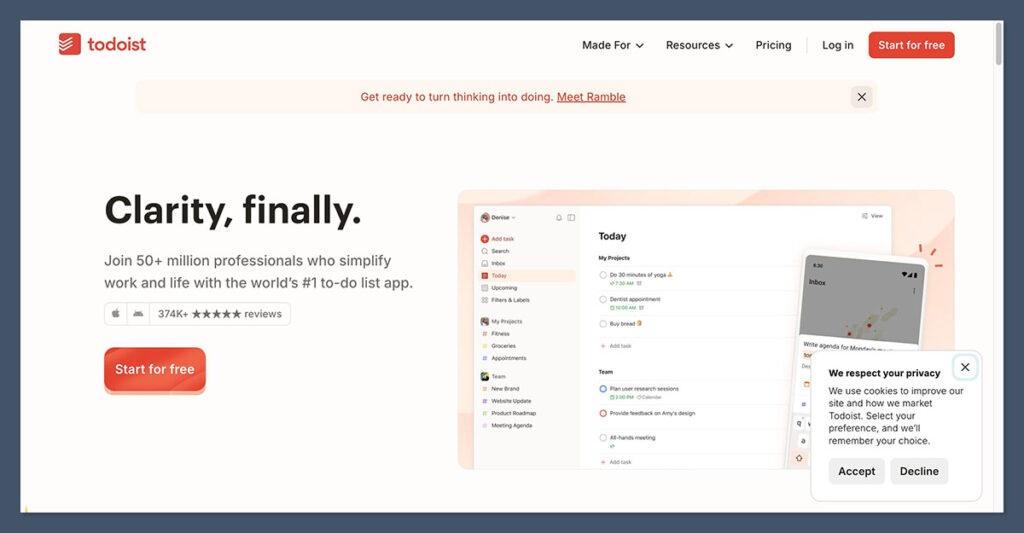
Todoist is a simple but powerful task manager that works well for keeping track of assignments, project tasks, study routines, and daily responsibilities.
Its natural language input and label system make it easy to organize and prioritize.
Best Uses:
- Break big projects into small, actionable tasks
- Create recurring tasks for weekly study sessions
- Use filters for tags like “urgent” or “group project”
Pros:
- Fast and lightweight across all devices
- Integrates with Gmail, Google Calendar, and Notion
- Clean design with no learning curve
Cons:
- Calendar view is limited unless paired with Google Calendar
- Best features require the Pro plan
Bottom Line:
For students who want something that “just works” for task management, Todoist is simple, reliable, and ideal for academic to-dos.
#4. TickTick: Best for Students Who Want Pomodoro + Calendar
Rating: 4.5
Starting price: Free / $35.99 per year for Premium
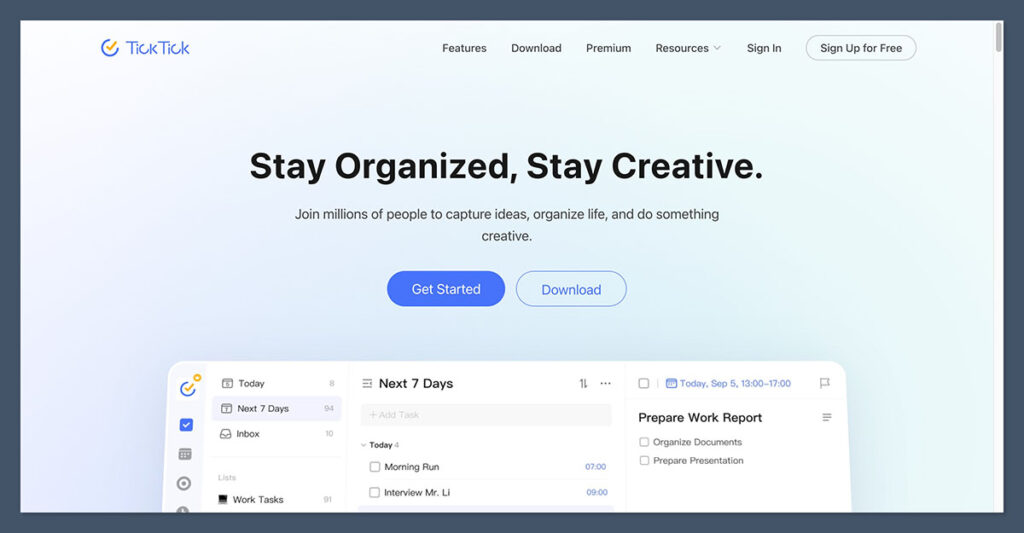
TickTick blends task management with calendar planning, Pomodoro timers, and habit tracking. It’s ideal for students who want more structure without building out complex systems.
Key Features:
- Calendar view with drag-and-drop planning
- Pomodoro timer built into the app
- Daily habit tracking (great for flashcards or routines)
Pros:
- Combines multiple tools into one
- Intuitive mobile and desktop app
- Fast syncing between devices
Cons:
- Interface can feel busy
- No collaborative features for group work
Bottom Line:
If you want a to-do list, calendar, and timer in a single app, TickTick offers a powerful all-in-one setup with less setup time than Notion.
#5. Google Calendar: Best for Time Blocking
Rating: 4.4
Starting price: Free with Google account
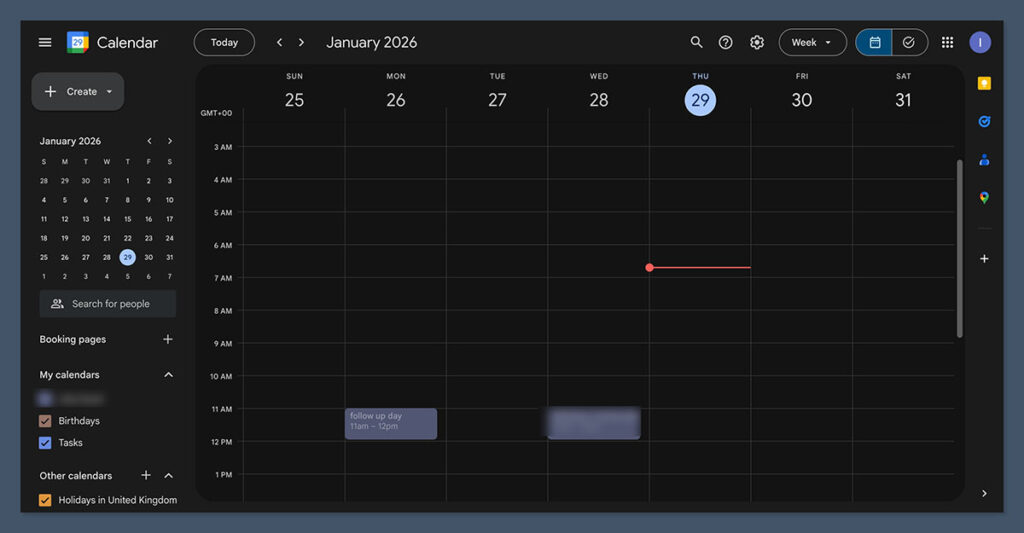
Google Calendar helps you shift from a to-do list mindset to a schedule-based approach. By seeing your commitments visually, it becomes easier to plan study blocks and avoid overbooking yourself.
Suggested Weekly Setup:
| Time Block | Description |
|---|---|
| Fixed events | Classes, labs, part-time jobs |
| Study sessions | 2–4 per course each week |
| Admin time | Deadlines, printing, submissions |
| Personal time | Meals, breaks, exercise |
Pros:
- Easy to use with color-coded calendars
- Syncs with Notion, Todoist, and TickTick
- Works on all devices
Cons:
- No built-in task management
- Limited focus features
Bottom Line:
For students with a packed schedule, Google Calendar keeps you honest about your available time and supports better weekly planning.
#6. Microsoft OneNote: Best Free Note-Taking App
Rating: 4.3
Starting price: Free (additional features with Microsoft 365)
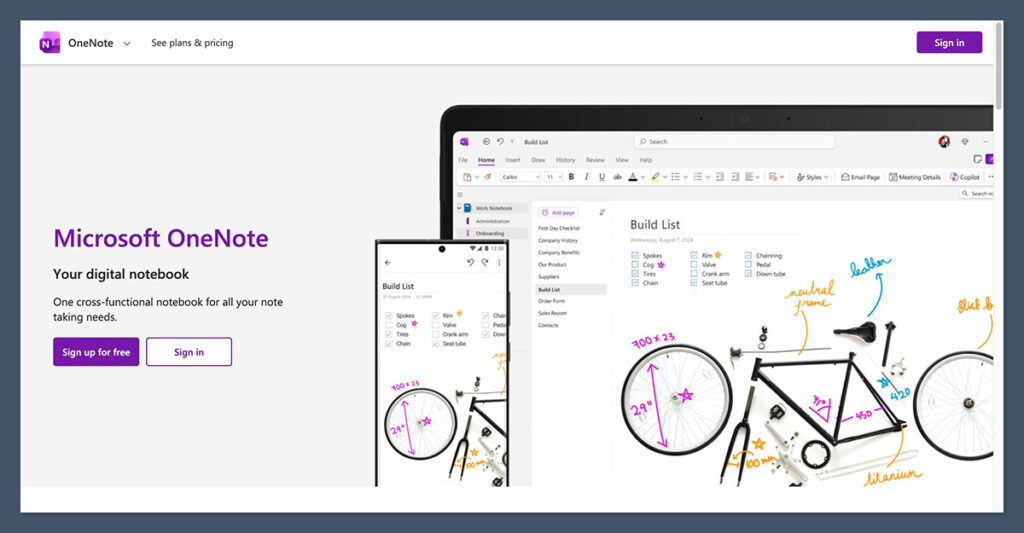
Microsoft OneNote is a dependable app for lecture notes, combining typing, handwriting, images, and audio all in one place.
It’s particularly useful for students in institutions that already use Microsoft products.
Recommended Structure:
- Notebook for each semester
- Section for each course
- Page for each lecture
Pros:
- Works well across Windows and iPad
- Supports handwritten notes with Apple Pencil or Surface Pen
- Notes are searchable, even handwriting
Cons:
- Interface can feel outdated
- Some syncing delays with large notebooks
Bottom Line:
OneNote is reliable, flexible, and free. It’s a strong choice for students who need to keep everything organized but want minimal friction when capturing notes.
#7. Goodnotes: Best for Handwritten Notes on iPad
Rating: 4.2
Starting price: $35.99 one-time payment
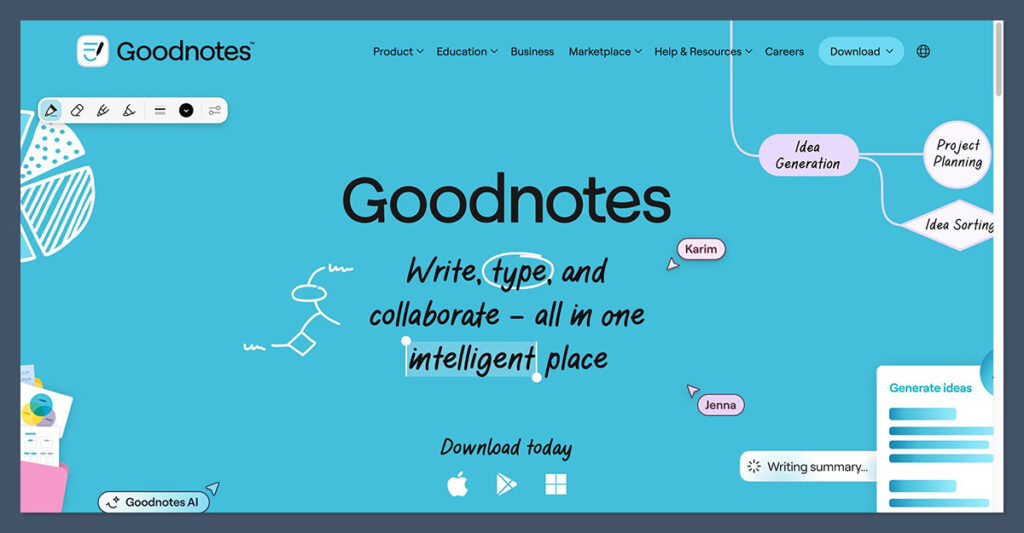
Goodnotes is designed for students who prefer handwriting but want the benefits of digital note organization. It supports beautiful handwritten notes, PDF annotation, and searchable writing.
Common Use Cases:
- Rewrite rough class notes into clean, reviewable pages
- Annotate PDFs of textbooks or lecture slides
- Organize notes by course and topic
Pros:
- Searchable handwriting
- Intuitive folder structure for organizing materials
- One-time purchase, no subscription
Cons:
- iPad and Apple Pencil required
- No audio or AI features unless paired with other tools
Bottom Line:
If you retain information better by writing it out, Goodnotes is one of the most natural and satisfying tools available on iPad.
Summary: Best Productivity Tools for Most Students
| Job | Best App |
|---|---|
| Notes + Summaries | NoteGPT + OneNote or Goodnotes |
| Task Management | Todoist or TickTick |
| Time Planning | Google Calendar |
| Workspace Dashboard | Notion |
All of these apps are worth trying, but you probably don’t need them all. A basic setup that works well for most students looks like this:
- Google Calendar for time blocking
- Todoist or TickTick for task tracking
- NoteGPT to make sure your notes are useful
You can always layer on more as your needs grow.
If you’re using Goodnotes or OneNote already, adding NoteGPT will save you hours during revision and help you extract actual value from your notes.
