

AI note takers have become essential for remote teams managing daily calls, distributed decisions, and documentation across platforms.
I’ve spent over 100 hours testing the most popular AI note-taking tools with real remote teams, and these are the seven best options worth your attention in 2026.
Whether you’re looking to cut meeting time, capture better decisions, or simplify async collaboration, this comparison helps you find the right fit.
Quick Comparison: Best AI Note Takers
| Tool | Best For | Starting Price | Free Plan | Cross-Platform Support | AI Summaries | Searchable Archive |
|---|---|---|---|---|---|---|
| NoteGPT | Best all-rounder | $6.99/user/week | Yes | Zoom, Meet, Teams | Yes | Yes |
| Fireflies.ai | Best for automation and integrations | $10/user/month | Yes | Zoom, Meet, Teams | Yes | Yes |
| tl;dv | Best for async sharing | $20/user/month | Yes | Zoom, Meet | Yes | Yes |
| Fathom | Best for fast setup | $14/user/month | Yes | Zoom | Yes | Yes |
| Fellow | Best for meeting structure | $7/user/month | Yes | Zoom, Meet | Yes | Yes |
| Sembly | Best for simplicity | $10/user/month | Yes | Zoom, Meet, Teams | Yes | Yes |
| Read AI | Best for multi-channel summaries | $19/user/month | Yes | Zoom, Meet, Teams | Yes | Yes |
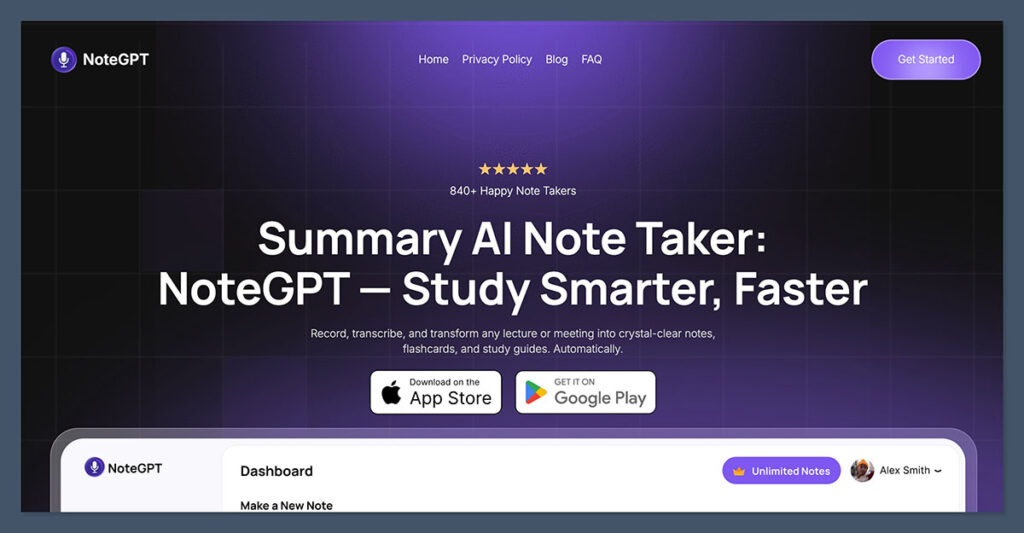
1. NoteGPT – Best All-Round AI Note Taker
Rating: 4.9/5
Starting Price: $12/month per user
Free Plan: Available
Supported Platforms: Zoom, Microsoft Teams, Google Meet, Webex
Best For: Teams that need powerful summaries, easy search, and multi-platform coverage
NoteGPT is my top choice this year because of how complete and user-friendly it is. It covers every major platform out of the box and goes beyond just transcription.
It automatically identifies decisions, tasks, and follow-ups, and turns meetings into a usable knowledge base that doesn’t get lost in folders or inboxes.
Its standout feature is the AI-powered search. You can look up any decision, keyword, or speaker across past meetings instantly. This saves hours of time during audits, project reviews, or onboarding.
Pros
- Accurate AI summaries with decision/action item extraction
- Cross-platform support works well with hybrid stacks
- Powerful search and filter functionality
- Simple team onboarding
Cons
- No native CRM integration yet
- Some workspace customization is limited on lower plans
Bottom Line
If your team is switching platforms often or wants a single source of truth for meetings, NoteGPT handles it cleanly and with minimal friction. It’s great for both fast-moving startups and structured enterprise teams.
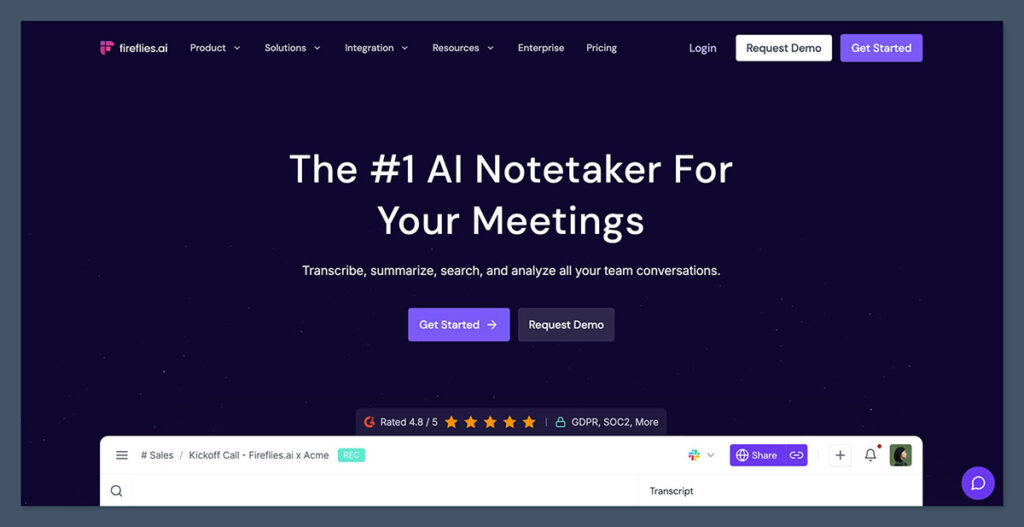
2. Fireflies.ai – Best for Automation and Integrations
Rating: 4.7/5
Starting Price: $10/month per user (billed annually)
Free Plan: Available
Supported Platforms: Zoom, Google Meet, Microsoft Teams
Best For: Teams that want notes to feed directly into tools like Slack, Notion, Asana
Fireflies is more than just a note taker. It acts as a meeting workflow system. The tool automatically captures and tags notes, pushes them to project management platforms, and builds a searchable archive that the whole team can use.
It’s ideal for companies with set weekly rituals: planning sessions, check-ins, client calls, because it standardizes how notes are formatted and distributed.
| Feature | Free Plan | Pro Plan |
|---|---|---|
| Transcripts | Yes | Yes |
| AI Summaries | No | Yes |
| CRM/PM Integration | No | Yes |
| Unlimited Storage | No | Yes |
Pros
- Great automation features
- Integrates with most tools (Slack, Notion, HubSpot)
- Works reliably across platforms
- Built-in templates and tagging system
Cons
- Some key features gated behind higher tiers
- Advanced search requires Pro plan
Bottom Line
If your team wants AI meeting notes that actually push work forward, Fireflies delivers. But make sure to check your plan level if you’re rolling it out at scale.
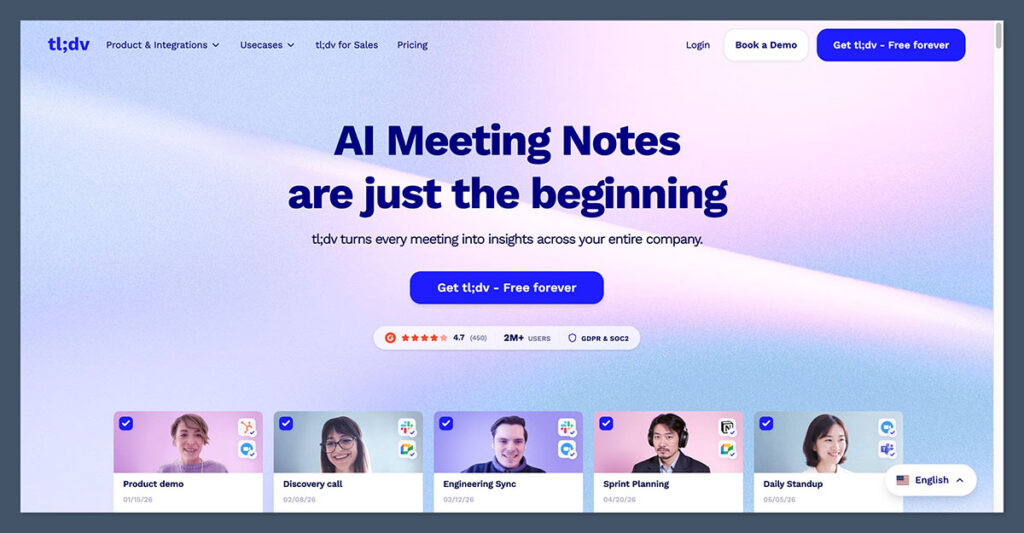
3. tl;dv – Best for Async Sharing and Clip Highlights
Rating: 4.5/5
Starting Price: $20/month per user
Free Plan: Yes
Supported Platforms: Zoom, Google Meet
Best For: Teams that prioritize short clips and async communication
tl;dv takes a different approach. It’s designed for teams that want to capture short moments and share them easily.
You can tag live moments during meetings or highlight them after the call, then create short clips with timestamps.
This is perfect for async teams who don’t want to rewatch hour-long meetings. You share the key point, not the whole meeting.
Pros
- Easy clip creation with timestamps
- Helps reduce meeting attendance across time zones
- Minimal interface, quick to learn
- Works well for client calls and onboarding
Cons
- Usage caps on free plan
- No support for Microsoft Teams
Bottom Line
If your team works across time zones and values async updates, tl;dv helps you communicate decisions and moments fast, without the need for everyone to be in the same room (or even awake).
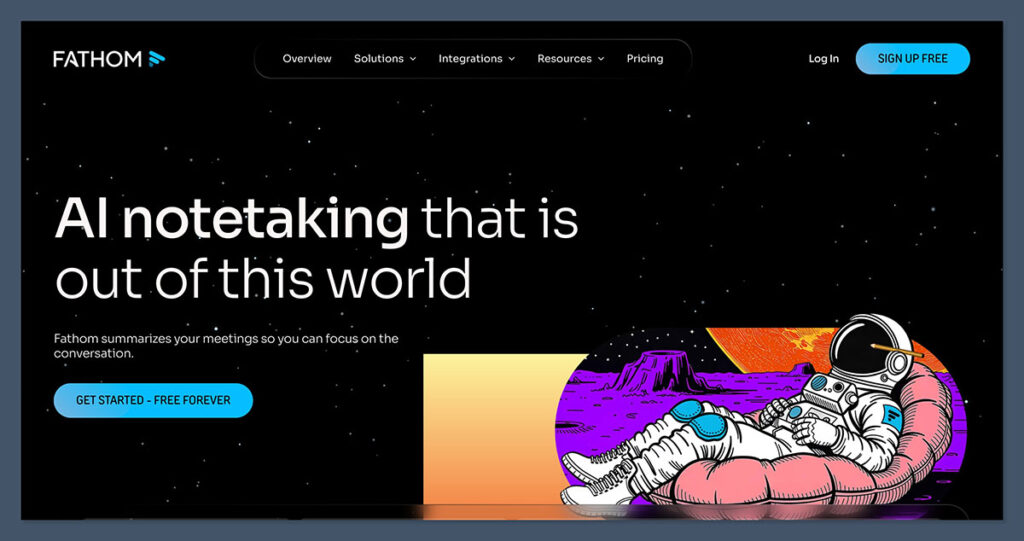
4. Fathom – Best for Quick Setup and Clean Summaries
Rating: 4.4/5
Starting Price: $14/month per user
Free Plan: Yes
Supported Platforms: Zoom only
Best For: Teams that want quick summaries with zero friction
Fathom is the fastest AI note taker to get started with. There’s no complex setup. You install it, connect Zoom, and it immediately starts recording, transcribing, and summarizing calls.
This is great for small teams or individuals who want better meeting documentation but don’t want another system to manage.
Pros
- Very fast onboarding
- Free tier is generous and usable
- High-quality summaries and speaker detection
- Automatic email export
Cons
- Only works with Zoom
- Lacks integrations beyond Google Docs and email
Bottom Line
If your team needs a simple way to remember what was said in meetings, Fathom delivers. It’s not as feature-heavy as others but nails the basics with minimal effort.
5. Fellow – Best for Structured Meetings and Agendas
Rating: 4.3/5
Starting Price: $7/month per user (Team)
Free Plan: Yes
Supported Platforms: Zoom, Google Meet
Best For: Teams that need consistent agendas and permission management
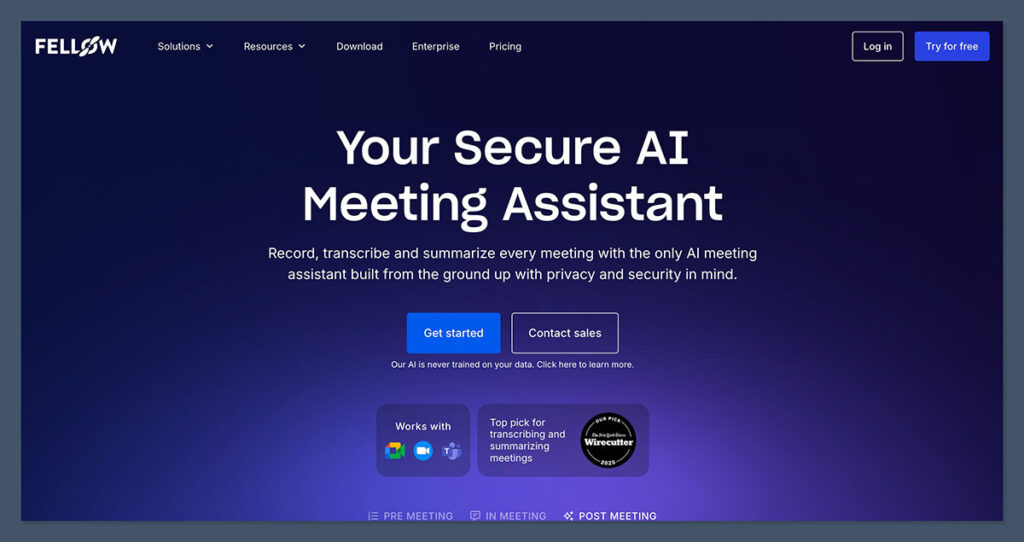
Fellow goes beyond note-taking. It’s designed to create structure around meetings with agendas, shared notes, and AI summaries. It’s ideal for teams that struggle with follow-ups or want accountability built into their meetings.
Fellow also provides excellent privacy tools and team-level permission settings, which makes it a good choice for HR, leadership, or hiring calls.
Pros
- Templates for common meeting types
- Built-in task tracking
- Easy calendar integration
- Admin control over note visibility
Cons
- Requires more setup than lighter tools
- Focused more on internal team meetings than external calls
Bottom Line
If your team needs more than just notes, like a full system for running better meetings, Fellow is worth considering.
6. Sembly – Best for Lightweight Meeting Notes
Rating: 4.2/5
Starting Price: $10/month per user
Free Plan: Yes
Supported Platforms: Zoom, Meet, Teams
Best For: Teams that want clear notes and tasks without complex systems
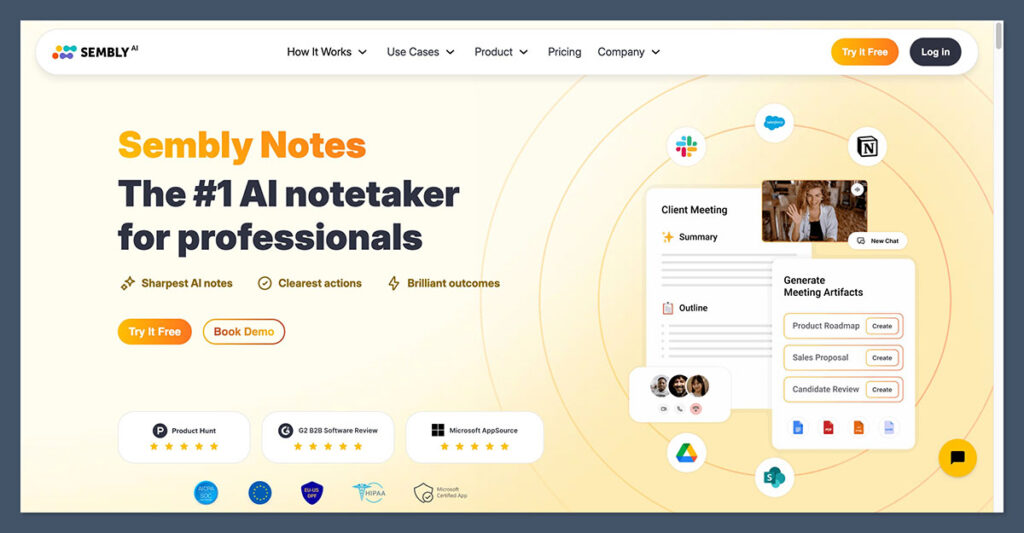
Sembly doesn’t try to be everything. It offers clear summaries, tasks, and searchable meeting records at an affordable price point. Its interface is simple, and the AI does a good job identifying key points in conversations.
Sembly is also one of the few AI note takers with HIPAA compliance, making it a solid option for healthcare or finance teams.
Pros
- Clean summaries with task highlights
- Transparent pricing
- HIPAA and GDPR compliance
- Works across major platforms
Cons
- Less feature-rich than Fireflies or NoteGPT
- AI accuracy varies slightly with speaker accents
Bottom Line
For teams with basic needs that still want reliable summaries, Sembly is simple, cost-effective, and secure.
7. Read AI – Best for Multi-Channel Insights
Rating: 4.1/5
Starting Price: $19/month per user
Free Plan: Yes
Supported Platforms: Zoom, Google Meet, Teams
Best For: Teams overwhelmed by communication across meetings and messages
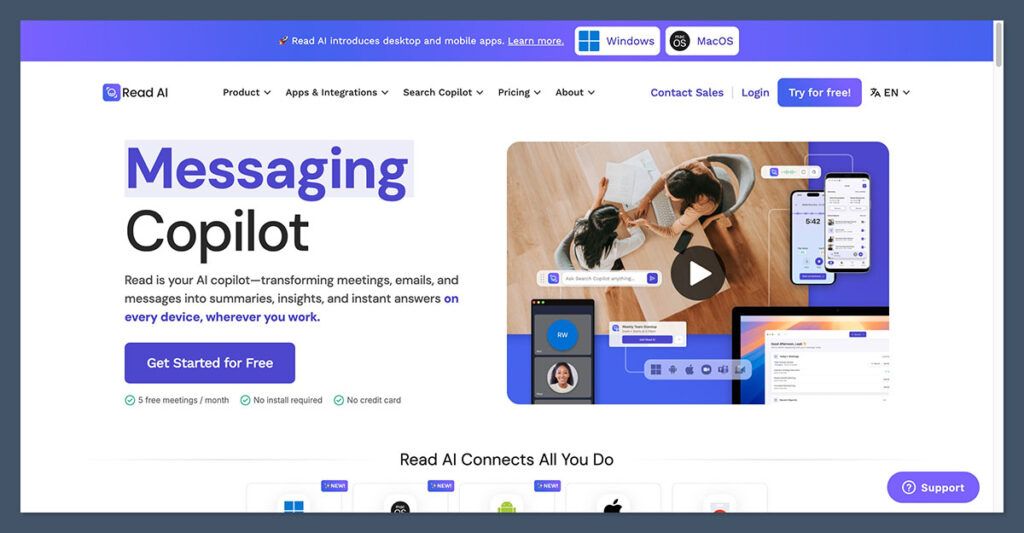
Read AI goes beyond meetings. It can summarize both live calls and messaging platforms, offering analytics like speaking time, engagement trends, and sentiment.
It’s ideal for ops managers or team leads who want a broader view of team communication and productivity.
Pros
- Supports meetings and chat summaries
- Sentiment analysis and talk-time reports
- Calendar and Slack integration
Cons
- Not focused solely on note-taking
- Pricier than more focused tools
Bottom Line
Read AI is best if your team wants visibility across communication channels, not just meetings.
Final Thoughts: Which AI Note Taker Should You Use?
Here’s a quick summary of when to use each tool:
- Use NoteGPT if you want the best all-in-one solution with powerful search and summaries
- Use Fireflies if you want notes that integrate with your tools and automate workflows
- Use tl;dv if your team works async and prefers sharing moments, not full meetings
- Use Fathom if you need quick, clean summaries and simple onboarding
- Use Fellow if your team struggles with structure, agendas, and follow-through
- Use Sembly if you want lightweight, accurate notes without the overhead
- Use Read AI if you want summaries across meetings and messaging platforms
All of these tools offer free plans or trials, so you can test what fits your team before upgrading.
