

Finding a note taker that actually works for a finance team is harder than it looks.
I’ve tested tons of tools over the years. Some are great for product standups or casual brainstorming but fall apart the second you ask about data retention or compliance.
Others come loaded with features no one uses, and your IT team will shut them down instantly if they don’t check the right security boxes.
This article is built for finance teams, where accuracy is everything, security isn’t optional, and you need admin controls that don’t trigger a compliance nightmare.
Here are the best AI note takers I’ve found that can actually handle the job.
AI Note Takers for Finance Teams: Full Comparison Table
| Feature | NoteGPT | MeetGeek | Fireflies.ai | Otter.ai | Fathom |
|---|---|---|---|---|---|
| Best for | All-around finance-friendly | Governance and admin controls | Automation and integrations | Basic, reliable note-taking | Clean UX and custom vocab |
| Supported Platforms | Zoom, Teams, Google Meet | Zoom, Teams, Google Meet | Zoom, Teams, Google Meet | Zoom, Teams, Google Meet | Zoom (Teams & Meet support coming) |
| Pricing (USD) | From $6.99/week | Pro $9.99, Business $17 | Pro $10, Business $19, Enterprise $39 | Pro $16.99, Business $30 | Premium $20, Team $18, Business $28 |
| SOC 2 Type II Compliance | Yes | Yes | Yes (Enterprise only) | Enterprise only | Yes |
| GDPR Compliance | Yes | Yes | Yes | Yes | Yes |
| HIPAA Compliance | No | No | No | No | Yes |
| Custom Retention Policies | Yes | Business and Enterprise tiers | Enterprise only | Enterprise only | Business plan |
| SSO / SCIM Support | Yes | Yes (Business and Enterprise) | Enterprise only | Enterprise only | Team and Business tiers |
| Data Used for Model Training | No (opt-out by default) | Not by default | Can be disabled on request | Not clear publicly | No (confirmed via support) |
| Custom Vocabulary | Yes | Yes (Enterprise) | No | No | Yes (Team and Business plans) |
| Integrations | Moderate (calendar, email) | Moderate | Extensive (CRMs, task tools, APIs) | Minimal | Limited currently |
| Meeting Templates | Yes | Yes | Yes | No | Yes |
| Admin Dashboard | Yes | Yes | Yes (Enterprise only) | Business and Enterprise only | Business tier |
| Transcription Accuracy | High | High | High | High | Very High |
| Ease of Use | Easy | Moderate | Moderate | Very Easy | Very Easy |
| Summary Output Format | Structured, actionable | Structured with action items | Smart recaps and searchable history | Straightforward summaries | Highlight-focused, clean summaries |
1. NoteGPT — Best Overall for Finance Teams
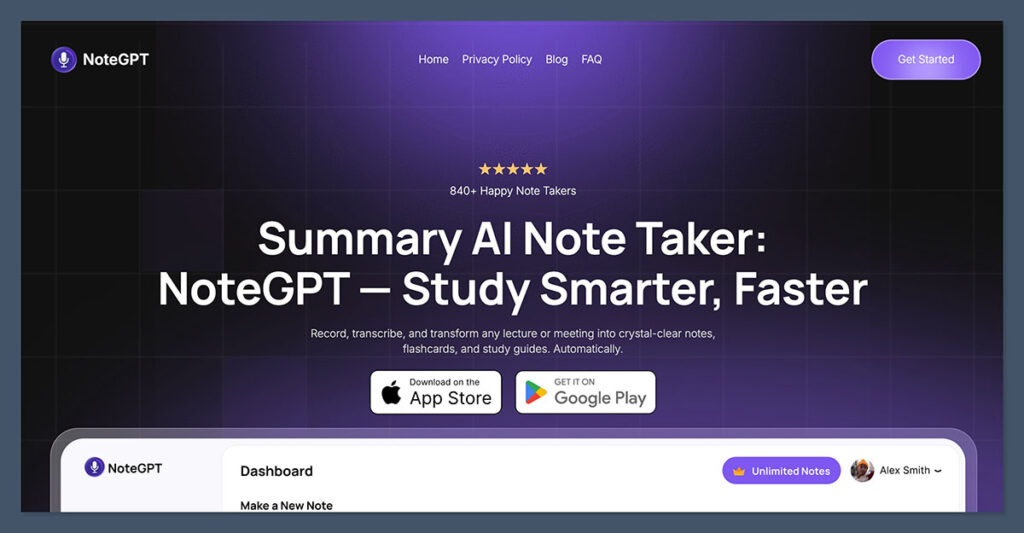
Out of everything I’ve tested, NoteGPT stands out as the most well-balanced tool for finance teams.
It’s relatively new but already feels like it was built with data-sensitive teams in mind. It combines clean summaries, strong transcription accuracy, and the kind of admin features that matter in financial operations.
Why I Recommend NoteGPT
NoteGPT brings a blend of simplicity and compliance awareness that most AI tools just don’t get right. You don’t need a ton of setup time. The interface is intuitive, and you can start getting value immediately. But more importantly, under the hood, it supports:
- SOC 2 Type II compliance
- Custom retention policies
- Clear admin access controls
- No use of your data for model training by default
You can also use NoteGPT across Zoom, Microsoft Teams, and Google Meet, which makes it perfect if your finance team works with other departments or external vendors across different meeting platforms.
Features That Stand Out
| Feature | NoteGPT |
|---|---|
| Supported Platforms | Zoom, Teams, Google Meet |
| Security | SOC 2 Type II, GDPR, data not used for training |
| Retention | Custom retention options per meeting |
| Admin Tools | Role-based access, usage logs, SSO support |
| Vocabulary Training | Learns financial terminology |
| Pricing | Starting at $12/user/month |
How It Performs in Finance Workflows
This tool really shines when used for recurring financial operations.
Whether it’s a budget sync, investor update, or board prep session, NoteGPT captures the right details and generates summaries you can actually trust. I’ve had success building custom meeting templates for things like:
- Budget vs actuals reviews
- Audit prep sessions
- Quarterly close-out meetings
- Internal control (IC) updates
Those summaries are clean, easy to export, and structured to highlight key points and follow-ups. I also appreciate the searchable knowledge base it creates over time.
If your team is starting fresh or switching from basic transcription tools, NoteGPT is a solid upgrade that doesn’t overwhelm.
2. MeetGeek — Best Balance of Features and Governance
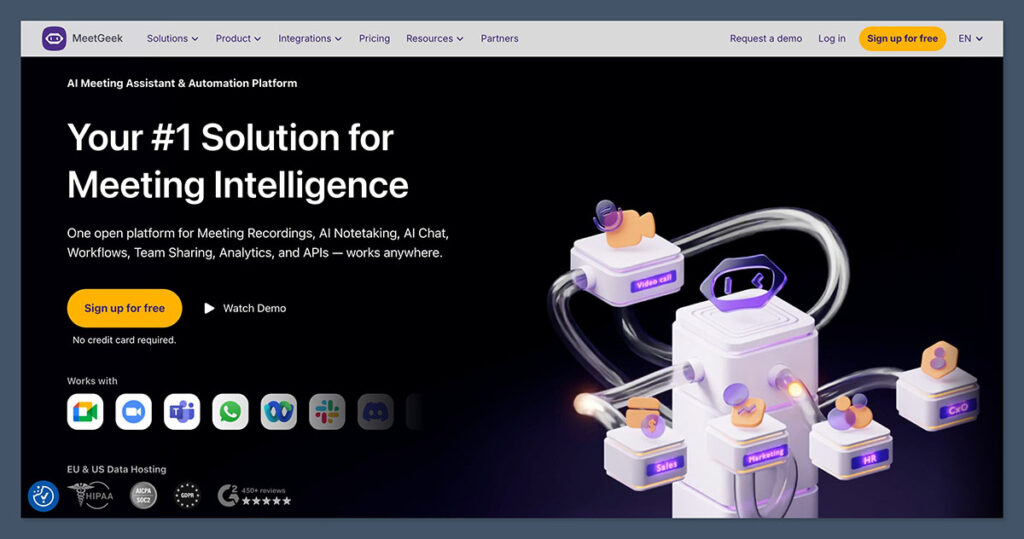
MeetGeek is my go-to recommendation for finance teams that need strong notes with serious admin controls.
It’s been in the game for a while, and they’ve done a great job building enterprise-ready features without turning it into a bloated sales tool.
Why It Works for Finance
MeetGeek scales from a solo user all the way to enterprise, which makes it great if you’re rolling it out gradually. You don’t have to start on the enterprise plan, but it’s there if you need:
- Retention policies that comply with audit needs
- Role-based permissions and private meetings
- SCIM and SSO integrations for your IT team
- Meeting recording and transcription stored securely
From a security standpoint, MeetGeek calls out their SOC 2 Type II and GDPR compliance clearly.
That makes it easier to bring your procurement and IT partners onboard.
Features Comparison
| Feature | MeetGeek |
|---|---|
| Platforms | Zoom, Teams, Google Meet |
| Security | SOC 2 Type II, GDPR |
| Retention Policies | Available at Business/Enterprise |
| Admin Features | SSO, SCIM, audit logs |
| Pricing | Pro $9.99/user/month, Business $17/user/month |
Where It Fits Best
MeetGeek is ideal for finance teams that are managing:
- Budget alignment meetings across departments
- Board or investor reporting cycles
- Monthly financial close
- Procurement or vendor management reviews
It also helps when you need to bring order to messy, unstructured meetings.
MeetGeek’s summaries are action-oriented and automatically label different speakers and decisions, which helps reduce the back-and-forth that usually follows.
If you’re scaling a mid-sized finance team and want a tool that keeps IT happy and helps clean up your meeting culture, this one is worth trialing.
3. Fireflies.ai — Best for Workflow Automation and Integrations
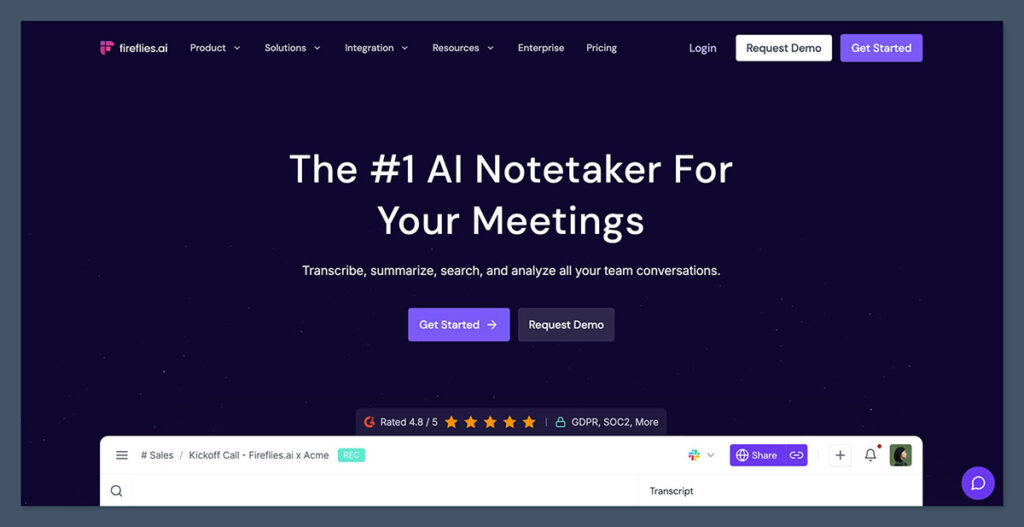
If your finance team interacts heavily with sales, operations, or procurement, Fireflies.ai can be a powerful way to bridge those conversations into action.
What makes Fireflies unique is how well it connects with other tools, especially CRMs and project management platforms.
What Stands Out About Fireflies.ai
The tool isn’t just about transcription. It actually converts meetings into structured insights and can push those into:
- CRMs like Salesforce or HubSpot
- Task tools like Asana, ClickUp, and Monday
- Analytics dashboards for call data
This makes it especially useful if your finance team is embedded in strategic discussions or cross-functional initiatives.
But here’s the thing — to unlock the full set of compliance features, including SSO, SCIM, and custom retention, you’ll need to be on the Enterprise plan.
Breakdown of Features
| Feature | Fireflies.ai |
|---|---|
| Platforms | Zoom, Teams, Google Meet |
| Security | SOC 2 Type II, GDPR (Enterprise only) |
| Retention Options | Custom on Enterprise |
| Integrations | 50+ apps including CRMs and PM tools |
| Pricing | Pro $10/user/month, Business $19, Enterprise $39 (billed annually) |
When Fireflies is the Right Fit
I’ve found Fireflies to be most helpful for:
- Procurement reviews where next steps need to be clearly tracked
- Strategic planning sessions with cross-functional teams
- Internal meetings that produce tasks for multiple departments
- Data reviews that benefit from summary + automation
If your finance ops involve heavy collaboration and you want meeting notes to automatically fuel follow-ups, Fireflies is the right kind of smart.
That said, if your organization is extremely locked down from a compliance standpoint, be prepared to budget for the Enterprise tier to satisfy security audits.
4. Otter.ai — Best for Straightforward Note Taking
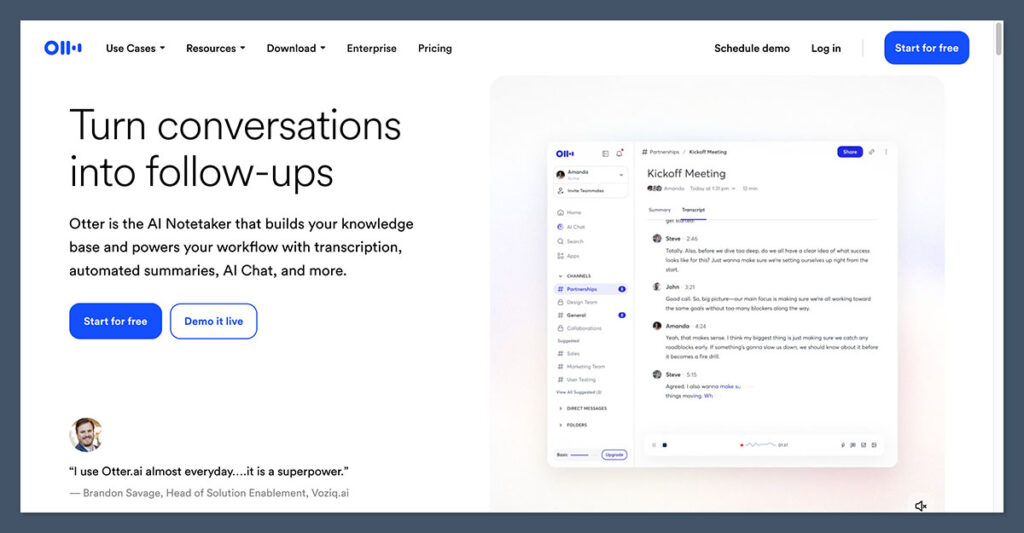
Otter has been around for a while, and it’s one of the more familiar tools for basic meeting transcription.
It doesn’t try to be everything, which makes it a solid pick for finance teams that just need dependable, accurate notes without deep automation.
What Makes Otter.ai a Good Fit
The best thing about Otter is that it’s easy to roll out. You don’t need weeks of setup or onboarding. You can connect it to your meeting platform and it just works.
It supports:
- Transcription for Zoom, Teams, and Google Meet
- Live note-taking and post-meeting summaries
- Basic admin tools on the Business plan
- Speaker identification and keyword tracking
However, features like SSO, audit logs, and advanced admin tools are only available on the Enterprise plan, which is not listed publicly but is likely needed for large or regulated orgs.
Otter Feature Breakdown
| Feature | Otter.ai |
|---|---|
| Platforms | Zoom, Teams, Google Meet |
| Security | Basic on Pro, Enterprise needed for SSO and audit logs |
| Admin Tools | Available on Business and up |
| Pricing | Pro $16.99/user/month, Business $30/user/month |
Where Otter Works Best
Otter is ideal if you’re:
- Running smaller finance meetings and need transcripts for documentation
- Preparing for monthly closeouts with minimal admin overhead
- Working in a hybrid stack and need coverage across Teams and Zoom
- Sharing updates with stakeholders who just need a readable summary
If you’re looking for a reliable transcription and summary tool without a lot of bells and whistles, Otter checks those boxes.
That said, if you need deep compliance and enterprise-level controls, you’ll want to verify what Otter offers on its custom Enterprise plan.
5. Fathom — Best for Custom Vocab and Smooth User Experience
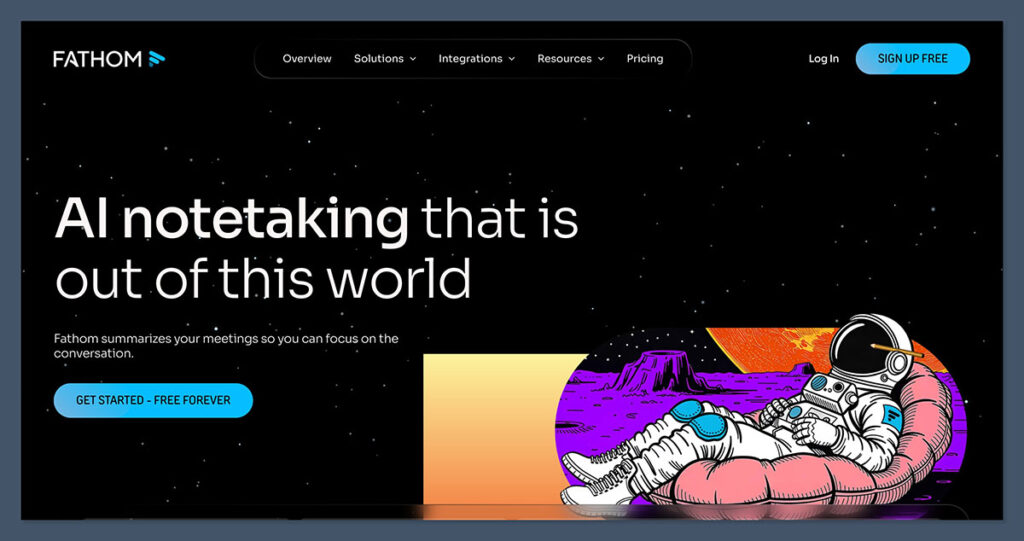
Fathom is the most intuitive tool I’ve used in this space. It’s slick, responsive, and produces some of the cleanest summaries I’ve seen.
What makes it finance-friendly is its support for custom vocabulary and secure data handling, which is surprisingly rare in note takers.
Why Fathom Stands Out
Fathom is designed for ease of use. From installing the browser extension to setting up team access, everything feels modern. But it also backs that up with:
- SOC 2 Type II
- GDPR
- HIPAA compliance (for crossover with healthcare finance)
- Custom retention options on the Business plan
It also supports recurring meeting templates, so if you run the same month-end meeting with the same structure, you can automate how it’s summarized.
Key Fathom Features
| Feature | Fathom |
|---|---|
| Platforms | Zoom (Teams and Meet support coming soon) |
| Security | SOC 2 Type II, GDPR, HIPAA |
| Custom Vocabulary | Supported on Team and Business |
| Pricing | Premium $20, Team $18, Business $28 per user/month |
Where Fathom Works Well
I’ve used Fathom for:
- Strategic meetings with product and finance leaders
- Investment committee discussions
- Financial planning calls where accuracy matters
- Recaps of recurring financial reviews with consistent structure
If your finance team is tired of messy note apps or hard-to-understand transcripts, Fathom is a clean solution that gets better the more you use it.
It’s not the most admin-heavy platform, so if you need full-on enterprise controls, you may still need to compare it against something like MeetGeek or Fireflies.
Final Thoughts: How to Pick the Right Tool
Before choosing, get clear on what actually matters for your team. Here’s a checklist I’ve used when evaluating note takers for finance teams:
Security & Compliance
- Do they support SSO and SCIM?
- Is data used to train models? Can we disable that?
- Are there audit logs and role-based controls?
- Can we enforce data residency or custom retention?
Workflow Needs
- Do we need templates for recurring meetings?
- Can the tool learn our terminology (like GL codes)?
- Can it integrate into our existing systems (Jira, Asana, CRM)?
- Do we need summaries, full transcripts, or action items?
You don’t need to over-engineer the rollout. Start with a few team members in high-stakes meetings, get feedback, and expand from there.
If I had to summarize:
- Use NoteGPT if you want the best mix of accuracy, security, and simplicity
- Try MeetGeek if your IT team needs full governance
- Choose Fireflies.ai if automation and integrations matter most
- Stick with Otter.ai for clean, simple transcription
- Go with Fathom for strong summaries and financial vocabulary learning
Let the tool match your process, not the other way around. That’s how you get buy-in from both finance and IT without sacrificing speed or clarity.
