

Otter.ai helped bring AI-powered meeting notes into the mainstream, but it’s no longer the only player in the space.
After months of testing and comparing top tools for real-world business use, I’ve found several Otter.ai alternatives that offer faster summaries, better team features, or more affordable plans.
Whether you’re looking for solo productivity, CRM integrations, or seamless collaboration, here are the top 7 tools I recommend instead of Otter.ai in 2026.
Quick Comparison: Otter.ai Alternatives
| Tool | Starting Price | Free Plan | Best For |
|---|---|---|---|
| NoteGPT | $6.99/week | Yes | Overall best AI note-taking |
| Fireflies | $10/user/month | Yes | Team collaboration and search |
| Fathom | Free | Yes | Individuals and consultants |
| tl;dv | $20/user/month | Yes | Sharing highlights and timestamps |
| MeetGeek | $15/user/month | Yes | Analytics and insights |
| Avoma | $17/user/month | No | Sales teams and CRM workflows |
| Zoom AI | Included | No | Existing Zoom Pro/Business users |
#1. NoteGPT: Best Overall Otter.ai Alternative
Starting price: $6.99 per week
Free plan available: Yes
Best for: Most users looking for a better Otter.ai experience
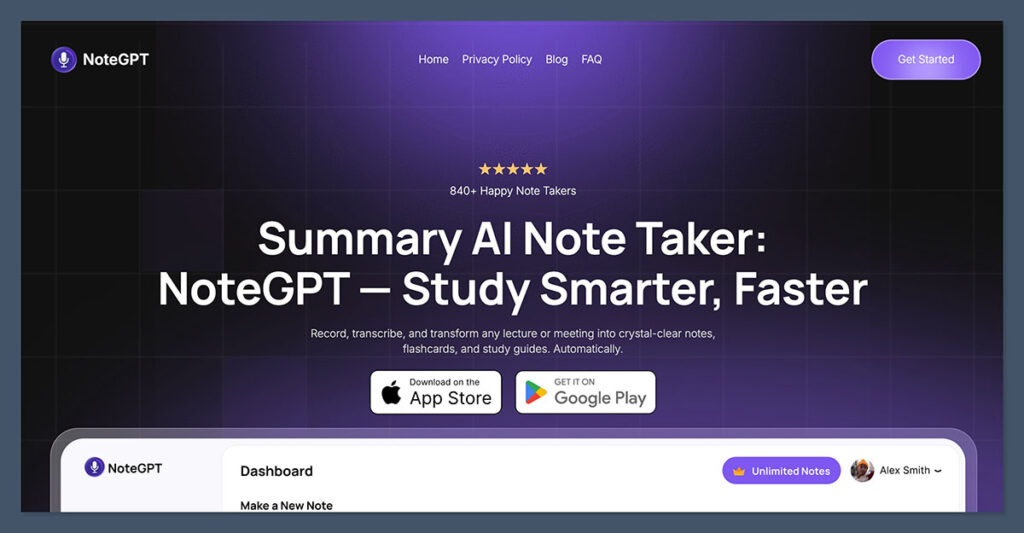
NoteGPT is the most balanced alternative I’ve tested.
It delivers accurate meeting summaries, transcription, and note organization in a fast and simple interface.
Unlike Otter, you don’t need to add a bot to your meetings or manually edit broken transcriptions.
You can upload recordings, connect it to your meeting platform, or use it in real time. The summaries are AI-generated and grouped by speaker, topic, and key action items. It’s easy to use whether you’re working alone or with a team.
Key Features
- Upload meetings or connect directly to Zoom, Teams, and Google Meet
- Automatic summaries sorted by topic and speaker
- Built-in editor for revising meeting notes
- Export to PDF or sync with third-party tools
- No need to invite bots to meetings
Pricing Plans
| Plan | Price | Key Features |
|---|---|---|
| Free | $0/month | Limited uploads, basic summaries |
| Premium Weekly | $6.99/week | Fast transcription, clean interface, 50+ language support |
| Premium Yearly | $64.99/year | Save 40%, all Premium Weekly features at a discounted rate |
Pros
- Best note structure out of all tools tested
- Clean interface with no learning curve
- Works well for both solo and team use
- No bot or plugin setup required
Cons
- Lacks deeper analytics found in enterprise tools
- Limited integrations compared to Fireflies
If you’re looking for the most hassle-free switch from Otter with upgraded results, NoteGPT is where I’d start.
#2. Fireflies: Best for Team Collaboration and Search
Starting price: $10 per user per month
Free plan available: Yes
Best for: Sales teams, project tracking, searchable meeting archives
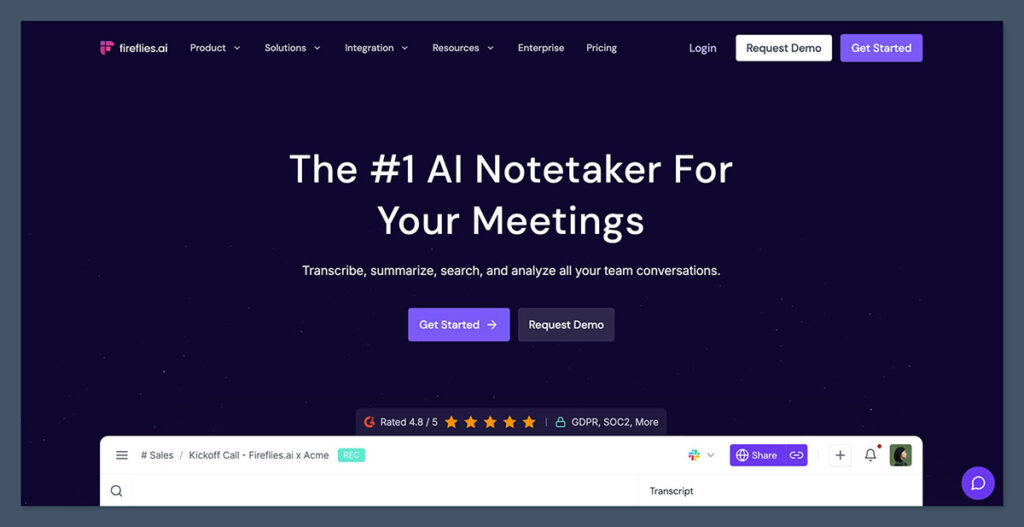
Fireflies is built around teams. It records, transcribes, and summarizes meetings, then stores them in a searchable database.
You can review any call, filter by keyword, or assign action items to teammates. The tool works seamlessly with Zoom, Google Meet, Microsoft Teams, and Webex.
The built-in search function is powerful. You can type in a word or phrase and instantly see every point it was mentioned across hundreds of meetings.
Key Features
- Search transcripts by keyword, action item, or speaker
- Auto-record meetings across platforms
- Syncs with Salesforce, Slack, Notion, and more
- Highlights and comments on meeting notes
- Voice command tagging
Pricing Plans
| Plan | Price | Features |
|---|---|---|
| Free | $0/month | Limited storage, up to 3 active users |
| Pro | $10/user/month | Unlimited meetings and summaries |
| Business | $19/user/month | API access, team dashboard, integrations |
| Enterprise | Custom | Custom workflows, admin roles, SSO |
Pros
- Best search and filtering across notes
- Wide range of integrations
- Scalable for growing teams
Cons
- Not as beginner-friendly as simpler tools
- Free plan has storage limitations
If your team lives on Zoom or Google Meet and regularly revisits past meetings, Fireflies is a top pick.
#3. Fathom: Best Free Option for Individuals
Starting price: Free
Free plan available: Yes
Best for: Coaches, freelancers, and solo operators
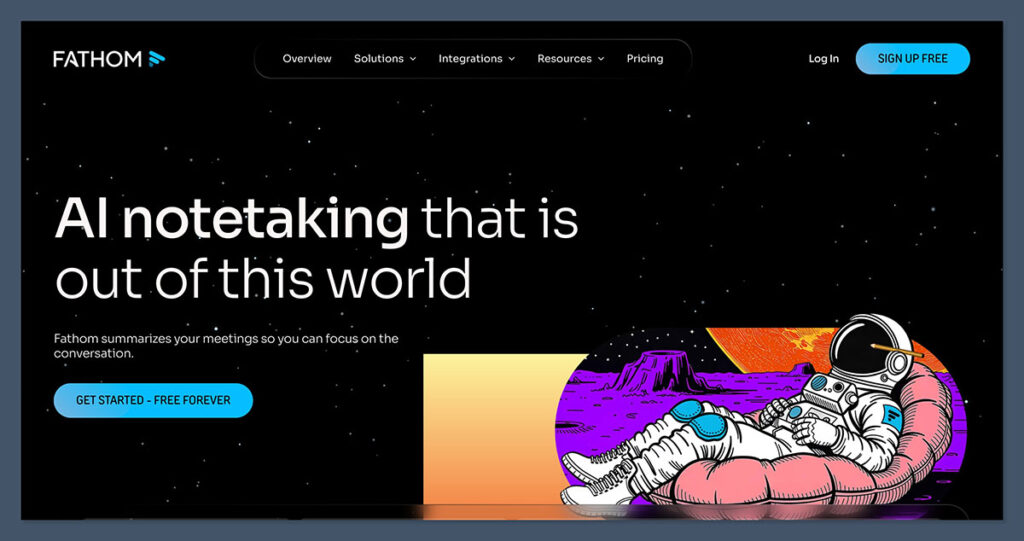
Fathom is one of the few tools still offering a genuinely useful free plan. Designed with individuals in mind, it records Zoom meetings and provides instant summaries, without requiring you to invite a bot or manage transcripts manually.
You can mark key moments during a call and generate summaries afterward. It’s ideal for consultants, freelancers, and anyone working 1-on-1 with clients.
Key Features
- Real-time call highlights and note tagging
- Instant summaries after each Zoom meeting
- Simple, modern interface
- Notes export to Notion, Google Docs, or CRM
- Built specifically for Zoom
Pricing Plans
| Plan | Price | Notes |
|---|---|---|
| Free | $0 | Unlimited recordings for individuals |
| Teams | Custom | Team features, shared libraries |
Pros
- Completely free for solo use
- Doesn’t require bots or setup
- Fast summary generation
Cons
- Only works with Zoom
- Limited team functionality
If you want something reliable, fast, and free for Zoom meetings, Fathom is the most frictionless experience out there.
#4. tl;dv: Best for Highlight Sharing and Async Teams
Starting price: $20 per user per month
Free plan available: Yes
Best for: Product managers and teams working asynchronously
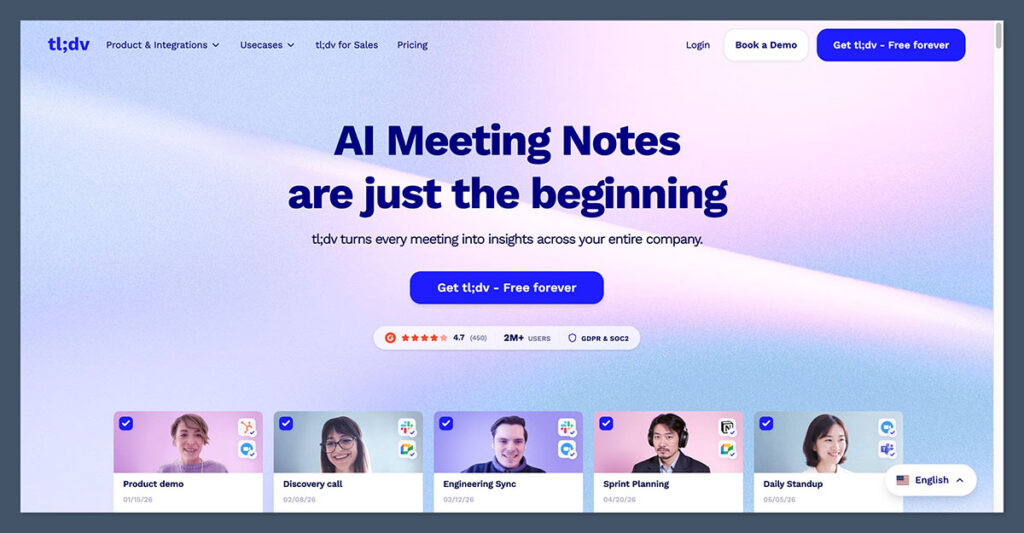
tl;dv focuses on capturing key moments and turning them into shareable clips. It works with both Zoom and Google Meet and is especially useful if your team operates across time zones.
You can tag teammates, share short video highlights, and timestamp important discussions.
Unlike other tools that only provide summaries, tl;dv adds context with visual and timestamped notes.
Key Features
- Shareable video clips with timestamps
- Works with Zoom and Google Meet
- Tag teammates and add contextual notes
- Integrates with Slack, Notion, and Asana
- Easy search by speaker or keyword
Pricing Plans
| Plan | Price | Features |
|---|---|---|
| Free | $0/month | Basic clips and storage |
| Pro | $20/user/month | Advanced clips, unlimited archives |
| Teams | $30/user/month | Automation and integrations |
Pros
- Best for sharing visual snippets
- Excellent async team support
- Clean UX for video-driven notes
Cons
- Premium plans are more expensive
- Limited analytics or coaching features
For content-heavy teams or those managing multiple projects, tl;dv makes collaboration easier and more transparent.
#5. MeetGeek: Best for Meeting Analytics and Productivity Insights
Starting price: $15 per user per month
Free plan available: Yes
Best for: Managers and teams needing performance metrics
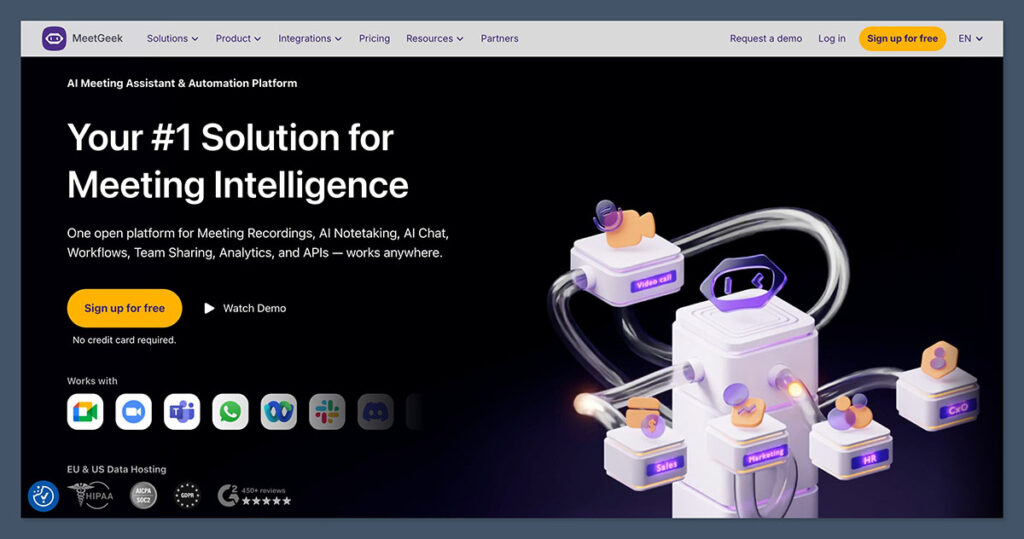
MeetGeek goes beyond summaries. It gives you real-time insights into how your meetings are going, including how much time each participant spoke and whether tasks were actually assigned.
It integrates with popular tools and tracks how efficient your meetings are over time.
If you’re a team lead or operations manager, this tool helps optimize how your meetings run—not just document them.
Key Features
- AI-generated summaries and highlights
- Analytics on team collaboration and speaking time
- Works across Zoom, Google Meet, and Teams
- Action items and follow-up tracking
- Smart search by topic or participant
Pricing Plans
| Plan | Price | Features |
|---|---|---|
| Free | $0/month | 5 meetings per month, basic summaries |
| Pro | $15/user/month | Unlimited meetings, analytics |
| Business | $29/user/month | Integrations, insights, full dashboard |
Pros
- Rich analytics for performance reviews
- Helps reduce meeting fatigue
- Strong summary accuracy
Cons
- Pricing is higher than simpler tools
- Might be more than solo users need
For data-driven teams that want more out of their meetings, MeetGeek adds a layer of insights that Otter simply doesn’t offer.
#6. Avoma: Best for Sales Workflows and Coaching
Starting price: $17 per user per month
Free plan available: No
Best for: Sales teams and customer success managers
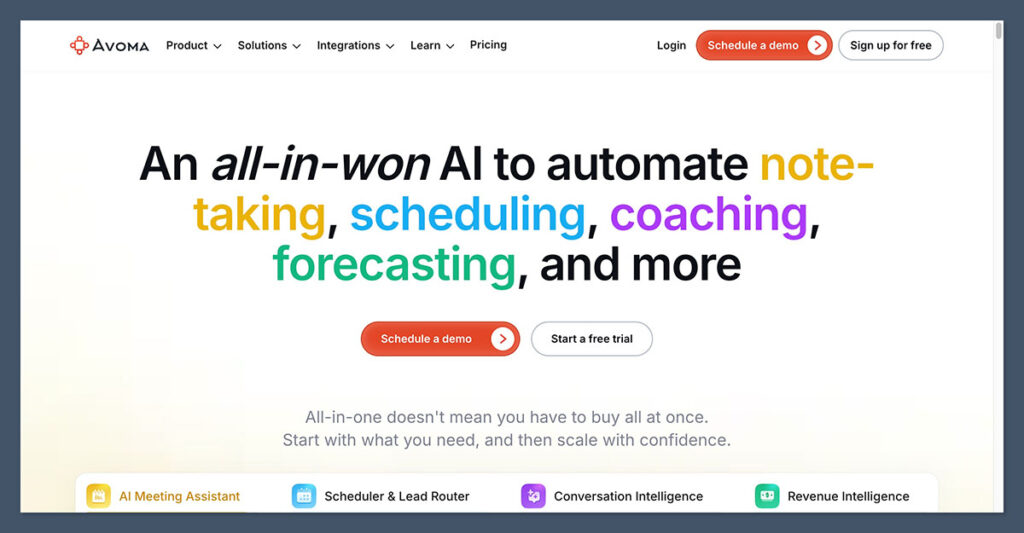
Avoma isn’t just for note-taking. It’s designed to integrate directly with your CRM and coaching systems.
For sales organizations, it offers deal insights, rep coaching, and structured note templates.
I found it especially helpful for onboarding new sales reps, tracking performance trends, and syncing notes into Hubspot and Salesforce.
Key Features
- Structured notes based on meeting types
- Coaching dashboards and call scoring
- CRM integration with Salesforce and Hubspot
- Viewer-only access is free for team members
- Real-time call summarization
Pricing Plans
| Plan | Price | Features |
|---|---|---|
| Starter | $17/user/month | Real-time transcription, basic notes |
| Premium | $39/user/month | CRM sync, analytics, coaching insights |
| Enterprise | Custom | Advanced workflows, SSO, admin tools |
Pros
- Built for revenue teams
- Helps coach and scale sales efforts
- Integrates directly into CRM tools
Cons
- No free plan
- Steeper learning curve
If your priority is sales performance and you want to turn meetings into revenue, Avoma offers the most structured and workflow-friendly system available.
#7. Zoom AI Companion: Best for Zoom Users
Starting price: Included with Pro+ plans
Free plan available: No
Best for: Teams already paying for Zoom Pro or Business
Zoom now includes an AI meeting assistant with its Pro+ and higher plans.
You get live summaries, action items, and transcription without needing to set up another tool. It’s especially useful for teams that already use Zoom every day and want to simplify their stack.
Key Features
- AI summaries built into Zoom
- Action items and highlights created automatically
- Speaker labeling and meeting chapters
- No setup or separate app required
- Integrated into Zoom client and recordings
Pricing
| Plan | Availability |
|---|---|
| Pro+ | Included |
| Business | Included |
| Enterprise | Included |
Pros
- Included at no extra cost for Zoom users
- No extra accounts to manage
- Summaries and notes auto-saved in Zoom
Cons
- Only works with Zoom
- Lacks advanced analytics or tagging
If you’re already paying for Zoom and want a basic summary tool, Zoom AI Companion is a practical built-in option.
Final Thoughts
Otter.ai opened the door to AI meeting tools, but these seven alternatives each bring their own edge.
Whether you’re after simpler summaries, better team workflows, or tighter integrations, there’s a better match than Otter in today’s market.
If you’re just getting started, NoteGPT is the most well-rounded tool I’ve tested.
It’s fast, simple, accurate, and works across platforms without requiring bots or complicated setups.
But depending on your needs (whether it’s deep analytics, free plans, or CRM integration) there’s a strong pick for every type of user here.
