

I’ve tried more transcription tools than I can count.Some are fast, but clunky.
Others are accurate, but expensive. And some just don’t deliver what they promise.
After testing dozens of platforms for everything from summarizing meetings to converting podcast interviews into blog content, I’ve narrowed it down to the five best audio transcription tools that actually work, not just on paper, but in real workflows.
In this post, I’m breaking down the pros, cons, features, pricing, and use cases for each.
Whether you’re a student, creator, coach, or just trying to stop manually typing notes, this guide should save you a ton of time (and probably some headaches too).
Let’s start with the one tool I found myself coming back to again and again.
Comparison Table: Quick Overview
| Tool | Best For | Accuracy | Live Transcription | Summarization | Price (Starting) |
|---|---|---|---|---|---|
| NoteGPT | Summaries + Simplicity | High | No | Yes | $6.99/week |
| Otter | Real-time Meetings | High | Yes | Basic | $16.99/month |
| Fireflies | Team Collaboration | Medium-High | Yes | Yes | $10/month |
| Rev | Human-Verified Accuracy | Highest | No | No | $0.25–$1.50/min |
| Sonix | Multilingual + Editing | High | No | No | $10/hour |
1. NoteGPT — Best Overall for Fast, Accurate Summaries
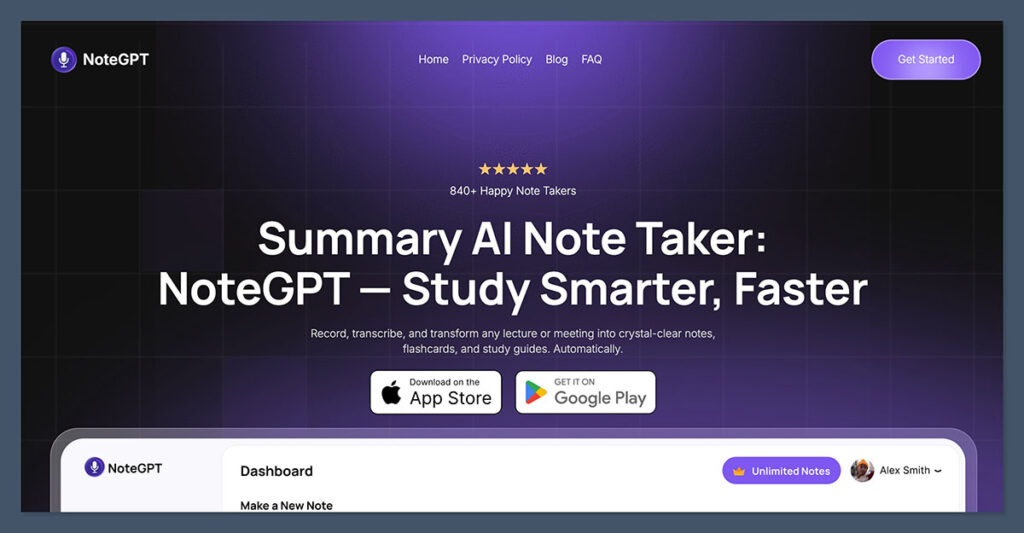
NoteGPT quickly became my favorite because it doesn’t just transcribe. It transcribes, summarizes, and organizes your audio files in one go.
It’s built for people like me who don’t just want a wall of text. I need usable notes I can scan and search.
Key Features
- Uploads and transcribes audio and video files
- Automatically generates concise summaries
- Smart timestamping and speaker labeling
- Clean interface with folder-based organization
- Supports multiple languages
What stood out is how accurate it was out of the box. I tested it on a few calls with strong accents, low audio quality, and background noise. It handled all of them better than expected.
It also gave me a summary at the top of the transcript, followed by clean paragraph breakdowns, so I could jump to key moments without scrubbing through an hour-long call.
Pros
- Best-in-class summarization built-in
- Fast transcription (usually within minutes)
- Web-based and doesn’t require installation
- Easy to organize notes by project or topic
Cons
- No live transcription (everything is upload-based)
- Doesn’t yet integrate with Zoom or Google Meet
Pricing
NoteGPT is free to try, with premium plans starting at $6.99/week or $49.99 paid annually for higher transcription limits and priority processing.
If your goal is to transcribe and summarize without needing a second tool, NoteGPT hits that sweet spot.
2. Otter.ai — Best for Real-Time Meeting Transcription
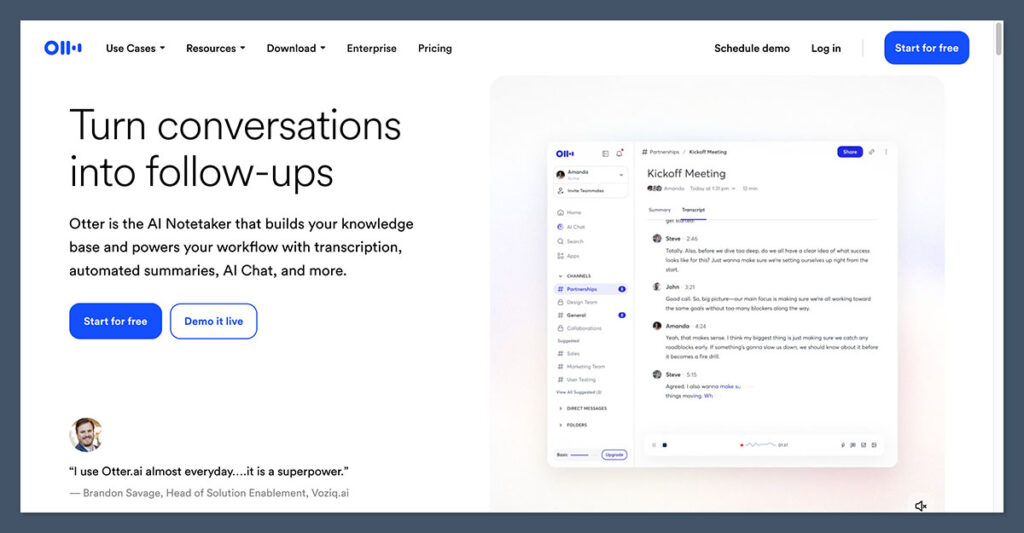
Otter is probably the most well-known name in the transcription space, and for good reason.
It was one of the first tools I used that could transcribe live meetings in real-time, which felt like magic back in the early Zoom boom.
Otter still dominates when it comes to team meeting transcription.
Key Features
- Real-time transcription during meetings
- Syncs with Zoom, Google Meet, and MS Teams
- Live speaker identification and note-taking
- Mobile app for recording and reviewing on the go
- Team spaces for shared note access
I found Otter especially useful during multi-speaker meetings, where trying to track who said what is usually a nightmare. It tags speakers, highlights key points, and even allows you to insert manual notes during the live call.
Pros
- Integrates with major video conferencing platforms
- Real-time transcription saves time
- Mobile-friendly with offline recording
- Searchable transcripts
Cons
- Summarization isn’t as advanced as NoteGPT
- Interface feels a bit cluttered for new users
Pricing
Otter offers a generous free plan with 300 monthly transcription minutes.
Paid plans start at $16.99/month with more storage, integrations, and real-time features.
If your job includes a lot of meetings, and you need live transcription with collaboration features, Otter is a great fit.
3. Fireflies.ai — Best for Team Collaboration and Meeting Insights
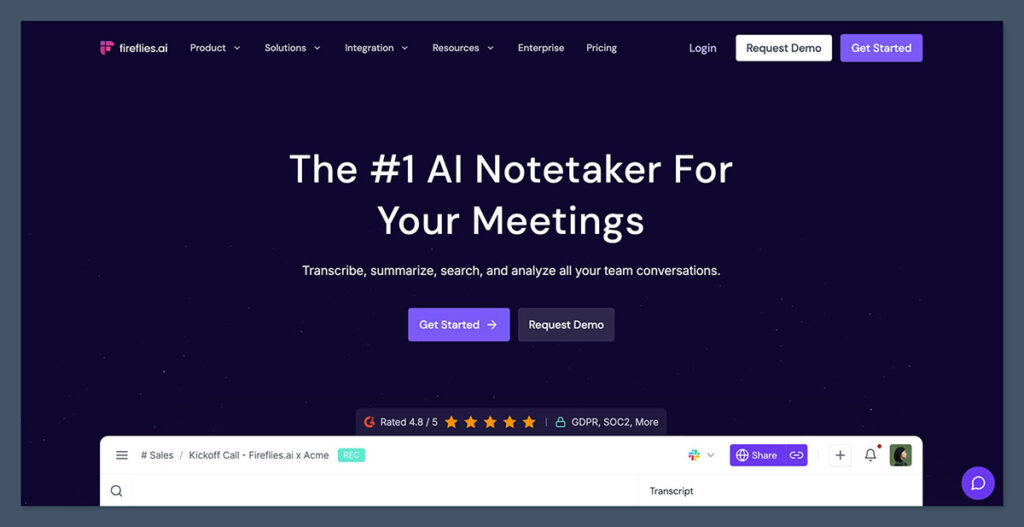
Fireflies is another tool that’s gained a lot of attention, especially among sales teams and remote workers.
It goes beyond transcription by offering meeting analytics, AI-powered notes, and even call insights.
Think of it like a transcription tool that doubles as a productivity assistant.
Key Features
- AI transcribes and summarizes meetings
- Integrates with Zoom, Google Meet, MS Teams
- Search transcripts by keyword or topic
- Automatically captures action items and tasks
- Team workspaces with commenting
What I liked most was its ability to automatically pull out action items, tasks, and decisions from a conversation. It doesn’t just give you a transcript — it tells you what you need to do next.
Pros
- Transcription + meeting intelligence
- Good for sales calls and internal meetings
- Clean UI with searchable transcripts
- Strong team features
Cons
- Slightly lower accuracy on poor-quality audio
- Summaries can sometimes be too brief
Pricing
Fireflies has a free plan with limited transcription time.
Pro plans start at $10/month per user, and Business plans go up to $19/month with more collaboration and analytics features.
If you’re looking for a transcription tool that does more than just transcribe — and helps your whole team stay on track — Fireflies is worth checking out.
4. Rev — Best for Human-Level Accuracy
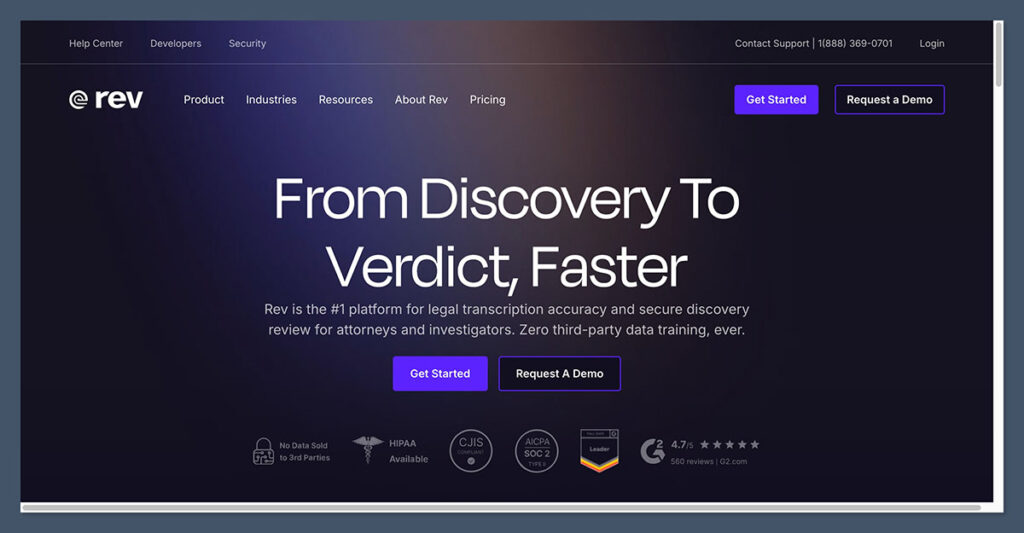
Rev is the platform I turn to when accuracy really matters.
It’s not the cheapest, and it’s not the fastest — but that’s because Rev uses human transcriptionists as well as AI, depending on the level of detail you need.
It’s perfect for legal recordings, academic interviews, media productions, or anything where you can’t afford to misquote or miss a word.
Key Features
- AI and human-powered transcription options
- 99%+ accuracy on human transcripts
- Timestamps and speaker labels
- Supports legal and medical terminology
- Rush delivery available
Rev’s AI transcription is decent, but if you upload a clean file and opt for their human transcription, it’s incredibly accurate, better than anything else I tested.
Pros
- Most accurate transcription on the market
- Human option is great for sensitive or important content
- Clean, shareable transcript formats
- Optional captions and foreign subtitles
Cons
- Cost adds up fast if you use it frequently
- No built-in summarization
Pricing
- AI transcription: $0.25/minute
- Human transcription: $1.50/minute
- Captions and subtitles: additional cost
Rev is best for people who need perfection, especially in high-stakes environments.
5. Sonix — Best for Multi-Language and Audio Editing
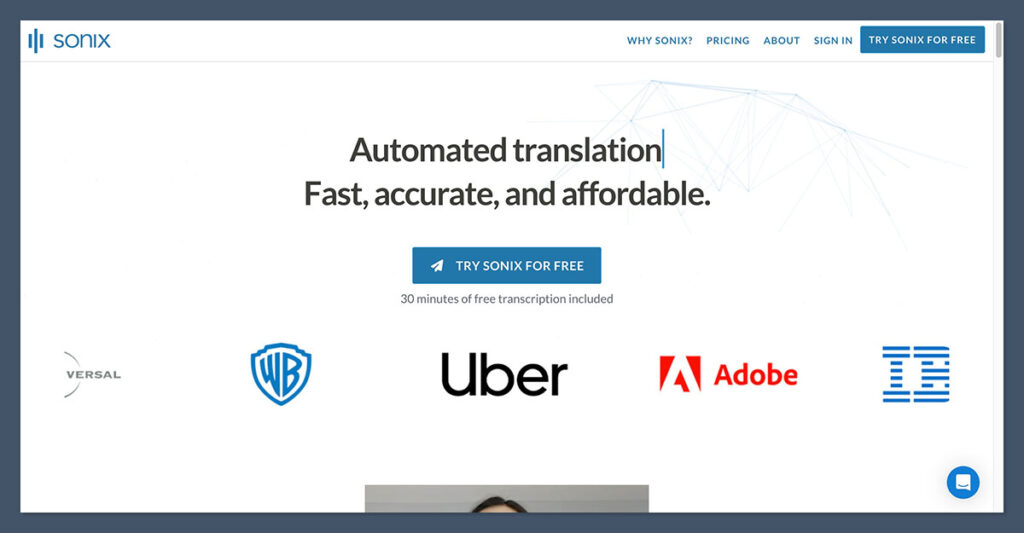
Sonix is a powerful AI transcription platform that I found incredibly useful when working with international clients or multilingual recordings.
It supports over 40 languages, and its built-in audio and video editor makes it easy to clean up content after transcription.
It’s also very accurate, even for non-English files, which sets it apart.
Key Features
- AI transcription in 40+ languages
- Multi-track speaker separation
- Audio and video editing tools
- Word-by-word timestamping
- Custom dictionaries and search
One thing that stood out to me was the ability to edit the audio by editing the transcript, similar to Descript.
That’s incredibly helpful for content creators who want to produce clean clips from messy interviews.
Pros
- Strong multilingual support
- Audio + video editing built-in
- Great for content creators and editors
- Integrates with Adobe Premiere and Final Cut
Cons
- Learning curve for editing tools
- Some features locked behind higher pricing tiers
Pricing
Sonix offers pay-as-you-go pricing at $10/hour of audio, or monthly plans starting at $22/month.
If you’re working with global teams or content in multiple languages, Sonix gives you the tools to transcribe and clean up your recordings fast.
Final Thoughts: Which One Should You Use?
If I had to pick one tool for most people, it would be NoteGPT. It strikes the perfect balance between speed, accuracy, and summarization — without overcomplicating things.
Use Otter if you need real-time transcription for team meetings.
Go with Fireflies if you want to capture action items and work collaboratively.
Choose Rev when accuracy is the highest priority and you need human touch.
And grab Sonix if you’re working with multiple languages or want editing flexibility.
All of these tools have their strengths. It just depends on what you value most: speed, price, collaboration, accuracy, or editing features.
