

If you’ve been using Krisp for more than just its background noise cancellation, you might’ve come across its AI Meeting Assistant.
This feature promises automatic summaries, transcriptions, and action items, but it’s not the only tool out there doing that job.
In fact, several AI notetaker platforms now offer stronger integrations, cleaner notes, and better support for students, researchers, and remote teams.
Whether you’re studying online, attending remote lectures, running meetings, or reviewing recorded content, these tools can help turn long calls and recordings into something far more useful: searchable notes and concise takeaways.
After spending time testing each platform, I’ve selected the best Krisp AI alternatives for note-taking and summarization based on performance, pricing, features, and usability.
Our Top 5 Krisp AI Notetaker Alternatives
NoteGPT – Best overall Krisp alternative for students and solo learners
Otter.ai – Best for live class transcription and sharing notes
Fireflies.ai – Best for searchable transcripts and smart meeting summaries
Fathom – Best free AI notetaker built for Zoom
tl;dv – Best for timestamped notes and Google Meet users
AI Notetaker Comparison Table
| Tool | Best For | Free Plan | Live Transcription | AI Summaries | Bot Required |
|---|---|---|---|---|---|
| NoteGPT | YouTube, Zoom, self-study | Yes | No | Yes | No |
| Otter.ai | Live classes and collaboration | Yes | Yes | Yes | No |
| Fireflies.ai | Group meetings and search | Yes | Yes | Yes | Optional |
| Fathom | Zoom meetings and follow-ups | Yes | Yes | Yes | Yes |
| tl;dv | Review and highlights | Yes | Yes | Yes | Yes |
1. NoteGPT: Best All-Round Alternative for Students
Starting price: $6.99 per week
Free plan: Yes
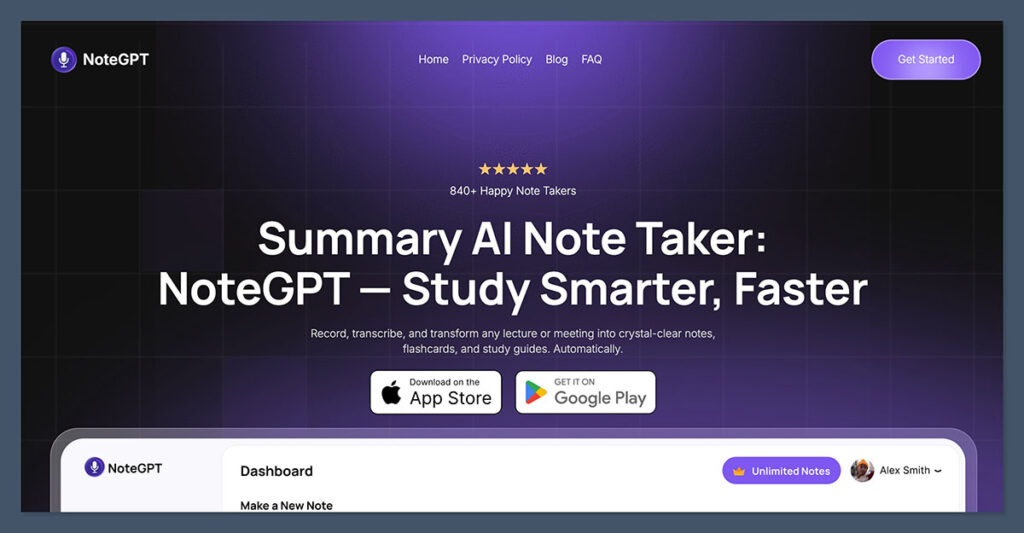
NoteGPT is the most flexible and student-friendly option I tested.
It allows you to upload or paste links to video or audio files, including lectures on YouTube, Zoom recordings, and even webinars. The AI quickly turns them into clean summaries, key points, and action steps.
What really makes NoteGPT stand out is its browser-first approach. You don’t need to invite bots to your meetings or install a desktop app. It also offers AI-generated flashcards, which makes it particularly helpful for exam review or spaced repetition study.
I found it particularly useful for reviewing online lectures. Within minutes of uploading a video, I received a structured summary that was easy to skim, along with timestamps for context.
Key Features
- Summarize YouTube videos and uploaded content
- GPT-powered summaries and key points
- No meeting bot required
- Chrome extension support
- Flashcard generation from summaries
| Feature | Available |
|---|---|
| YouTube support | Yes |
| Meeting transcript upload | Yes |
| Flashcard tool | Yes |
| File size limits | Moderate |
| Languages supported | Multiple |
Who it’s for: Students watching lectures on demand, solo learners, and researchers summarizing long-form content.
Not ideal for: Real-time transcription during live calls.
2. Otter.ai: Best for Real-Time Notes and Group Sharing
Starting price: $10 per month (Pro plan)
Free plan: Yes (300 minutes/month)
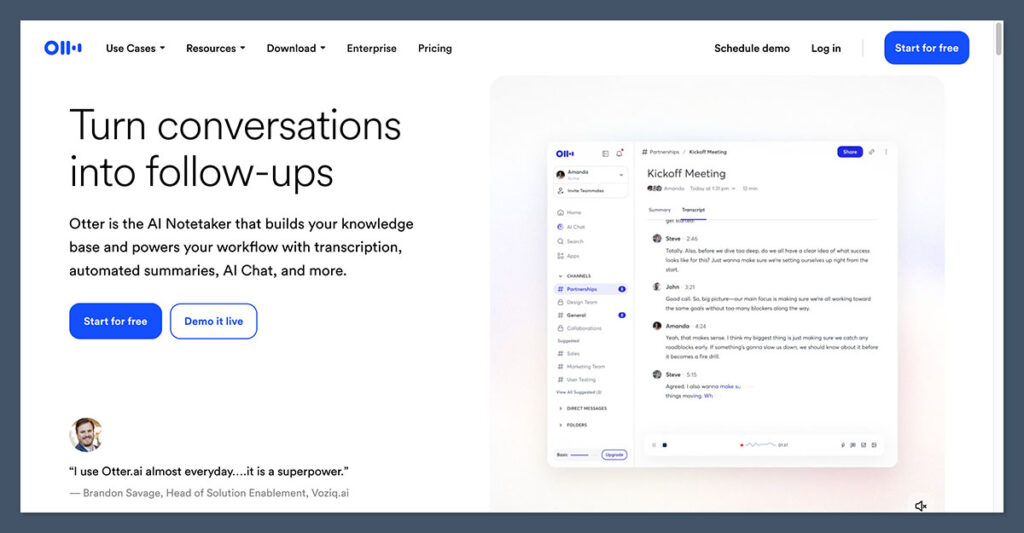
Otter.ai has long been one of the most popular tools for real-time transcription, and for good reason. It works well in both live meetings and recorded contexts, supports speaker identification, and lets you highlight key points during the conversation.
For students, Otter is useful in lectures, group study calls, or tutoring sessions. It transcribes in real-time, and the mobile app makes it easy to review notes on the go. I found it especially useful for collaboration.
You can share the transcript with classmates and highlight key sections together.
Otter’s AI summary tool does a good job pulling out bullet-pointed summaries and action items, although you may still need to clean it up for study notes. If you rely on Zoom or Google Meet for most of your online sessions, Otter fits in seamlessly.
Key Features
- Real-time transcription with speaker labels
- Auto-summarization with AI
- Collaboration features for shared notes
- Mobile and web access
- Integration with Zoom and Meet
| Feature | Available |
|---|---|
| Live transcription | Yes |
| Summary generation | Yes |
| Speaker ID | Yes |
| Calendar integration | Yes |
| Export to Docs | Yes |
Who it’s for: Students attending live classes, tutors, and study groups.
Not ideal for: Summarizing YouTube or third-party recordings without uploading manually.
3. Fireflies.ai: Best for Searchable Summaries and Group Sessions
Starting price: $10 per month (Pro plan)
Free plan: Yes (800 minutes/month)
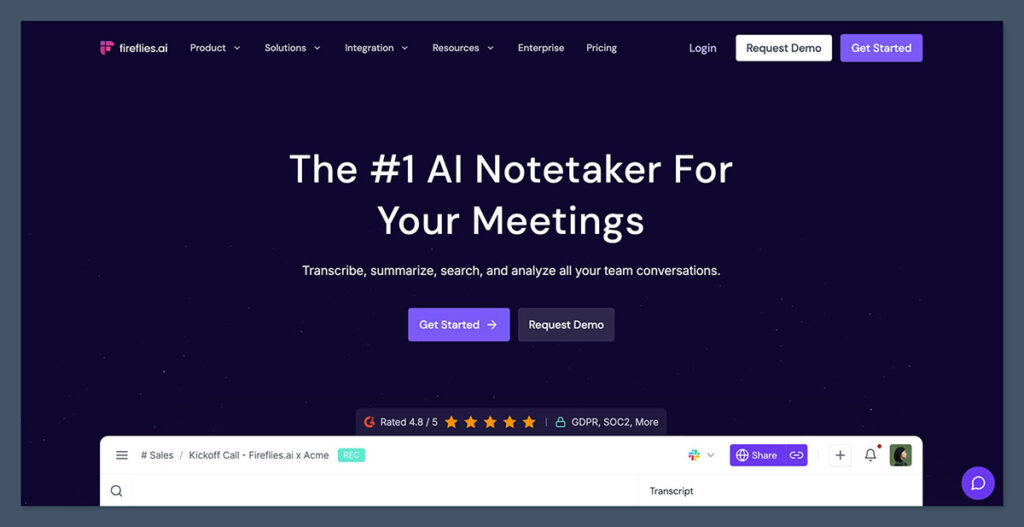
Fireflies.ai combines strong AI note-taking with a robust transcription search tool. It records your calls, transcribes them, and allows you to search the transcript like a document.
This makes it ideal for students working in research teams or doing group projects. You can look back at who said what and when, create automated topic tags, and even extract data from multiple meetings.
I tested Fireflies with Zoom and Meet. After a call, I received a summary and full transcript in my inbox, along with smart suggestions and action items.
The interface felt more business-focused than student-oriented, but the functionality was excellent.
You can also invite Fireflies bots into your meetings automatically, or record and upload your own files.
Key Features
- AI-powered search through transcripts
- Automatic summaries and highlights
- Integration with Google Calendar and Zoom
- Smart topic detection
- Team collaboration tools
| Feature | Available |
|---|---|
| Smart search | Yes |
| Bot optional | Yes |
| Upload recordings | Yes |
| Multiple integrations | Yes |
| Topic labeling | Yes |
Who it’s for: Research teams, group study calls, project meetings.
Not ideal for: Students looking for simple summaries from YouTube or solo study sessions.
4. Fathom: Best Free Zoom Notetaker with Instant Summaries
Starting price: Free
Fathom is a 100 percent free AI note-taker built specifically for Zoom users. It automatically records, transcribes, and summarizes your Zoom calls, then delivers everything in a clean, time-coded dashboard.
For students attending lots of Zoom lectures or tutoring sessions, this is a very convenient option. The app sits inside Zoom and doesn’t require extra setup once connected.
What surprised me most was how well it handled longer calls. It splits the meeting into topics, offers a summary for each section, and gives you access to a full transcript with searchable timestamps.
Fathom doesn’t currently support Meet or Teams, and there’s no option to upload third-party files, so it’s not great for broader use cases.
Key Features
- Full Zoom integration
- Unlimited recording and transcription
- Topic-based summaries
- Action items
- Secure cloud storage
| Feature | Available |
|---|---|
| Zoom-only integration | Yes |
| AI-generated summary | Yes |
| File upload support | No |
| Multi-user dashboard | Yes |
| Cost | Free |
Who it’s for: Students attending Zoom-only lectures or study sessions.
Not ideal for: Users outside Zoom or those needing post-recording uploads.
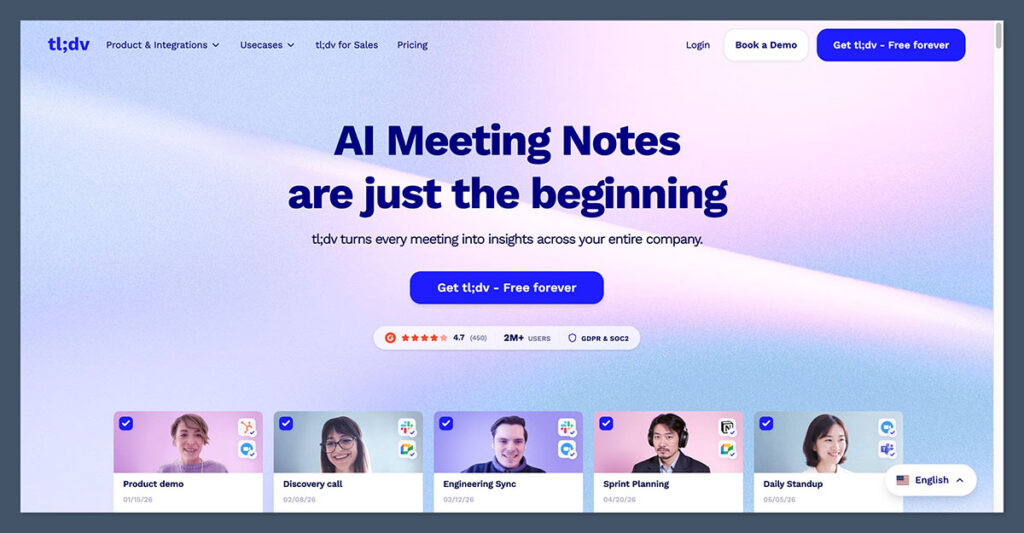
5. tl;dv: Best for Timestamped Notes and Recording Reviews
Starting price: Free (paid plans start at $20 per month)
tl;dv is a solid choice if your focus is on reviewing meetings or lectures after the fact. It records Zoom, Google Meet, or Teams calls and allows you to add time-stamped highlights either during or after the session.
This makes it very useful for exam prep or reviewing specific moments in a class. The AI-generated summaries are generally concise, and the tool integrates well with your calendar and email.
The Chrome extension gives you more flexibility when using browser-based meetings, and it’s easy to share summaries and videos with classmates or teammates.
Key Features
- Timestamped highlights
- AI-powered summaries
- Chrome extension
- Team collaboration tools
- Exportable notes and video snippets
| Feature | Available |
|---|---|
| Google Meet support | Yes |
| Timestamp creation | Yes |
| Chrome extension | Yes |
| File uploads | No |
| Summary email | Yes |
Who it’s for: Review-heavy learners, team projects, and video-based learning.
Not ideal for: Uploading personal recordings or summarizing YouTube content.
Final Thoughts
Krisp is still one of the best tools for noise cancellation, but its AI note-taking features don’t lead the pack.
If you’re looking for something that helps you better summarize meetings, study sessions, or recorded content, there are better choices out there.
Whether you’re a solo learner watching YouTube lectures or part of a research team with constant calls, the tools above offer more reliable summaries, cleaner transcripts, and useful export features.
If I had to recommend just one for most students, it would be NoteGPT. It’s affordable, flexible, and works great for study use cases without needing live integrations.
For anyone attending a lot of live sessions or study groups, Otter.ai or Fathom are excellent options.
And if you’re working in research groups or reviewing transcripts regularly, Fireflies.ai gives you the tools to dig deeper.
The right AI note-taker can save you hours each week and make your study sessions far more effective.
I recommend trying a few of the free plans before choosing the one that fits your routine.
