

Quick Verdict: If you’re looking for the best AI transcription app that doesn’t just dump a block of raw text in your lap, NoteGPT is the top pick for 2025. It gives you clean, real-time meeting transcripts and turns them into clear summaries with action points. Whether you’re working remotely, in back-to-back meetings, or studying for exams, NoteGPT helps you save time, stay organized, and actually remember what was said.
Trying to take notes during a meeting or remember everything from a long lecture isn’t just frustrating — it’s inefficient. Most people end up with half-written thoughts, missed key takeaways, or spend hours rewatching recordings just to find a single sentence. That’s where the best AI transcription apps come in.
AI transcription tools have come a long way. They now offer real-time transcription, speaker recognition, searchable transcripts, and — in some cases — intelligent summaries that actually help you recall the most important parts. Whether you’re a student, content creator, business professional, or part of a remote team, there’s software out there built to save you hours every week.
In this guide, we’re ranking the best AI transcription software and tools based on what actually works — not just what’s hyped. We’ve tested them for accuracy, speed, price, and overall usefulness, especially when it comes to capturing meetings, lectures, podcasts, and interviews.
Let’s break down which tools are worth your time (and money), starting with the one we’d recommend first.
TL;DR — Best AI Transcription Apps
- NoteGPT – Best overall for meetings, summaries, and speed
- Otter.ai – Great for business teams and real-time transcription
- Descript – Best for podcasters and content creators
- Fireflies.ai – Ideal for sales teams and call insights
- Rev – Most accurate (human-powered), but pricey
- Trint – Best for collaboration and media teams
- Temi – Cheapest for basic transcription
- Sonix – Great for multilingual transcription
- Notta.ai – Solid mobile app for solo users
- Deepgram – Best for developers with API needs
What Makes a Good AI Transcription App?
Not every AI transcription tool is created equally. While many apps promise high accuracy and lightning speed, only a few deliver consistently across different use cases — like meetings, lectures, or podcast episodes.
A good AI transcription tool should meet these core requirements:
- Fast transcription processing: Ideally, it should transcribe in real-time or within minutes, even for hour-long recordings.
- High transcription accuracy: The best transcription software can recognize multiple speakers, handle background noise, and capture full sentences correctly.
- Affordable pricing models: Whether you’re an individual or a team, the app should offer transparent pricing with a decent free tier or trial.
- Export options and integrations: It should support exporting to formats like TXT, DOCX, or PDF and integrate with tools like Zoom, Google Meet, Notion, and Slack.
- Speaker labeling and timestamps: This makes it easier to follow who said what and when during longer calls or podcasts.
If a transcription tool offers AI summaries alongside raw text, that’s a major bonus. Summaries save time by condensing full transcripts into actionable bullet points.
The 10 Best AI Transcription Apps in 2026
We’ve reviewed and compared the top AI transcription tools based on features, accuracy, ease of use, and cost. These apps work for a variety of users — whether you’re taking meeting notes, writing blog content from interviews, or need a backup of your lectures.
Let’s walk through the top 10 transcription apps available today.
1. NoteGPT — Best for Meetings, Summaries, and Real-Time Transcription
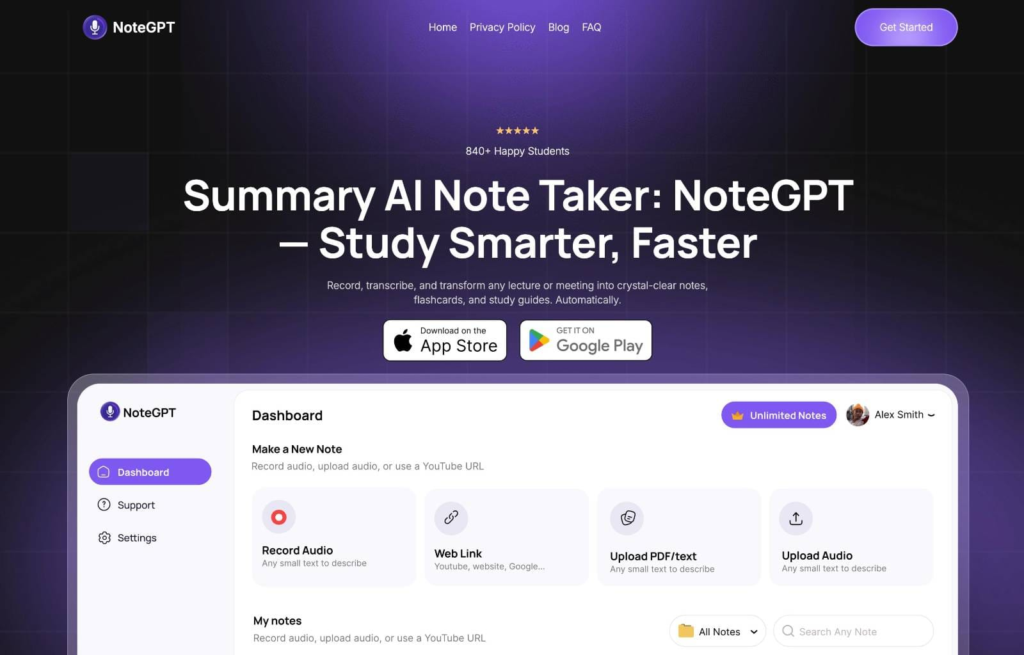
NoteGPT.com is built specifically to handle meeting notes, live call transcripts, and automatic summarization. It transcribes audio from Zoom, Google Meet, or uploaded files in real-time. What sets it apart is the built-in summarization that extracts the key takeaways and action points without any extra work on your end.
Instead of just giving you a wall of raw text, NoteGPT condenses long calls into neatly formatted summaries, timestamps, and shareable notes.
This is a game-changer for remote teams or students trying to keep up with fast-moving discussions. Plus, it’s designed to be distraction-free, so it works quietly in the background without overwhelming you with extra features.
Key Features:
- Real-time meeting transcription with speaker detection
- AI-generated summaries after every session
- Works with Zoom, Meet, and uploaded recordings
- Downloadable notes in DOCX, TXT, and PDF
- Clean UI, no steep learning curve
Pricing:
- Free plan with limited transcription minutes
- Paid plans start at $9/month, with more transcription time and export formats
NoteGPT is perfect if you’re looking for a tool that doesn’t just transcribe — it helps you actually understand and retain the conversation.
2. Otter.ai — Best for Business Teams and Education
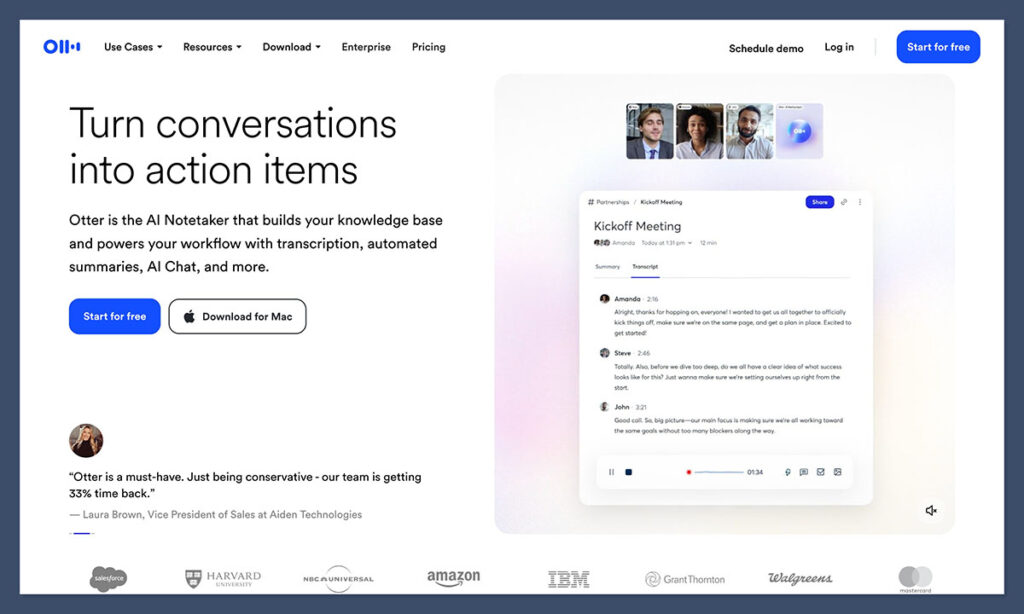
Otter.ai is one of the most well-known AI transcription tools. It’s widely used in the corporate and education space, especially for transcribing meetings, lectures, and webinars. It offers live transcription, collaborative editing, and smart summaries — making it ideal for team settings.
It integrates seamlessly with Zoom and Google Meet, so you can set it to automatically join calls and start transcribing without any manual setup. Otter also allows you to highlight text, leave comments, and search past conversations easily, which makes it valuable for reviewing key moments after a long meeting.
Key Features:
- Real-time transcription and auto-join meetings
- Smart notes with summaries and highlights
- Speaker identification and time-stamping
- Cloud-based storage for easy access across devices
Pricing:
- Free plan: 300 minutes/month
- Pro plan: $10/month
- Business plan: $20/month per user
Otter is a solid pick if you want a tool that fits right into your workflow and handles transcription for multiple users at once.
3. Descript — Best for Podcasters and Content Creators
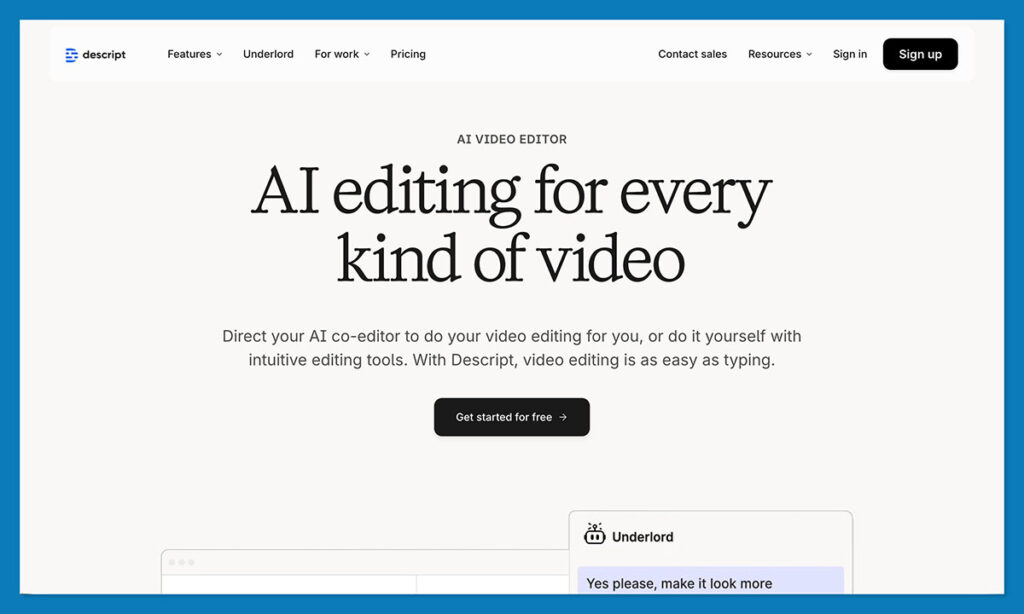
Descript isn’t just a transcription app — it’s also a full content editing platform. You can record, transcribe, and edit both audio and video content all in one place. Its “Overdub” feature even lets you clone your voice and edit your speech by simply editing the text.
This tool is ideal for podcasters, YouTubers, or content marketers who need more than just text — they need the ability to edit and refine what they’ve recorded. It’s not the fastest transcriber, but its editing tools more than make up for that.
Key Features:
- Multitrack audio and video editor
- Text-based editing for quick changes
- Overdub AI voice cloning
- Screen recording + transcription in one
Pricing:
- Free plan: Limited transcription hours
- Creator plan: $15/month
- Pro plan: $30/month
If you work with content that needs editing and polishing, Descript gives you a complete creative studio bundled with transcription.
4. Fireflies.ai — Great for Teams and Workflow Automation
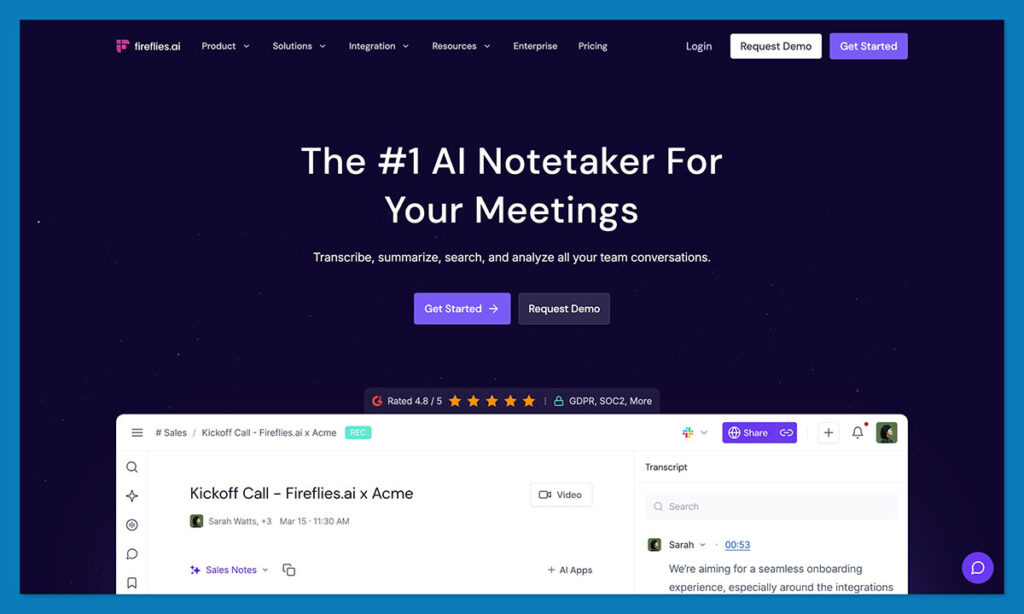
Fireflies.ai is another meeting-focused transcription tool with strong integrations and a sleek dashboard. It records your meetings, transcribes them, and pulls out key insights. You can also search for keywords across past meetings and generate action items using its AI assistant.
Its Slack and CRM integrations are particularly useful for sales and support teams who want transcripts tied directly to tasks and conversations.
Key Features:
- Meeting transcription with AI highlights
- Integration with Zoom, Meet, Teams, and more
- Keyword-based search across transcripts
- Smart notes and summary generation
Pricing:
- Free plan available
- Pro: $10/month per user
- Business: $18/month per user
Fireflies is a smart pick for companies looking to reduce manual admin and improve team alignment after every call.
5. Rev — Most Accurate Human Transcription
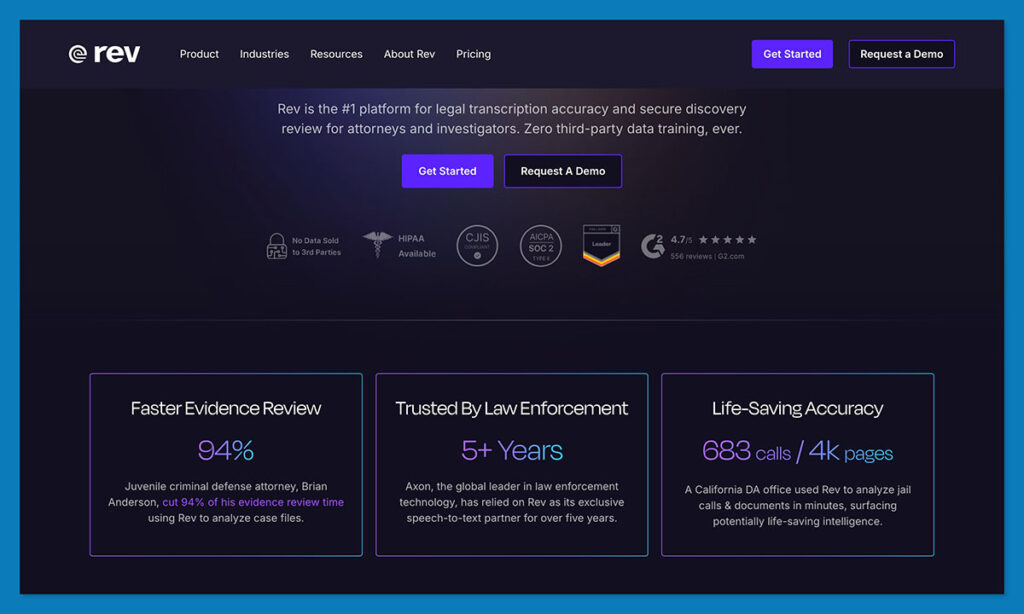
Rev stands out because it still offers human-based transcription alongside AI. If you need court-level accuracy or are working with difficult accents or background noise, Rev’s team of transcribers delivers near-perfect results. But it comes at a cost.
The turnaround time is usually fast (a few hours for shorter files), and the accuracy sits close to 99%. If you’re transcribing legal, medical, or formal interviews, this is your best bet.
Key Features:
- Human transcription up to 99% accuracy
- Option for AI transcription at lower cost
- Timestamps and speaker labels
- Secure and GDPR-compliant
Pricing:
- AI transcription: $0.25/minute
- Human transcription: $1.50/minute
Rev isn’t budget-friendly, but it’s the most dependable choice when quality matters above all.
6. Trint — Built for Teams and Collaboration
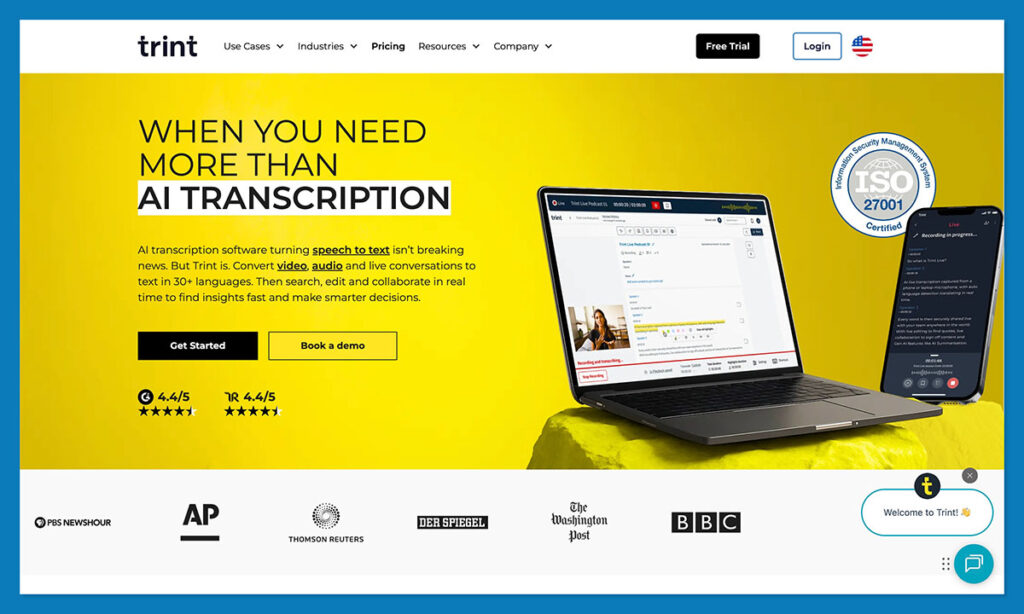
Trint offers collaborative editing features for transcripts, making it a great choice for journalists, media teams, and researchers. You can assign roles, leave comments, and even publish transcripts directly. It also supports multiple languages and strong search capabilities.
The interface feels a bit more advanced, so it’s better suited for professional users who want tight control over their transcription workflow.
Key Features:
- Multi-language support
- Real-time collaboration and editing
- Keyword tagging
- Publishing tools for sharing
Pricing:
- Starter: $48/month
- Advanced: $60/month
- Enterprise: Custom
If collaboration and cross-team editing matter, Trint offers the tools to keep everything in one place.
7. Temi — Affordable and Fast AI Transcription
Temi is a budget AI transcription tool that delivers fast results at a low cost. It’s entirely AI-driven and doesn’t offer extra features like summaries or integrations, but if you just need text from audio or video quickly, Temi does the job well.
Its accuracy is lower than premium tools, especially in noisy environments, but the price is tough to beat.
Key Features:
- Fast AI transcription
- Simple interface
- File upload and export
Pricing:
- $0.25/minute
- No subscriptions required
For one-off projects or students who need cheap, quick transcripts, Temi is a no-frills solution.
8. Sonix — Best for Multi-Language Transcription
Sonix is built for international teams and global content creators. It supports over 40 languages and delivers high-accuracy transcriptions in multiple formats. Its dashboard allows you to edit transcripts, translate them, and share them via custom links.
If you’re transcribing interviews in French, Spanish, or Japanese, Sonix is one of the best transcription software choices available.
Key Features:
- Transcription in 40+ languages
- Custom dictionary for jargon
- Time-stamped exports
- Audio + video file support
Pricing:
- Standard plan: $10/hour
- Premium features available with add-ons
Sonix is ideal for multilingual teams that need precision and flexibility.
9. Notta.ai — Clean Interface + Cloud Sync
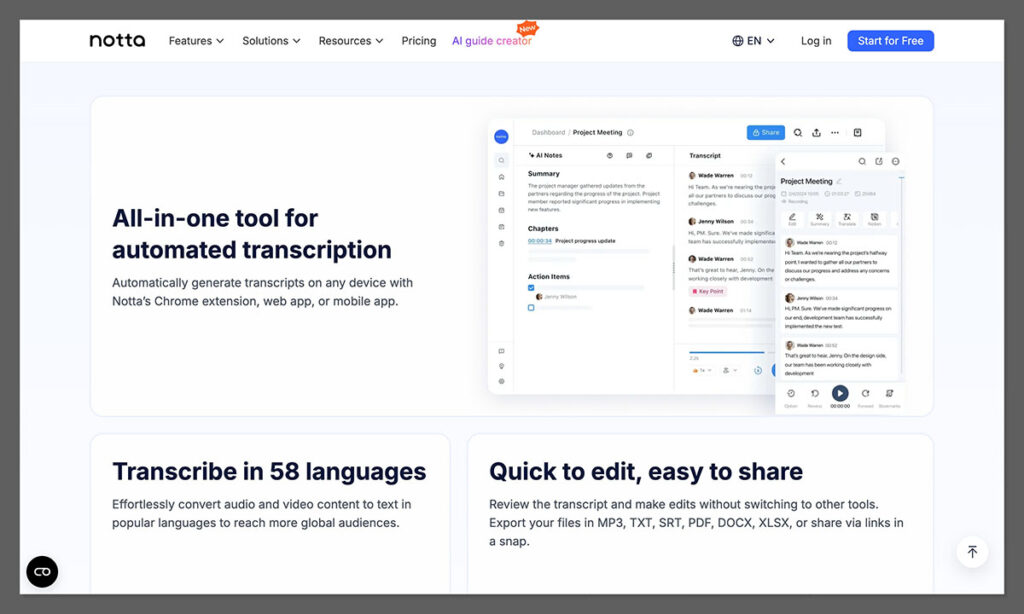
Notta.ai is designed for personal productivity and solo users. It offers real-time transcription on mobile and desktop, with easy export options. You can use it to transcribe voice memos, meetings, or even YouTube videos.
Its interface is minimal and mobile-friendly, making it a go-to for students or professionals on the go.
Key Features:
- Voice memo and meeting transcription
- Clean mobile app
- Works with Zoom, Meet, and file uploads
- Exports in PDF, DOCX, and more
Pricing:
- Free plan: 120 minutes/month
- Premium: $13/month
Notta is a great entry-level tool for quick, mobile-friendly transcription needs.
10. Deepgram — API Access for Developers
Deepgram is not built for end-users — it’s for developers looking to integrate transcription into their apps. It offers an API for real-time speech recognition, ideal for SaaS products, customer service tools, or voice assistants.
Its deep learning models handle different languages and accents well, and the service is scalable for large volumes of audio.
Key Features:
- Real-time API-based transcription
- Custom training for industries
- High scalability
- Works in 30+ languages
Pricing:
- Free tier: 45,000 minutes/month
- Paid plans: Start at $0.004/minute
If you’re building a product that needs transcription baked in, Deepgram is your go-to solution.
Which AI Transcription App Should You Use?
Choosing the best AI transcription app comes down to how you work and what kind of results you expect. If you’re only looking for raw transcripts, there are plenty of tools that will get the job done. But if you’re after speed, accuracy, summaries, and something that actually helps you stay productive, the options start to narrow fast.
NoteGPT stands out because it’s more than just a transcription tool. It gives you clean, searchable notes with clear summaries and takeaways — something most other apps miss. It’s built for meetings, remote work, students, and busy professionals who don’t have time to rewatch recordings or dig through raw transcripts.
If you’re running a team, sitting in back-to-back meetings, or simply tired of writing everything down yourself, investing in the right AI transcription software will save you hours every week.
Whether you go with NoteGPT, Otter, Fireflies, or something more specialized like Descript or Rev, the key is finding a tool that actually fits into your workflow — not one that adds more complexity.
No matter what you choose, transcription software has come a long way. And with AI getting better by the day, there’s no reason to keep typing things out by hand.
