

Meeting transcription software has become a core productivity tool for students, professionals, and remote teams.
Instead of manually taking notes or rewatching full recordings, these tools create searchable transcripts and, in many cases, AI summaries that capture key points automatically.
In 2026, transcription accuracy is no longer the main differentiator. What really matters is how well a tool summarizes conversations, fits into your existing meeting platform, and stores notes in a way that is easy to revisit later.
I tested and reviewed a wide range of transcription tools and narrowed the list down to five options that consistently deliver strong results.
Each one serves a slightly different use case, which is why I’ve broken down their strengths and weaknesses clearly.
Best Meeting Transcription Tools for 2026
- NoteGPT – Best overall transcription and AI summaries
- Fireflies.ai – Best for teams and integrations
- Fathom – Best free option
- Zoom AI Companion – Best for Zoom users
- Google Meet Transcripts – Best for Google Workspace users
Comparison Table: Top 5 Meeting Transcription Tools
| Tool | Best For | Platforms | AI Summaries | Starting Price (USD) | Bot Required |
|---|---|---|---|---|---|
| NoteGPT | Overall performance | Zoom, Google Meet, Teams | Yes | $9.99 per week | No |
| Fireflies.ai | Teams and integrations | Zoom, Meet, Teams, Webex | Yes | $10 per user per month | Yes |
| Fathom | Free transcription | Zoom | Yes | Free | No |
| Zoom AI Companion | Zoom users | Zoom | Yes | Included in paid plans | No |
| Google Meet Transcripts | Google Workspace users | Google Meet | No | $12 per user per month | No |
1. NoteGPT: Best Overall Meeting Transcription Tool
Starting price: $6.99 per week
Free plan: Yes
AI summaries: Yes
Platforms: Zoom, Google Meet, Microsoft Teams
Capture method: Browser based, botless
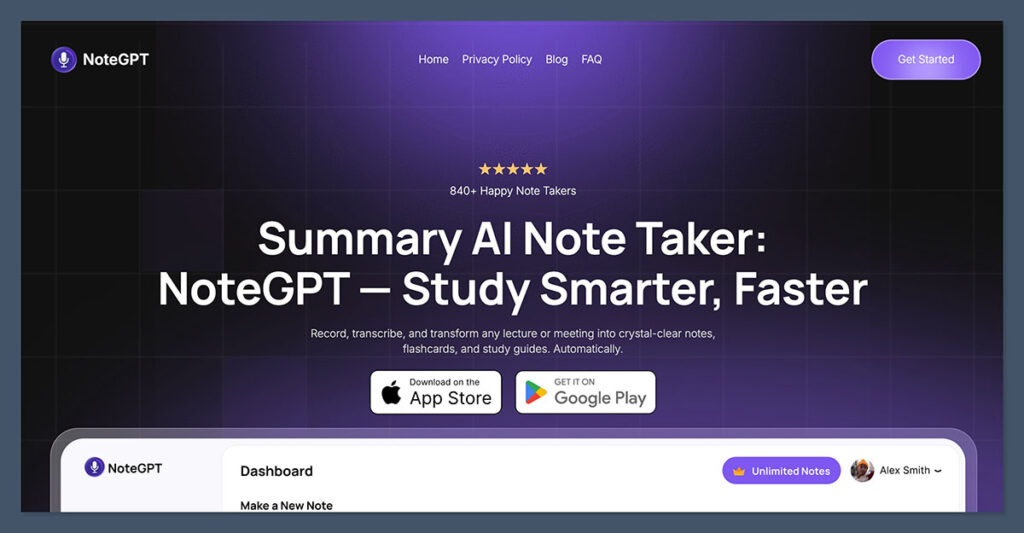
NoteGPT stands out as the most balanced option for meeting transcription and summarization.
It focuses heavily on turning raw transcripts into readable summaries that highlight key points, decisions, and next steps. Because it works through a browser extension, it does not need to join meetings as a participant, which keeps meetings clean and avoids privacy concerns.
I found NoteGPT especially useful for studying and knowledge work because the summaries are structured and easy to scan later. It works consistently across platforms and requires very little setup.
Pros
- High quality AI summaries that are easy to review
- Works across Zoom, Google Meet, and Teams
- Does not join meetings as a visible participant
- Simple interface with minimal learning curve
- Good fit for students, professionals, and small teams
Cons
- Advanced team features require a paid plan
- No native mobile app yet
- Fewer CRM specific features compared to sales focused tools
Pricing
| Plan | Price | Key Features | Ideal For |
|---|---|---|---|
| Free | $0/month | • Basic transcription and summary features • Uploads and limited usage | • Trying out the tool • Occasional users |
| Premium | $6.99/week | • Fast and accurate transcription • AI-powered summaries • Clean UI | • Short-term projects • Intensive weekly use |
| Yearly | $64.99/year | • Full access to all features • Save 40% vs weekly • Summarize + translate • Supports 50+ languages | • Regular users • Students • Researchers • Content creators |
NoteGPT offers the most well-rounded solution for anyone who attends meetings across different platforms and wants clean, accurate summaries without needing to deal with bots.
It’s particularly useful for students, hybrid teams, and independent professionals who want to focus on the conversation and let the AI handle the follow-up. If you want a simple tool that just works, NoteGPT is a strong pick.
2. Fireflies.ai: Best for Teams and Integrations
Starting price: $10 per user per month
Free plan: Yes
AI summaries: Yes
Platforms: Zoom, Google Meet, Teams, Webex
Capture method: Bot joins the meeting
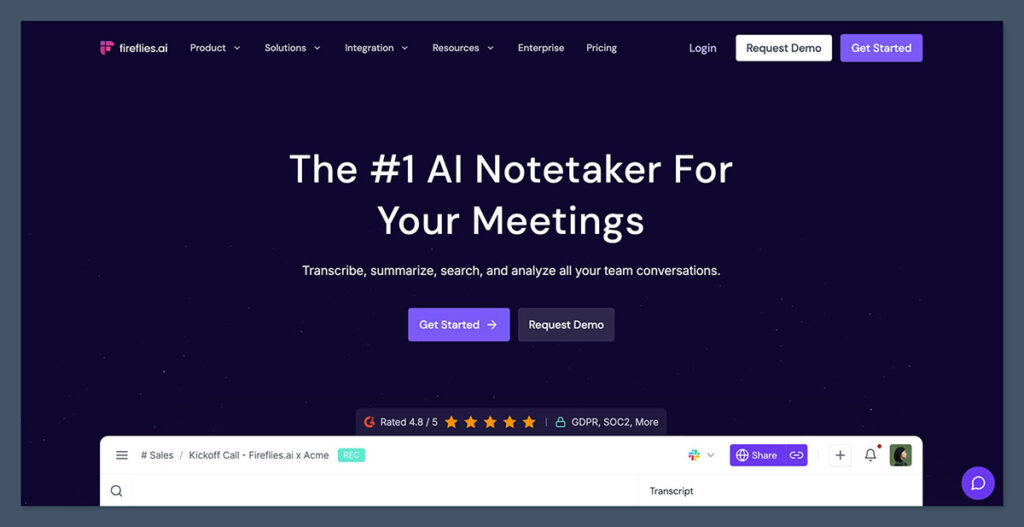
Fireflies.ai is designed for teams that want a searchable archive of every meeting. It automatically joins scheduled calls, records them, and produces summaries that include action items and key topics.
Its biggest strength is how well it integrates with external tools like CRMs and project management software.
For teams that run frequent meetings and need shared access to notes, Fireflies provides a central hub that keeps everything organized.
Pros
- Strong team collaboration features
- Deep integrations with CRMs and productivity tools
- Automatically records meetings from your calendar
- Searchable meeting library
- Useful analytics for managers
Cons
- Bot appears as a meeting participant
- Can feel overwhelming for solo users
- Best features locked behind paid plans
Pricing
| Plan | Features | Price |
|---|---|---|
| Free | Limited transcription minutes | $0 |
| Pro | Full summaries and integrations | $10 per user per month |
| Business | CRM sync and analytics | $19 per user per month |
Fireflies is ideal for growing teams and companies that want meeting notes to flow into their existing tools. If you manage multiple conversations per week and need to organize everything in a central place, this tool helps you capture and follow up without manual work.
Just be aware that it’s best suited for teams already using tools like Slack, Salesforce, or Notion, rather than individual users.
3. Fathom: Best Free Meeting Transcription Tool
Starting price: Free
AI summaries: Yes
Platforms: Zoom
Capture method: Browser extension, botless
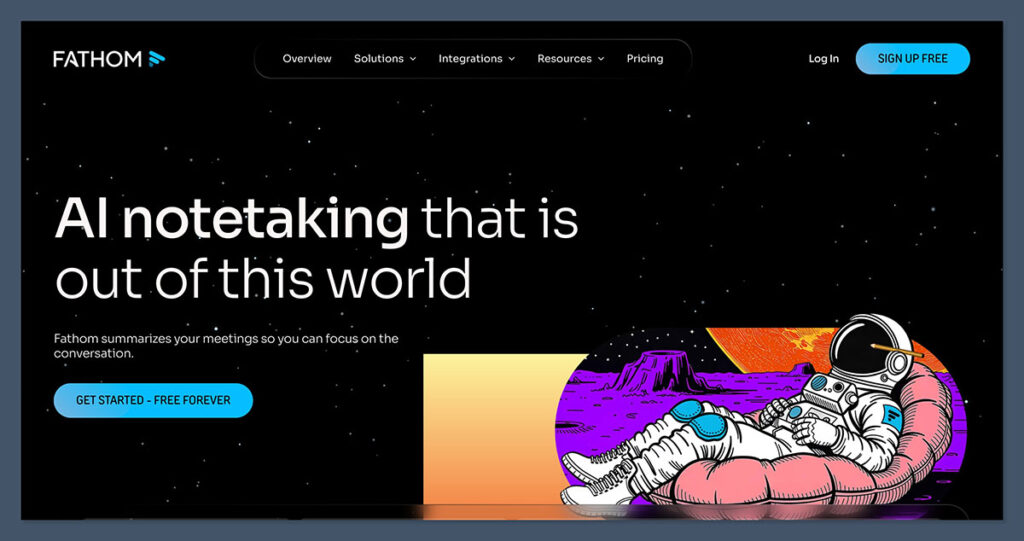
Fathom is one of the strongest free transcription tools available. It records Zoom meetings, creates transcripts, and generates AI summaries without charging individual users.
The summaries are clear, and the ability to highlight moments during a call makes it easy to review later.
It is best suited for individuals who primarily use Zoom and want a no cost solution.
Pros
- Completely free for individual users
- Clean and readable summaries
- Does not add a bot to meetings
- Easy setup through a browser extension
- Useful for students and freelancers
Cons
- Only supports Zoom
- Limited customization options
- Team features are still basic
Pricing
| Plan | Features | Price |
|---|---|---|
| Free | Unlimited transcription and summaries | $0 |
Fathom is a great entry point if you’re working alone and don’t want to pay for basic transcription and summaries. It works quietly in the background and delivers transcripts with highlights and timestamps almost instantly.
While it’s not the best option for teams or people using multiple meeting platforms, it’s a standout pick for Zoom-based solo professionals or students.
4. Zoom AI Companion: Best for Zoom Users
Starting price: Included with eligible Zoom plans
AI summaries: Yes
Platforms: Zoom
Capture method: Built into Zoom
Zoom AI Companion is a convenient choice for teams already paying for Zoom Business or Enterprise plans.
Because it is built directly into Zoom, there is no setup required. It generates live transcripts, meeting summaries, and suggested follow-ups automatically.
While it works well within Zoom, it does not extend beyond that ecosystem.
Pros
- Fully integrated into Zoom
- No additional software required
- Automatically generates summaries and transcripts
- Managed at the organization level
- Reliable for internal meetings
Cons
- Only works with Zoom
- Not available on lower tier plans
- Limited export and customization options
Pricing
| Plan | AI Companion Included | Price |
|---|---|---|
| Pro | No | $15.99 per user per month |
| Business | Yes | $21.99 per user per month |
| Enterprise | Yes | Custom pricing |
If your team already uses Zoom at a paid tier, the AI Companion is a no-brainer. It’s built into the platform, requires no setup, and produces helpful summaries with zero disruption.
It won’t work outside Zoom, but for companies already in that ecosystem, it adds solid value at no additional cost.
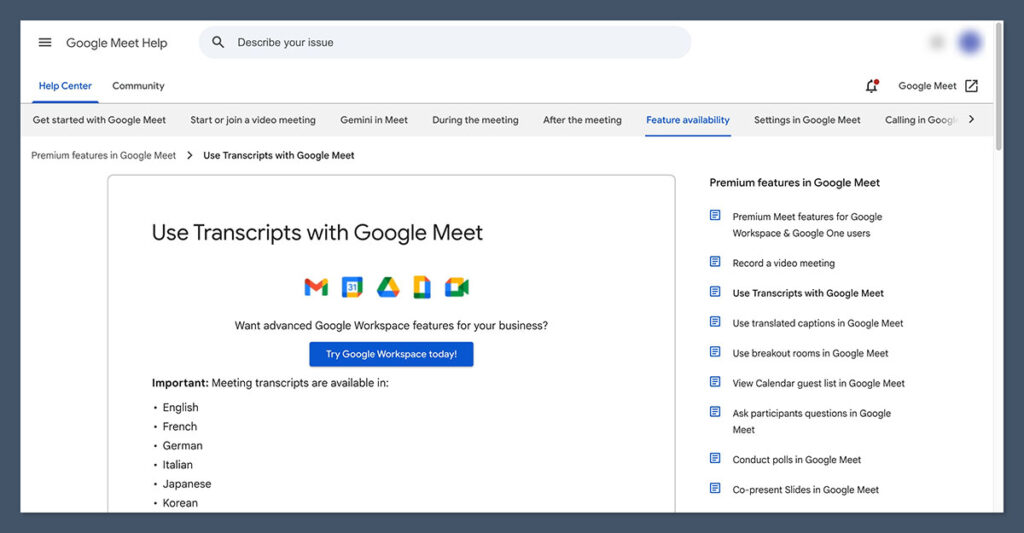
5. Google Meet Transcripts: Best for Google Workspace Users
Starting price: $12 per user per month
AI summaries: No
Platforms: Google Meet
Capture method: Built into Google Meet
Google Meet Transcripts provide reliable speaker labeled transcripts that are automatically saved to Google Drive.
While it does not include AI summaries, it offers a straightforward and secure transcription option for organizations already using Google Workspace.
This tool is best for documentation rather than insight extraction.
Pros
- Native integration with Google Meet
- Automatically saved to Google Drive
- No third party tools required
- Strong privacy and admin controls
- Clean transcript formatting
Cons
- No AI generated summaries
- Only available on higher Workspace plans
- Limited analysis and search features
Pricing
| Plan | Transcription Included | Price |
|---|---|---|
| Business Starter | No | $6 per user per month |
| Business Standard | Yes | $12 per user per month |
| Business Plus | Yes | $18 per user per month |
For businesses and educators already using Google Workspace, the built-in Meet transcripts provide a secure and streamlined solution for documentation.
While it lacks the advanced AI summaries other tools offer, it’s a stable option for users who just need accurate records stored in their Google Drive without adding new tools or processes.
Final Verdict
Each of these tools serves a different type of user.
If you want the best balance of transcription quality, AI summaries, and cross platform support, NoteGPT is the strongest overall choice.
Teams that rely on integrations and shared workflows will get more value from Fireflies.ai, while individuals on Zoom who want a free option should look at Fathom.
If you are already committed to Zoom or Google Workspace, the native transcription tools can save time and reduce costs, even though they offer fewer advanced features.
The right choice depends on how you meet, how you review notes, and how much automation you want after the meeting ends.
