

We tested 10 of the most popular AI-powered note-taking apps to see how they stack up against Fireflies, and we’ve shortlisted the top five alternatives that offer better summaries, smoother interfaces, and more flexible pricing.
Whether you’re a student looking to take better notes from online lectures, a freelancer wanting to organize client calls, or part of a remote team needing action items after every meeting, these tools can save you hours each week.
Our top pick overall is NoteGPT, offering unmatched flexibility, fast summaries, and support for uploads, meetings, and even YouTube videos.
But we’ve broken down all five options so you can find the right fit for your workflow.
Our Top 5 Fireflies Alternatives
| Tool | Best For | Starting Price | Free Plan | Summary Quality | Meeting Integration |
|---|---|---|---|---|---|
| NoteGPT | All-in-one AI summarizing | $9/month | Yes | Excellent | Zoom, Google Meet, YouTube |
| MeetGeek | Team meetings and collaboration | $9.99/user/mo | Yes | Strong | Zoom, Teams, Meet |
| Fathom | Free automatic meeting notes | $0 | Yes | Great | Zoom only |
| Otter | Transcripts and search | $8.33/mo | Yes | Good | Zoom, Teams, Meet |
| tl;dv | Clips and highlights | $18/seat/mo | Yes | Fair | Zoom, Google Meet |
#1 NoteGPT: Best Overall Fireflies Alternative
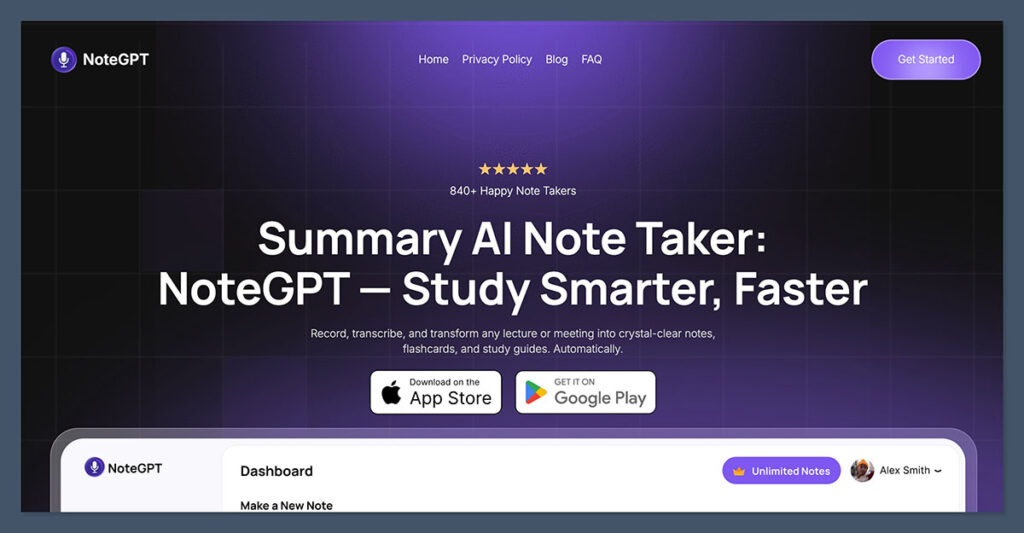
Starting from $6.99/week
NoteGPT takes the top spot for its flexibility, speed, and polished summaries that don’t feel robotic. Unlike Fireflies, which can sometimes be inconsistent in formatting or language, NoteGPT keeps things clean and readable.
It works across meeting platforms and even lets you upload your own recordings or summarize YouTube content.
The AI summary breaks down meetings by key takeaways, questions, and next steps, which is especially useful for students or professionals who need to revisit content later.
Key Features
- Supports uploads from Zoom, Google Meet, MS Teams, YouTube
- Offers structured AI summaries with action items
- Chrome extension for in-browser recordings
- Advanced transcript search with topic detection
- No need to invite bots to your calls
Pricing
| Plan | Price | Key Features | Ideal For |
|---|---|---|---|
| Free | $0/month | • Basic transcription and summary features • Uploads and limited usage | • Trying out the tool • Occasional users |
| Premium | $6.99/week | • Fast and accurate transcription • AI-powered summaries • Clean UI | • Short-term projects • Intensive weekly use |
| Yearly | $64.99/year | • Full access to all features • Save 40% vs weekly • Summarize + translate • Supports 50+ languages | • Regular users • Students • Researchers • Content creators |
Pros
- Fast, accurate summaries
- Works with uploaded files and links
- Clean interface
- Great for individual and team use
Cons
- No live meeting assistant (yet)
- Still growing integrations beyond major platforms
NoteGPT is best for individuals, students, and teams who want fast, reliable AI summaries from a wide range of sources including meetings, uploads, and videos.
It’s a versatile option if you’re looking for a clean, intuitive interface with strong multilingual support and high-quality output.
#2 MeetGeek: Best for Teams
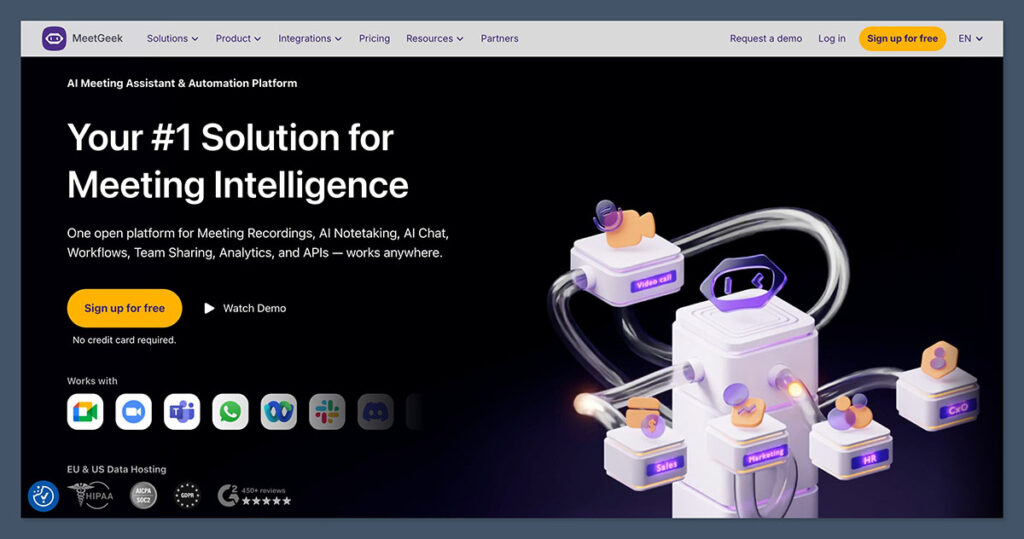
Starting from $9.99/user/month
MeetGeek is a smart pick for teams that meet regularly and want better structure around meetings.
It automatically records, transcribes, and summarizes your calls, then sorts them into a searchable meeting library. The AI also identifies action items, highlights, and even speakers.
Compared to Fireflies, MeetGeek feels more collaborative, especially when working in small or mid-sized teams. The interface makes it easy to track decisions, share notes, and follow up.
Key Features
- Real-time summaries and highlights
- Shared team workspace for all recordings
- Advanced analytics and keyword tagging
- Integrates with Zoom, Google Meet, MS Teams
Pricing
| Plan | Price (Annual) | Notes |
|---|---|---|
| Free | $0 | Limited recordings and features |
| Pro | $9.99/user/mo | Full meeting capture and insights |
| Business | $29/user/mo | Includes analytics and integrations |
Pros
- Team-wide collaboration
- Organized meeting library
- AI action items help with follow-ups
Cons
- Requires user setup per team member
- Best suited to recurring meetings
MeetGeek is best for teams that run regular meetings and want a shared, well organized meeting library with clear action items and follow ups.
It works especially well for study groups, project teams, and small businesses that value consistency and collaboration over one off recordings.
#3 Fathom: Best Free Option
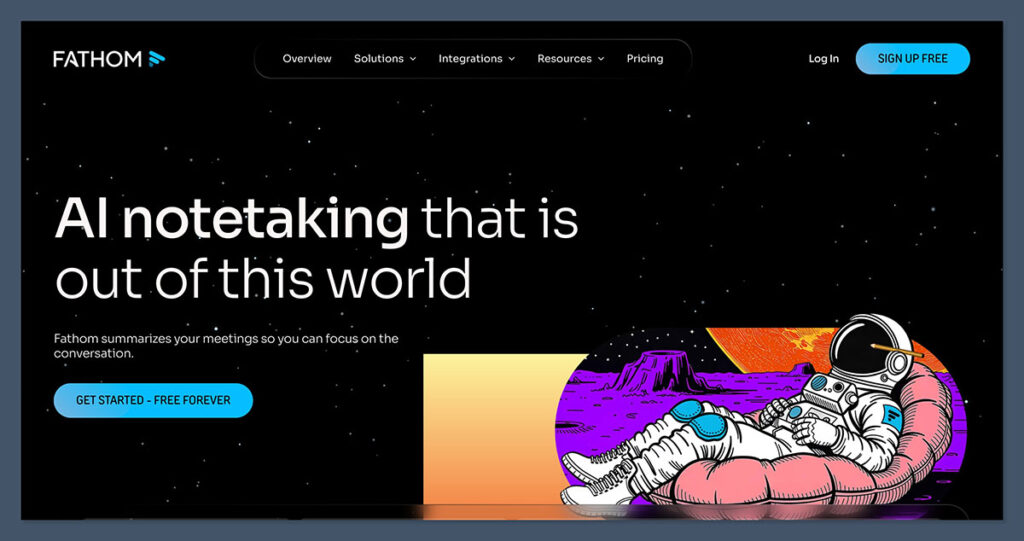
Starting from $0
Fathom delivers the best experience for users who want free, automatic meeting summaries.
It’s built as a Zoom app, meaning there’s no bot to invite and no extra setup. During the call, you can highlight moments, tag topics, and Fathom does the rest.
The summary lands in your inbox moments after the meeting ends, organized by speaker and topic. While the free plan is generous, team features require an upgrade.
Key Features
- Zoom-only native integration
- One-click highlights during meetings
- Summaries organized by topic and speaker
- Export to Notion, Slack, and email
Pricing
| Plan | Price | Notes |
|---|---|---|
| Free | $0 | Full feature access for individuals |
| Team | $18/user/month | Adds team sharing, search, and support |
Pros
- Excellent value for solo users
- No bots or extra steps
- Highlights and summaries work well
Cons
- Only works with Zoom
- No external file uploads
Fathom is best for solo users or students who rely on Zoom and want a simple, no-fuss way to get clear highlights and automatic summaries.
It’s an ideal choice if you prefer not to deal with meeting bots or complex setup.
#4 Otter: Best for Transcription
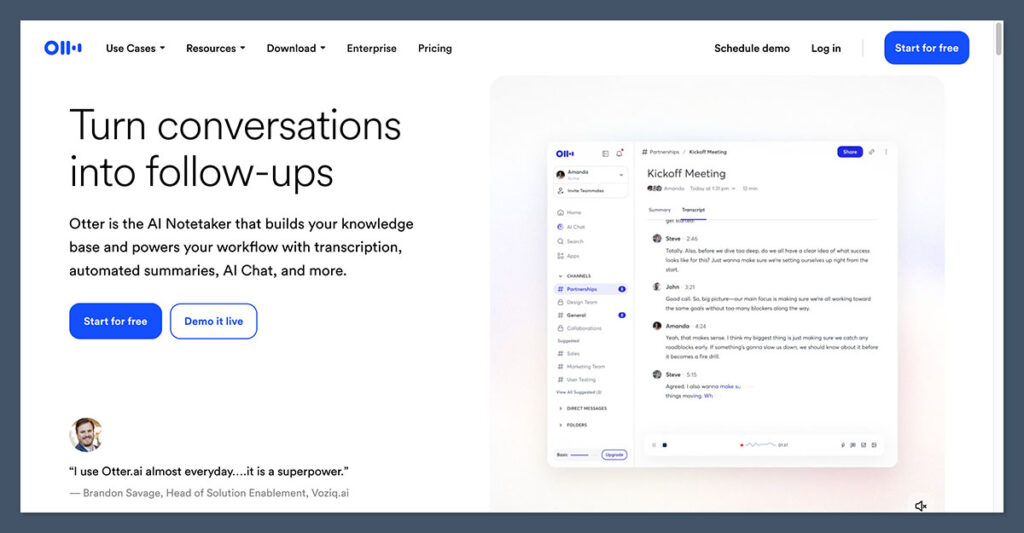
Starting from $8.33/month (annual)
Otter has built a strong reputation for fast, accurate transcription, and it remains the best choice if that’s your top priority.
It transcribes in real time, includes speaker labels, and creates searchable, timestamped transcripts.
You can add slides, photos, or documents to your meetings and Otter will link them in the notes. While summaries exist, they aren’t as detailed or structured as those in NoteGPT or MeetGeek.
Key Features
- Real-time transcription
- Speaker identification
- Slide and media support
- Cross-platform support (Zoom, Meet, Teams)
Pricing
| Plan | Monthly | Annual | Notes |
|---|---|---|---|
| Basic | $0 | Free | Limited monthly transcription |
| Pro | $16.99 | $8.33/mo | Includes search and 600 minutes/month |
| Business | $30 | $20/mo | Admin tools, shared workspace |
Pros
- Best-in-class transcription
- Reliable and consistent performance
- Easy to review and edit
Cons
- Summaries are basic
- Some collaboration features locked behind business plan
Otter is best for users who care most about highly accurate, searchable transcripts and want a dependable tool for lectures, interviews, or long discussions.
It’s a strong choice if transcription quality matters more than advanced summaries or team collaboration features.
#5 tl;dv: Best for Sharing Clips
Starting from $18/seat/month
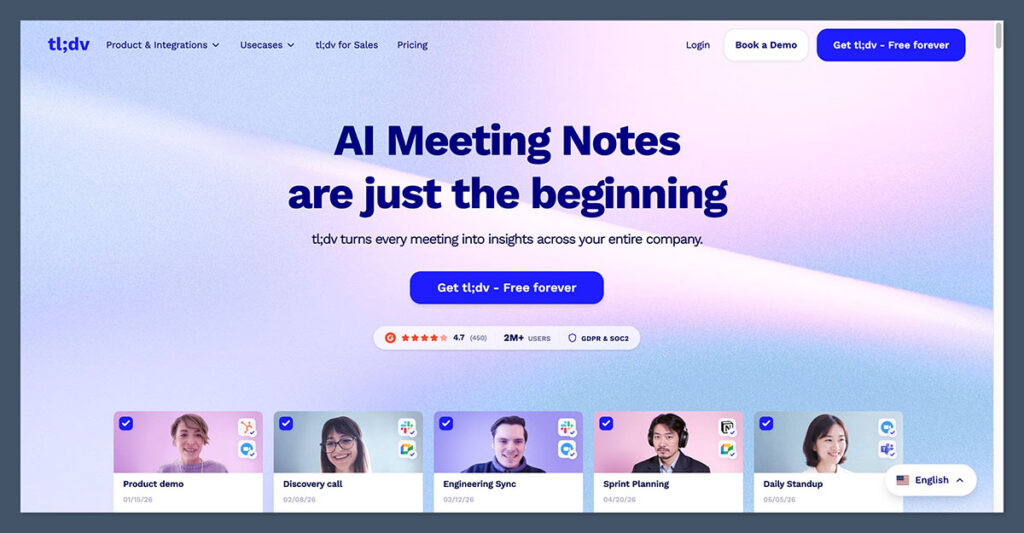
tl;dv stands for “too long, didn’t view,” and it lives up to the name. If you’re someone who works asynchronously or just wants to grab short, punchy highlights from meetings, this is the tool to try.
It lets you clip moments live or post-call, add notes, tag them, and share them with your team.
It doesn’t create long-form summaries, but it does shine when you want to create highlight reels or reference specific points from a conversation.
Key Features
- Create video clips during or after calls
- Tags and timestamps for easy access
- Integrates with Google Meet and Zoom
- Search across meeting moments
Pricing
| Plan | Price (Annual) | Notes |
|---|---|---|
| Free | $0 | Limited recording and clip features |
| Pro | $18/seat | Unlimited clips, longer meetings |
| Business | Contact sales | Team features and integrations |
Pros
- Easy to share video moments
- Ideal for content and training
- Fast setup and Chrome-based
Cons
- Limited text summaries
- No upload or manual file support
tl;dv is best for users who want to capture and share short, impactful video clips from meetings, especially for training, content creation, or async collaboration.
It’s a great fit if your focus is on highlights and visual context rather than full-length summaries or transcription.
Summary: Which Fireflies Alternative Should You Use?
Each tool we tested offers a unique angle depending on what you need from an AI note taker.
Here’s a quick comparison to help you decide:
| Use Case | Best Alternative |
|---|---|
| All-around note taker | NoteGPT |
| Team collaboration and action items | MeetGeek |
| Free Zoom meeting summaries | Fathom |
| Full-length transcription | Otter |
| Clip sharing and short highlights | tl;dv |
Final Thoughts
Fireflies has built a solid foundation, but there are more modern, flexible options out there.
Whether you want detailed summaries, searchable transcripts, or highlight reels you can send to your team, there’s a better fit for nearly every user.
For me, NoteGPT stands out because of its versatility. It handles all formats, gives clean summaries, and just works without getting in the way.
But if you’re working in a team, MeetGeek or tl;dv might fit better. And if cost is your main concern, Fathom is hard to beat.
Test a few, see what clicks, and build a setup that works for your needs.
