
Here is the dirty secret the marketing pages won’t tell you: transcription accuracy has commoditized.
The top eight AI note takers all land between 90% and 95% on clean English audio, and the gap between them is smaller than the hit you take from a single bad microphone. Picking the best free AI note takers in 2026 is no longer an accuracy contest. It is a survival contest between your meeting volume and each tool’s fine print.
I spent two weeks running the same eight tools through my actual Zoom, Google Meet, and Teams meetings.
Same calendar, same speakers, same free accounts. I watched which ones hit their wall first, which ones buried caps in help-doc footnotes, and which ones quietly opted me into paid add-ons.
Two pieces of 2026 context change every recommendation this year.
Fellow.ai’s survey found that 84% of people self-censor when an AI bot is visible in the meeting, turning bot-free tools from a nice-to-have into a strategic choice.
And on March 25, 2026, Google rolled out a “safeguarded guest admit flow” that drops every third-party notetaker bot into a Potential Risk queue with DENY as the default host action. One day later, Read.ai launched the first sanctioned Google Meet Media API integration. That pair reshapes free AI meeting notes for anyone living in Meet.
A quick vendor-bias warning. Most best-of lists are written by vendors who crown themselves number one. I’ve flagged lawsuits, security incidents, billing complaints, and paid-review programs so you can weigh them yourself.
| Tool | Free plan ceiling | Bot vs bot-free | Best for | Red flag to know |
|---|---|---|---|---|
| Fathom | Unlimited recordings + 5 AI summaries/mo | Bot (bot-free in beta) | Solo users, cost-conscious | Capterra reviews include paid incentives |
| tl;dv | 10 AI notes LIFETIME (not monthly) | Bot (desktop app = bot-free) | EU teams, video clips | “10 AI notes” is lifetime, not monthly |
| Fireflies | 800-min storage cap + 20 AI credits/mo | Bot | Multilingual (100+), integrations | Trustpilot unauthorized-charge complaints |
| Otter | 300 min/mo (30 min per session) | Bot | Mobile, in-person, lectures | Class-action lawsuit, Aug 2025 |
| Granola | ~25 lifetime meetings | Bot-free (desktop audio) | Executives, candid meetings | May 2025 transcript-download vulnerability (patched) |
| Tactiq | 10 transcripts/mo + 5 AI credits | Bot-free (caption scraping) | Google Meet, zero setup | Accuracy tied to Meet’s own captions |
| Read.ai | 5 meetings/mo (1 hr each) | Bot-free via sanctioned Meet API | Google Meet, post-March 2026 | Small monthly meeting cap |
| Jamie | 10 meetings/mo (30 min each, monthly reset) | Bot-free (device audio) | EU privacy, hybrid meetings | Post-meeting only, no real-time |
Here is how each one held up when I put it into my actual week.
1. Fathom – The Most Generous Free Plan for Solo Users
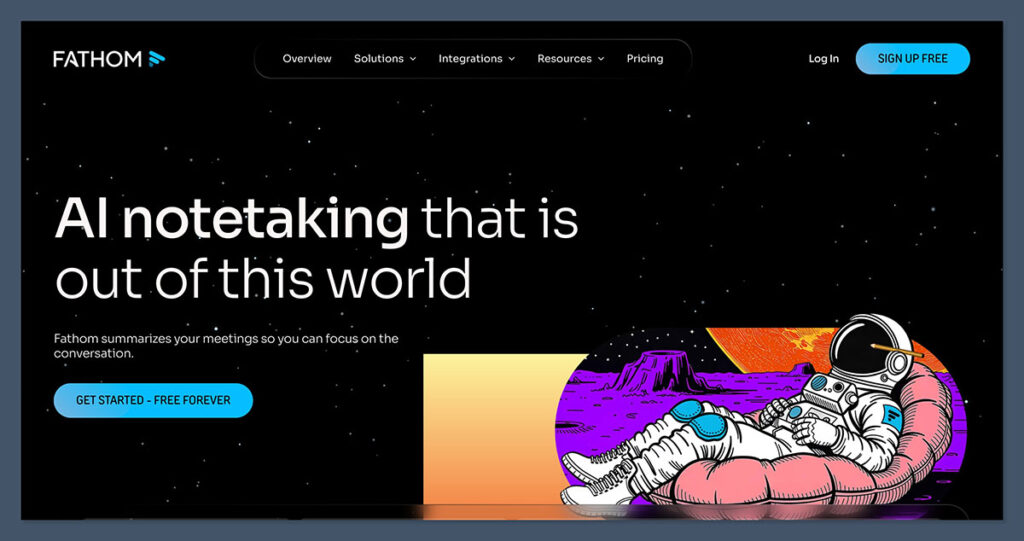
Across the eight tools I tested, Fathom is the only one where I never hit a recording or storage wall. Unlimited meetings, unlimited transcripts, unlimited storage, all on the free tier. For a cost-conscious solo user, that alone is a quiet category win.
What Fathom gives you for free:
- Unlimited recordings, transcripts, and storage
- 5 AI calls per month (the advanced-summary ceiling)
- 25+ languages
- Zoom, Google Meet, Microsoft Teams
- Basic Slack and throttled Zapier access (CRM sync is paywalled)
- No mobile app at all
- No third-party AI training on your data (de-identified only, with opt-out)
The recording cap is fiction. The AI-summary cap is the real bottleneck. Five AI calls a month means you record every meeting but only polish a summary for five. Run five client calls a week and you burn through the budget by Wednesday of week one, then spend the rest of the month scrolling raw transcripts.
Two smaller irritations. No mobile app, so in-person meetings and phone calls are out. And the “monologue detected” pop-up that nudges you when one person has been talking for a while is a distraction in real sales calls.
On reviews: Capterra’s own disclosures note that Fathom has offered gift-card incentives (typically $10 to $40) for reviews. Legal, but it inflates the near-perfect score on aggregator pages. Weight accordingly.
Fathom’s bot mode is affected by Google’s March 2026 Meet denial flag. Their bot-free option is still in beta as of April 2026. Cheapest upgrade: Premium at $20 per user per month, or $16 annual, which removes the AI-summary cap.
Best for: Solo consultants, freelancers, and cost-conscious founders who record most meetings but need a clean summary for only a handful. Skip if: You need mobile recording, free CRM sync, team collaboration, or AI summaries on every meeting.
2. tl;dv – Generous for Teams, but Watch the Lifetime Caps
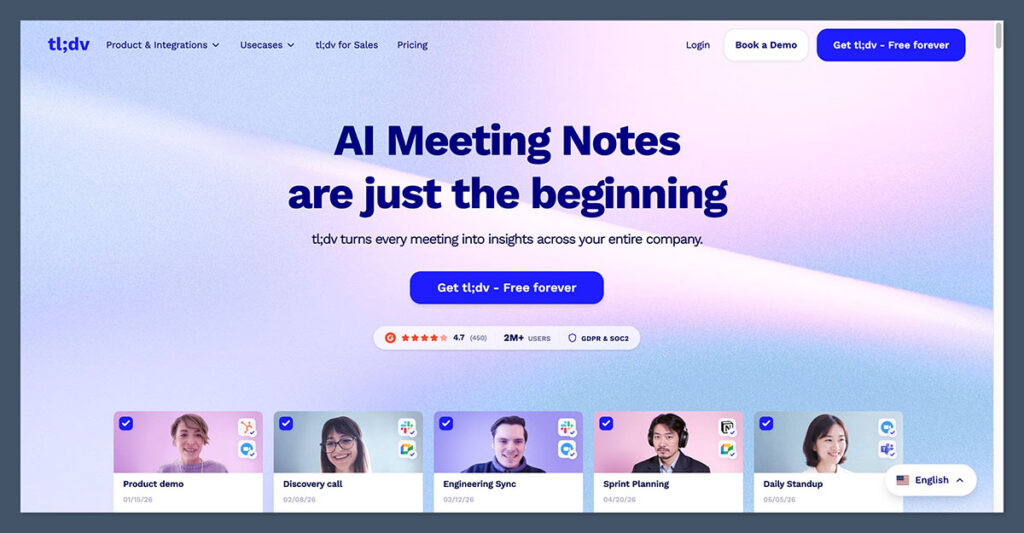
The tl;dv free plan looks like it gives you 10 AI summaries every month. It doesn’t. It gives you 10 for your entire life. Per tl;dv’s own help docs (intercom.help/tldv/en/articles/8919450), the “10 AI notes,” “10 AI prompts,” “10 AI Reports,” and “20 integration credits” are all lifetime caps. Not monthly. Lifetime.
After your tenth AI-noted meeting, every subsequent summary is truncated to the first 10 minutes of the call. This single detail, buried in help-doc footnotes, is the biggest hidden gotcha in the category, and zero competing listicles flag it.
The full free plan:
- Unlimited video recordings and transcription
- Recordings archived after 3 days, deleted after 3 months (4-week download window)
- 10 AI notes, 10 AI prompts, 10 AI Reports, 20 integration credits (all lifetime)
- 4 non-downloadable clips, 5 manual file uploads
- 40+ languages
- 3-hour meeting maximum across all plans
- Zoom, Google Meet, Microsoft Teams
- Bot-based by default, plus a free desktop app that records locally (bot-free, unaffected by Google’s March 2026 Meet denial)
- Built in Europe, SOC 2, GDPR, EU data residency available
- No AI training on customer data
Two more watch-outs. Free users get deprioritized under server load, so recording failures happen more often than paid users see. And the bot mode gets caught in the March 2026 Meet update, though the desktop app sidesteps that.
Cheapest upgrade: Pro at $29 per user per month, or $18 annual, which removes all lifetime caps.
The verdict: If you are a European team that will genuinely run fewer than 10 AI-summarized meetings ever, free tl;dv is a fantastic zero-cost trial of one of the strongest paid products in the category. If you run five or more meetings a week, budget that $18 per user up front. The lifetime cap bites inside your first month.
3. Fireflies – Deepest Integrations, Noisiest Billing Complaints
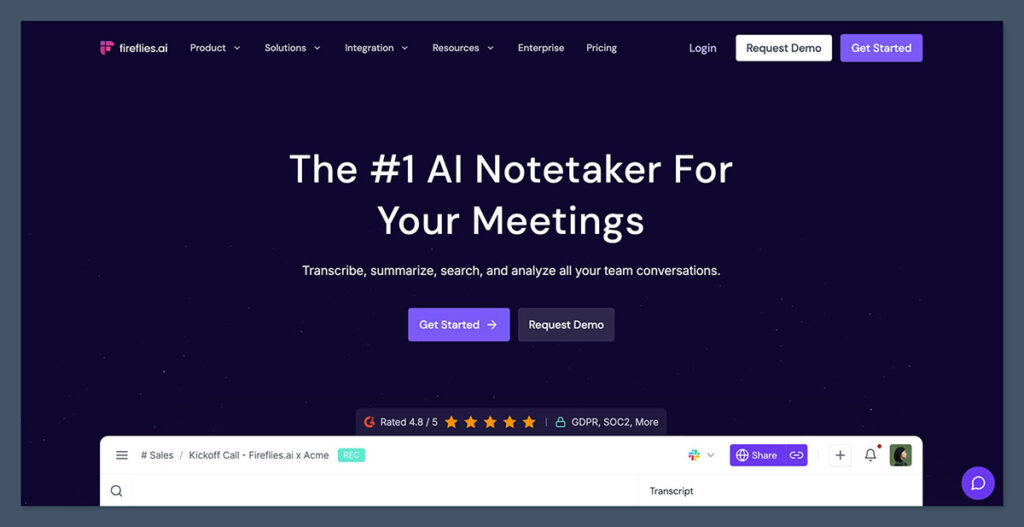
Fireflies gives you unlimited transcripts on its free plan. It also has the most credible billing complaints in this category. Both things are true, and you need to know both before you touch an upgrade button.
What the free plan includes:
- Unlimited transcripts across 100+ languages (best language coverage on this list)
- 800 minutes of storage per seat (heavy users burn through that in roughly 13 hours of recordings)
- 2-hour recording limit per session
- 20 AI credits per month for summaries
- 200+ integrations, some paywalled
- Android and iOS apps
- API access on the free tier
- Zoom, Google Meet, Teams, Webex, RingCentral
- SOC 2 Type II, GDPR, EU-US DPF, HIPAA BAA available
- Zero Data Retention policy with transcription vendors and no AI training on your data
Now the Trustpilot pattern. Reviewers report automatic enrollment in AI credit add-on packs the moment you exceed your monthly allowance. One Business plan user describes being charged $179 per month for five seats they never authorized after a trial. Another recurring complaint: the cancel button is reported as “greyed out” while upgrade buttons keep working.
The pattern shows up across Trustpilot and G2 often enough to treat as a real risk.
The 800-minute storage cap is the actual free-plan bottleneck, not the unlimited transcripts headline. Heavy users hit it inside two weeks. Fireflies runs in bot mode and gets hit by Google’s March 2026 Meet denial flag.
Cheapest upgrade: Pro at $18 per seat monthly, or $10 annual, which pushes storage to 8,000 minutes.
Quick comparison: Fireflies gives you more languages, more integrations, and mobile apps that Fathom lacks. Fathom gives you cleaner billing and a more forgiving free ceiling on storage. Pick Fireflies for 100+ languages or HubSpot/Salesforce-grade integrations. Pick Fathom for predictable monthly charges and simpler cancellation.
4. Otter – Great Mobile App, Active Class-Action Lawsuit
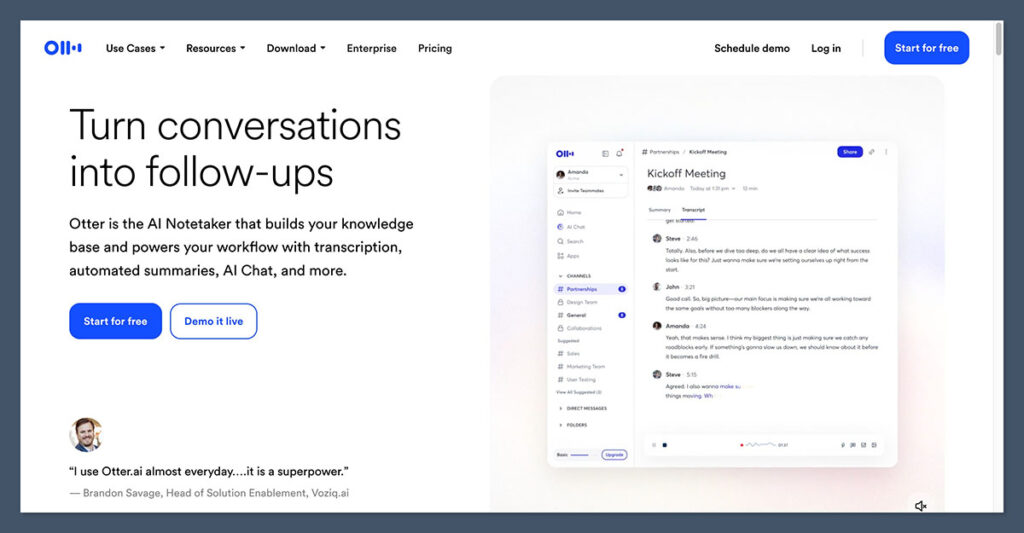
Otter has 35 million users, over a billion meetings processed, and is defending a federal class-action over how it records them. If you are evaluating Otter for client, legal, HR, or medical meetings, start with the lawsuit.
Brewer v. Otter.ai was filed in August 2025. The class-action alleges that Otter Notetaker and OtterPilot record meetings without affirmative consent from all participants, then use those recordings to train Otter’s ASR and ML models. Claims cite ECPA, CFAA, and California CIPA violations.
Harvard has since banned AI meeting assistants institution-wide. The New York City Bar Association issued an ethics opinion requiring client consent before recording legal meetings with AI. None of the five vendor-authored SERP competitors mention any of this. Treat it as a mandatory disclosure.
What the free plan actually includes:
- 300 minutes per month, with a hard stop and alerts at 250, 280, and 295 minutes
- 30-minute cap per conversation
- 3 lifetime file imports
- 4 languages only: English, Spanish, French, Japanese (narrowest language support I tested)
- Zoom, Google Meet, Microsoft Teams
- The strongest mobile app in the category, purpose-built for in-person recording (only tool that is)
- Bot-based via OtterPilot
300 minutes covers about five one-hour meetings, effectively unusable for a normal remote week. Reddit: “Otter free is basically useless for anyone who actually has meetings regularly.” Speaker diarization collapses to “Speaker 1, Speaker 2” with no name recognition.
Trustpilot users report $30-per-month charges continuing for seven months after cancellation. Video playback is paywalled to Enterprise; even the $20 Business plan is transcript-only.
Otter’s bot also gets caught in Google’s March 2026 denial. Cheapest upgrade: Pro at $99.99 a year (about $8.33 per month), which raises you to 1,200 minutes and 90-minute sessions.
Best for: In-person use where the mobile app is unmatched (lectures, fieldwork, interviews) and very low-volume solo users. Skip if: You record client, legal, HR, or medical conversations; run more than five meetings a week; need more than four languages; or need video playback.
5. Granola – The Bot-Free Pick for Candid Conversations
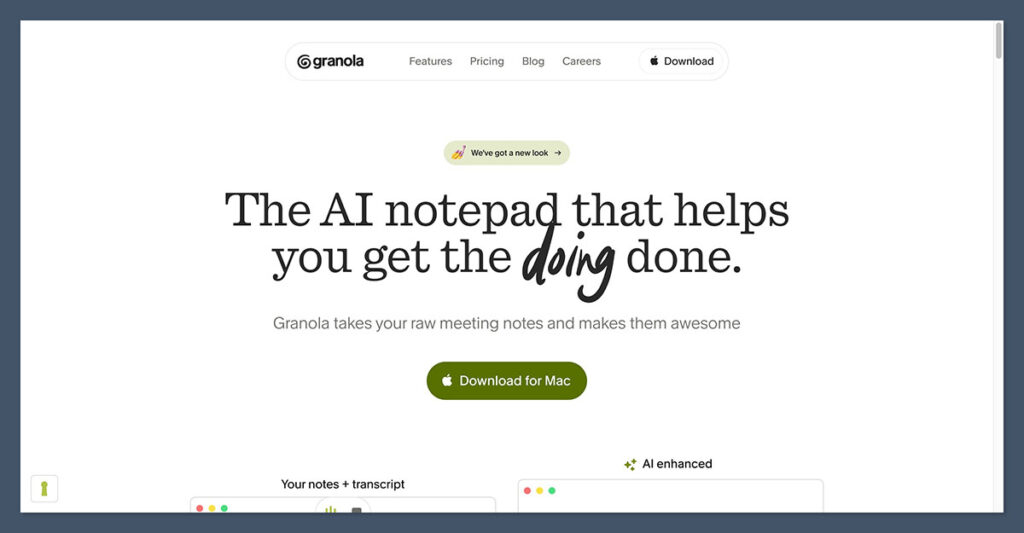
Fellow.ai surveyed knowledge workers last year and 84% admitted they change what they say when an AI note-taker is visible in the meeting.
Granola is the tool I tested that nobody else in the meeting knows is on. It captures desktop system audio directly, never joins as a participant, and blends the notes you type during the call with an AI-generated summary afterward.
Developer Zack Proser’s write-up of his switch from Otter, Fireflies, and Fathom to Granola matches what I saw across two weeks: people started being more candid once there was no visible AI participant.
What the free plan includes:
- Roughly 25 lifetime meetings (notes expire over time; Business keeps them permanently)
- Bot-free: captures desktop system audio directly, undetectable to other participants
- Works on any desktop meeting platform (Zoom, Meet, Teams, Webex)
- Mac and Windows desktop app only (no web, no mobile, no in-person)
- AI meeting notes, AI chat within and across meetings, shared folders, custom templates
- 10 languages (narrowest of the bot-free tools I tested)
- Opt-out of model training on the free plan
- SOC 2, GDPR
- Notes you type during the meeting get blended into the AI summary after
A few honest weaknesses. In May 2025, Granola patched a vulnerability that had allowed anyone to download other users’ transcripts without authentication. No confirmed repeat, but worth flagging for a tool whose selling point is privacy. Granola keeps no audio or video after processing. Great for privacy, brutal when the AI misses something. Speaker ID uses basic “Speaker A/B” labels without name matching.
25 lifetime meetings is roughly a month for a heavy user. Cheapest upgrade: Business at $14 per user per month, which unlocks unlimited meetings, Notion/Slack/HubSpot/Zapier/MCP integrations, and advanced AI models.
Start with Granola if your meetings would be better without a bot in the room: executive 1:1s, sensitive client calls, interview loops, coaching. Skip it if you need playback evidence or audio backup.
6. Tactiq – The Zero-Setup Chrome Extension for Google Meet
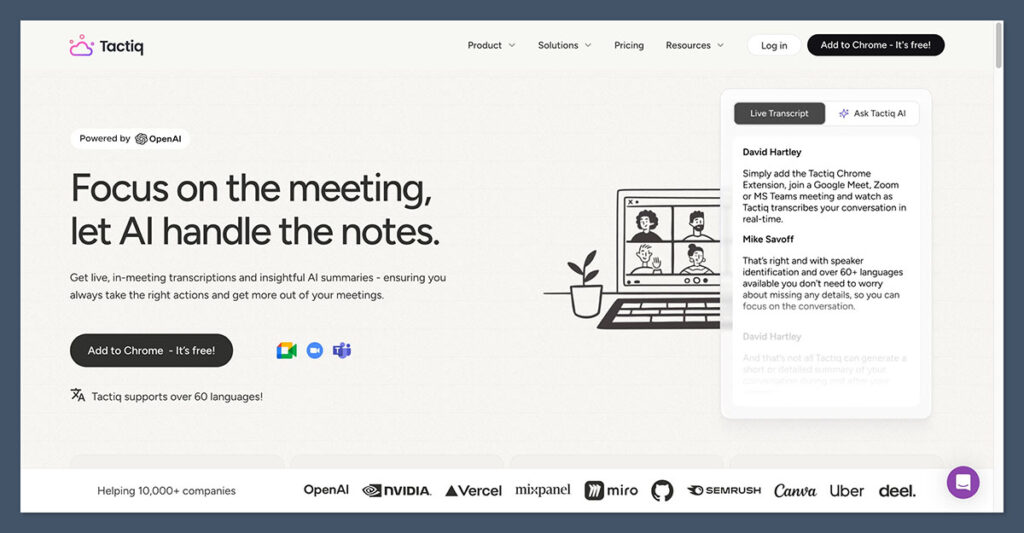
Tactiq was working before the host noticed I had joined. You install a Chrome extension, it pulls the captions Google Meet already generates in the browser, and Tactiq turns those into an AI-enriched transcript. No bot, no audio recording, no permissions dialog. Fastest setup in the category.
What the free plan includes:
- 10 transcripts per month
- 5 AI credits per month
- Bot-free by design (Chrome extension scrapes live captions, no audio recorded)
- Google Meet, Zoom, Microsoft Teams (all within Chrome or Edge)
- 60+ languages
- Full AI feature set on free: AI insights, Ask Tactiq AI, in-meeting AI, transcript export, file upload, edit transcripts, meeting search, screenshots, auto-correct, transcript pause
- Excluded from free: unlimited transcripts, unlimited AI credits, auto-share with teams, AI Workflow Builder, workflow integrations
- SOC 2, HIPAA, and PCI certified (the strongest compliance trifecta on this list)
The trade-off is real. Tactiq’s accuracy is only as good as the platform’s own captions. Some reviewers rate its transcription “horrendously poor,” which is really a Meet caption-quality complaint more than a Tactiq one.
Cross-talk, accents, and noisy backgrounds drop words, and with no audio file, you can’t verify what someone actually said. Chrome-only also means no mobile, no in-person, and no desktop platforms outside the browser.
One structural win: Tactiq is unaffected by Google’s March 2026 Meet denial update. No bot joins, so nothing for the safeguarded flow to block.
Cheapest upgrade: Pro at $12 per user per month, or $8 annual, which unlocks unlimited transcripts and 10 AI credits per month.
Best for: Google Meet-heavy users who want zero-setup AI notes, privacy-conscious professionals who won’t install a desktop recorder, and anyone running fewer than 10 meetings per month. Skip if: You need more meetings, want audio backup, record in-person or on mobile, or work accent-heavy meetings where platform captions drop words.
7. Read.ai – The Only Tool With Google’s Sanctioned Meet API
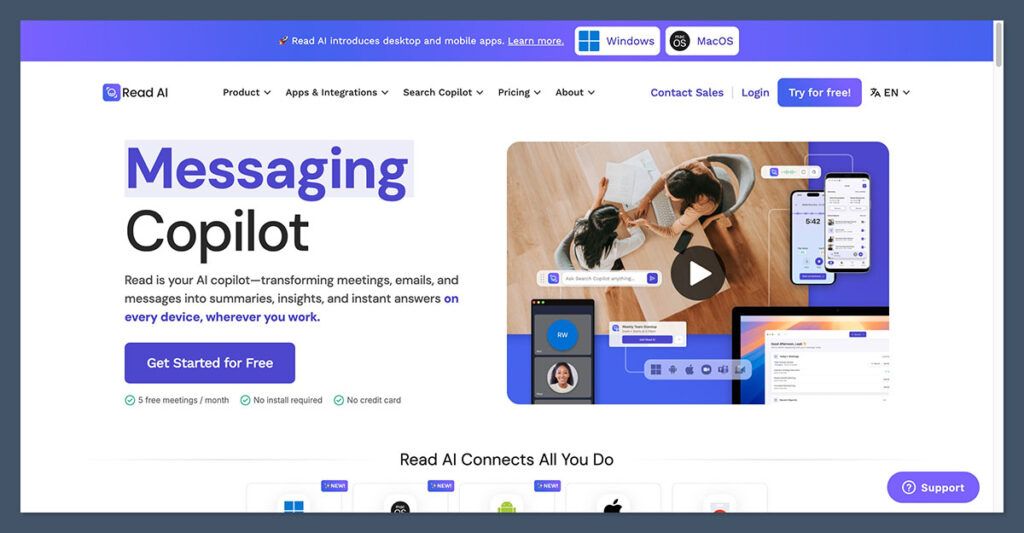
On March 25, 2026, Google started denying every third-party notetaker bot on Meet by default. One day later, on March 26, one tool launched an integration that doesn’t care. That tool is Read.ai.
Google’s safeguarded guest admit flow now drops every third-party bot into a Potential Risk queue where the default host action is DENY. That affects Fireflies, Otter, Fathom’s bot mode, tl;dv’s bot mode, Notta, and every other bot-based tool on Meet. Hosts have to manually override each one, and they mostly don’t.
Read.ai’s launch on March 26 was the first integration built on the official Google Meet Media API. Not a bot. Sanctioned API access with explicit Google authorization, available free for all Read.ai customers from day one. Read.ai had processed over 175 million Google Meet meetings by the time the integration shipped.
What the free plan includes:
- 5 meetings per month
- 1 hour cap per meeting
- No file uploads on free
- Bot-free option via official Google Meet Media API, plus standard bot mode for Zoom and Microsoft Teams
- Mobile app, in-person support
- SOC 2 Type II, GDPR
Where it hurts: 5 meetings per month is tight. Custom retention policies are paid only. File uploads require a paid plan. And the Meet Media API advantage only applies on Google Meet, so on Zoom and Teams you are still running a standard bot.
Cheapest upgrade: Pro at $19.75 per user per month on annual billing.
If your week is 80% Google Meet and you have been frustrated by hosts denying bots or the new Potential Risk prompt, Read.ai is the only option that officially routes around it. If Zoom and Teams dominate your calendar, the Meet API advantage doesn’t apply and other tools give more free meetings per month.
8. Jamie – Bot-Free AI Notes with EU Data Hosting
Most “free” bot-free tools I tested are five-lifetime-meeting trials in disguise. Fellow gives you 5 AI notes lifetime. Bluedot gives you 5 meetings lifetime with a 1-hour cap. Both get name-dropped in competitor articles as free plans, and neither really is.
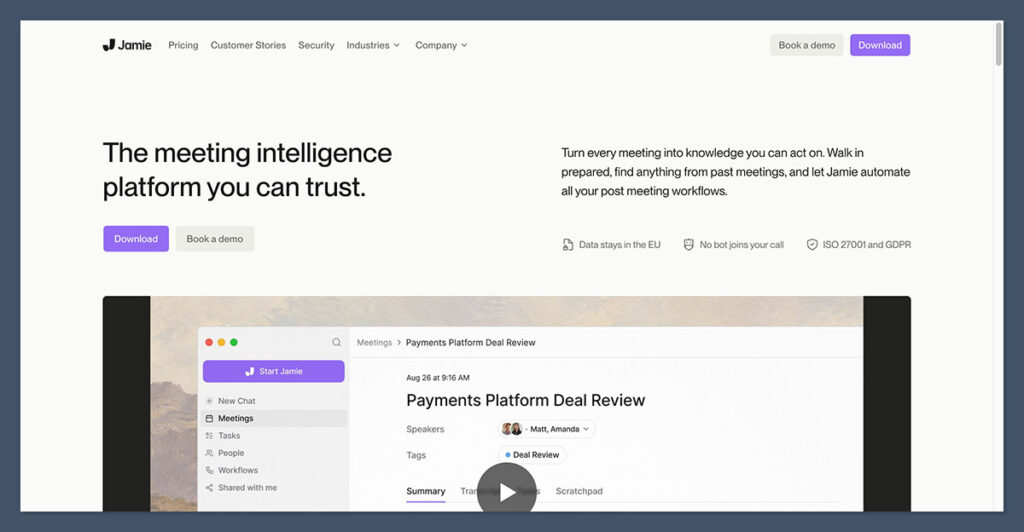
Jamie is the exception: 10 meetings every month, reset every month, bot-free device-level audio capture, audio deleted after processing.
What the free plan includes:
- 10 meetings per month with a genuine monthly reset
- 30-minute cap per meeting
- Bot-free: device-level audio capture; audio is deleted post-processing, never stored in cloud
- Zoom, Google Meet, Microsoft Teams, in-person
- Windows, Mac, and iOS apps
- 100+ languages
- Speaker memory across meetings (remembers named speakers)
- All core AI features on free: notes, transcripts, action items, speaker ID
- European servers, GDPR compliant
- CRM integrations available on paid: HubSpot, Salesforce, Attio, Dynamics 365, Pipedrive
A handful of honest limits. Jamie is post-meeting only, not real-time. It processes after the call ends, so live captions and in-meeting AI prompts are out. No video playback, no recording file to scrub.
The 30-minute cap on free is tight for weekly standups or discovery calls. EUR pricing runs 10-15% higher than USD-native competitors at equivalent tiers. Jamie is, however, unaffected by Google’s March 2026 Meet bot-denial, because no bot ever joins.
Cheapest upgrade: Plus at EUR 25 per month, which raises you to 20 meetings per month with a 2-hour cap.
The verdict: Jamie is the cleanest privacy-and-EU-compliance story on this list. If your work is subject to GDPR scrutiny or you want a bot-free tool without Otter’s legal baggage, start here. If you need real-time transcription or video playback, go elsewhere.
Frequently Asked Questions About Free AI Note Takers
Which free AI note taker has the most generous plan?
Fathom for solo users: unlimited recordings, transcription, and storage, capped only by five AI summaries per month. For teams wanting unlimited video and 40+ languages, tl;dv looks more generous upfront, but its “10 AI notes” is a lifetime cap hidden in help-doc footnotes. For a bot-free plan that genuinely resets each month, Jamie gives you 10 meetings monthly with a 30-minute cap.
Are free AI note takers safe to use with confidential meetings?
It depends heavily on the tool. Otter is currently defending Brewer v. Otter.ai (August 2025), a federal class-action over consent and AI training, and Harvard has banned AI meeting assistants outright. Fireflies and tl;dv contractually prohibit training on your data. Granola had a patched May 2025 transcript-download vulnerability. For confidential work, bot-free local-capture tools like Granola and Jamie, which delete audio after processing, give the strongest privacy story.
What happens when I hit my free-plan limit?
Varies wildly, and few vendors tell you. Otter hard-stops at 300 minutes with warnings at 250, 280, and 295 before blocking new recordings until monthly reset. tl;dv truncates AI summaries to the first 10 minutes after your 10 lifetime notes. Fireflies stops new storage at 800 minutes and prompts you to delete or upgrade. Fathom keeps recording but stops generating summaries after five per month.
Can I use an AI note taker without the meeting host knowing?
Bot-free desktop tools like Granola, Jamie, and Krisp capture audio locally and never appear as a participant. Tactiq is also effectively invisible, since its Chrome extension only scrapes captions. Legally, this is a gray area in several US states and the EU, and the NYC Bar now requires client consent for legal meetings. Get consent regardless of tool.
Why do notetaker bots get denied on Google Meet now?
On March 25, 2026, Google rolled out its safeguarded guest admit flow. Every third-party notetaker bot now lands in a Potential Risk queue where the default host action is DENY. That affects Fireflies, Otter, Fathom, tl;dv’s bot mode, Notta, and every bot-based tool on Meet. Workarounds: bot-free desktop tools (Granola, Jamie, tl;dv desktop) or Read.ai’s sanctioned Meet Media API integration from March 26, 2026.
Is there an AI note taker that doesn’t join as a bot?
Yes, five here. Granola, Jamie, Bluedot, Fellow desktop mode, and tl;dv’s desktop app capture audio on your device instead of joining the call. Tactiq is effectively bot-free too, scraping Meet’s captions via a Chrome extension. Read.ai offers bot-free Meet coverage through the sanctioned Meet Media API. Trade-off: no video playback, usually no real-time transcript.