

Transcribing voice notes, meetings, and interviews on your iPhone has never been easier.
Whether you need a clean transcript for a podcast, class lecture, business meeting, or legal document, transcription apps can help turn your spoken content into searchable text in minutes.
I tested the most popular transcription apps on iPhone in 2026 and narrowed the list down to the five best options.
Each one serves a different purpose: from summarizing meetings to offering multilingual support or delivering word-for-word accuracy with human transcription.
Our Top 5 Transcription Apps
- NoteGPT – Best overall AI transcription and summarization
- Apple Notes – Best free and simple dictation tool
- Otter – Best for meetings and collaborative summaries
- Notta – Best for multilingual transcription and value
- Rev – Best for high-accuracy human transcription
These apps are fully compatible with iPhones, and most offer both real-time and file-based transcription. I evaluated each based on accuracy, features, price, and ease of use.
Quick Comparison Table
| App | Best For | AI or Human | Starting Price | Free Plan | Accuracy Level |
|---|---|---|---|---|---|
| NoteGPT | Summarized AI transcription | AI | $6.99/week | Yes | High (92%–95%) |
| Apple Notes | Voice-to-text dictation | AI (on-device) | Free | Yes | Medium |
| Otter | Meeting transcripts and summaries | AI | $16.99/month | Yes | High (90%–94%) |
| Notta | Multilingual transcription | AI | $8.25/month | Yes | High (91%–94%) |
| Rev | Legal, medical, and perfect accuracy | Human (or AI) | $1.50/min (human) | No | Very High (99%) |
#1. NoteGPT: Best Overall AI Transcription App
Starting Price: $6.99/week
Free Plan: Yes
AI Summarization: Yes
Website: NoteGPT
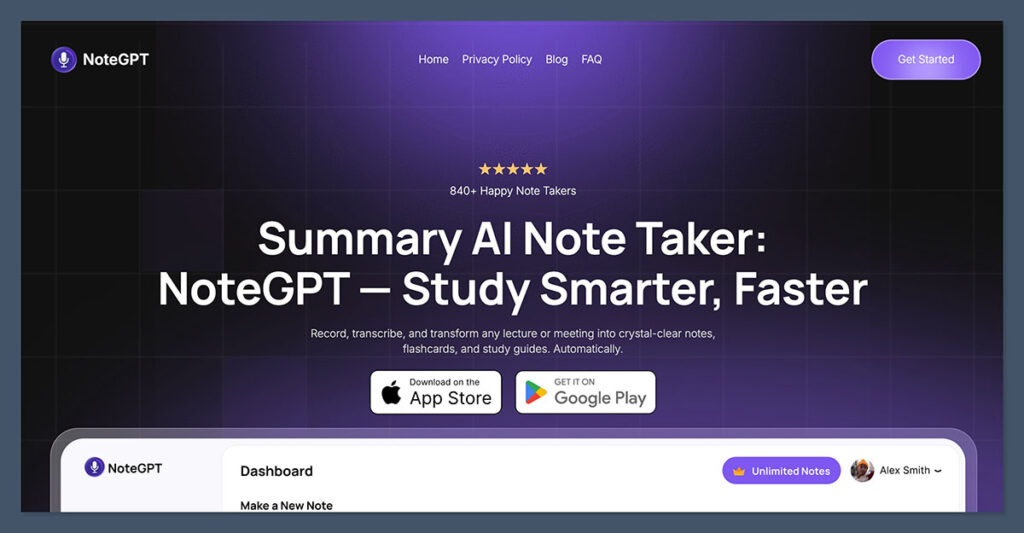
NoteGPT tops my list as the best all-around transcription app for iPhone in 2026. It doesn’t just transcribe: it summarizes and structures your audio automatically, saving time and eliminating the need to skim through full transcripts.
You can upload audio, video, Zoom files, YouTube links, or voice memos directly from your iPhone. Once processed, NoteGPT delivers clean text, highlights, bullet points, and a structured summary that’s ready to share or review.
Why I Recommend NoteGPT
- Uses Whisper (OpenAI) for high-accuracy audio recognition
- Summarizes your content into organized sections
- Ideal for students, journalists, podcasters, and business owners
- Supports audio and video files including MP4, M4A, and WAV
- Integrates with Google Drive, Zoom, and YouTube
Key Features
- Upload files or record directly
- Automatic summaries with highlights
- Export to Notion, Google Docs, or PDF
- Timestamped transcription
- English support with other language models in beta
Pros
- Easy to use and beginner-friendly
- Saves time with summarization
- Great for turning content into blog posts or meeting notes
Cons
- Limited multilingual capabilities compared to Notta
- Requires internet connection for AI processing
NoteGPT is the best all-around choice for anyone who wants fast, smart summaries without reading through pages of raw text.
It’s especially useful for professionals and students who want to turn recordings into polished, structured notes.
#2. Apple Notes: Best Free and Simple Option
Starting Price: Free
AI Summarization: No
Device Compatibility: Pre-installed on iPhone
If you’re looking for a simple, no-cost way to turn speech into text, Apple Notes is a reliable place to start. It’s not a full transcription tool, but with the built-in speech-to-text dictation feature, you can capture notes on the go with just your voice.
The quality depends on background noise and your internet connection, but for personal notes, lists, or short memos, it works well.
How It Works
- Open a new note in the Notes app
- Tap the microphone on the keyboard to dictate
- Your voice is instantly converted into text
- Save or sync to iCloud for future use
Key Features
- Free with iPhone
- Instant voice dictation
- Works offline for short notes
- Seamlessly integrates with iCloud
Pros
- No downloads or subscriptions required
- Perfect for capturing ideas quickly
- Syncs across devices
Cons
- Not ideal for long-form transcription
- No summarization or formatting
- No speaker identification or timestamps
If you just need a quick way to capture your thoughts or voice memos without paying for anything, Apple Notes does the job. It’s not built for full transcription, but for basic use, it’s fast and convenient.
#3. Otter: Best for Meeting Summaries and Team Collaboration
Starting Price: $16.99/month
Free Plan: Yes (up to 300 minutes/month)
AI Summarization: Yes
Website: Otter.ai
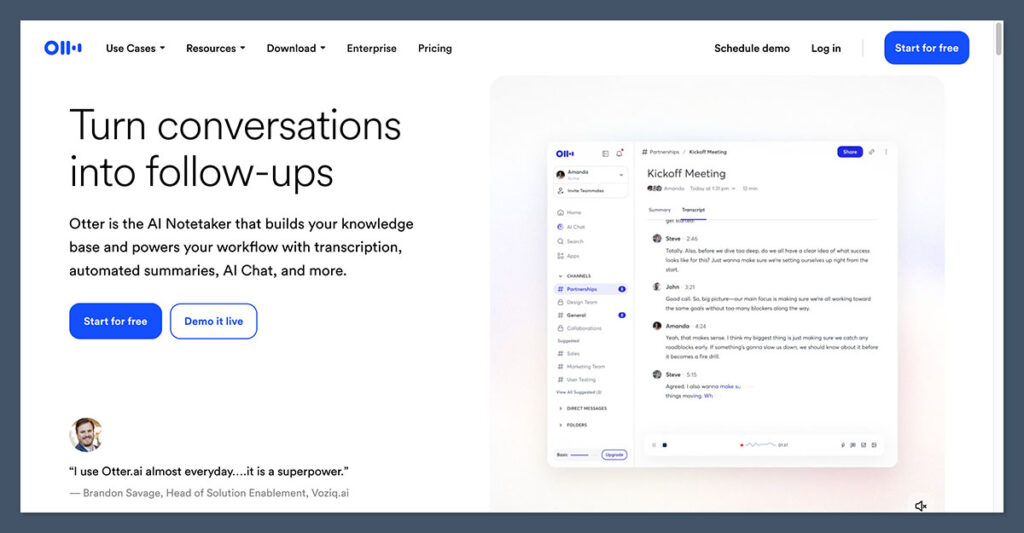
Otter stands out when it comes to team communication, live meetings, and business transcription. It’s designed to join meetings, transcribe conversations in real time, identify different speakers, and create a searchable summary after the meeting ends.
This is a tool I’ve used in meetings where multiple people speak. It separates each speaker automatically and provides action items and highlights — all without needing to take manual notes.
Best For
- Professionals who attend lots of Zoom, Teams, or Meet calls
- Managers who need searchable records of conversations
- Team collaboration on projects or research
Key Features
- Live transcription with speaker detection
- Automated summaries and highlights
- Sync with Google Meet and Zoom
- Real-time collaboration on transcripts
- Export as PDF, Word, SRT
Pros
- Clean interface
- Real-time note-taking in meetings
- Accurate speaker labeling
Cons
- Monthly plans are more expensive than competitors
- No human transcription option
- Limited support for non-English languages
Otter is ideal for busy professionals who need to stay organized during meetings and want searchable, collaborative transcripts. It works best in team environments where structure and clarity are essential.
#4. Notta: Best for Multilingual Transcription
Starting Price: $8.25/month
Free Plan: Yes
AI Summarization: No
Website: Notta.ai
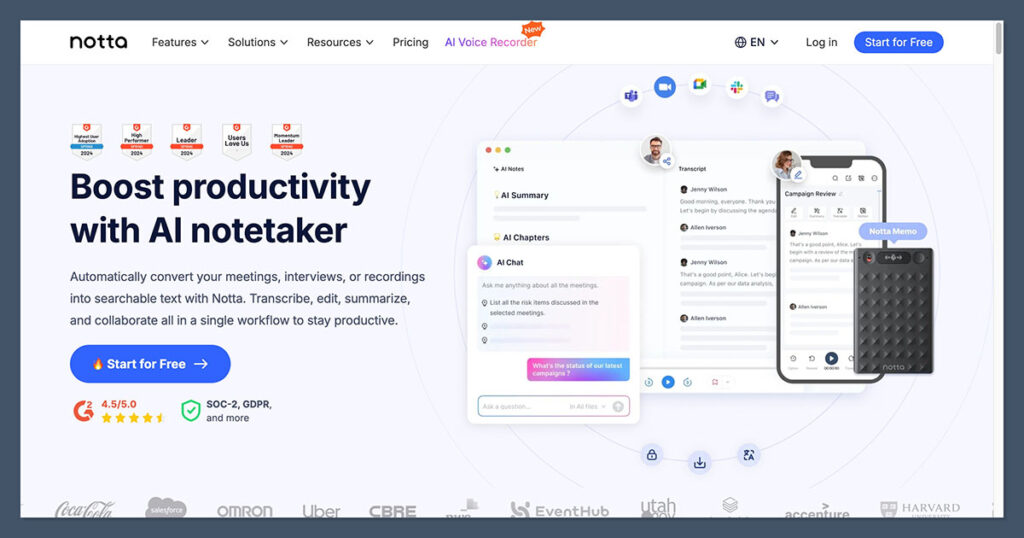
Notta is built for users who need accurate transcription across many languages. With support for over 100 languages, Notta is ideal for international teams, students, or businesses working across regions.
I’ve tested Notta with French and Spanish interviews, and it performed well with accents and cross-language switching. You can record directly in the app or upload audio and video for transcription and translation.
Why Notta Stands Out
- Translates audio to another language after transcribing it
- Built-in calendar and task manager for organizing transcripts
- Chrome extension for YouTube transcription
- Mobile app syncs seamlessly with desktop dashboard
Key Features
- Real-time transcription
- Multilingual support in 100+ languages
- Exports to TXT, DOCX, PDF, and SRT
- Translation into English, Spanish, Chinese, and more
Pros
- Affordable pricing plans
- Strong multilingual accuracy
- Great for non-English interviews
Cons
- Summarization features not as strong as NoteGPT
- No speaker ID in free version
- User interface could be more intuitive
If you’re working across languages or need affordable transcription with translation, Notta is a strong option. It combines value and versatility for users with international content needs.
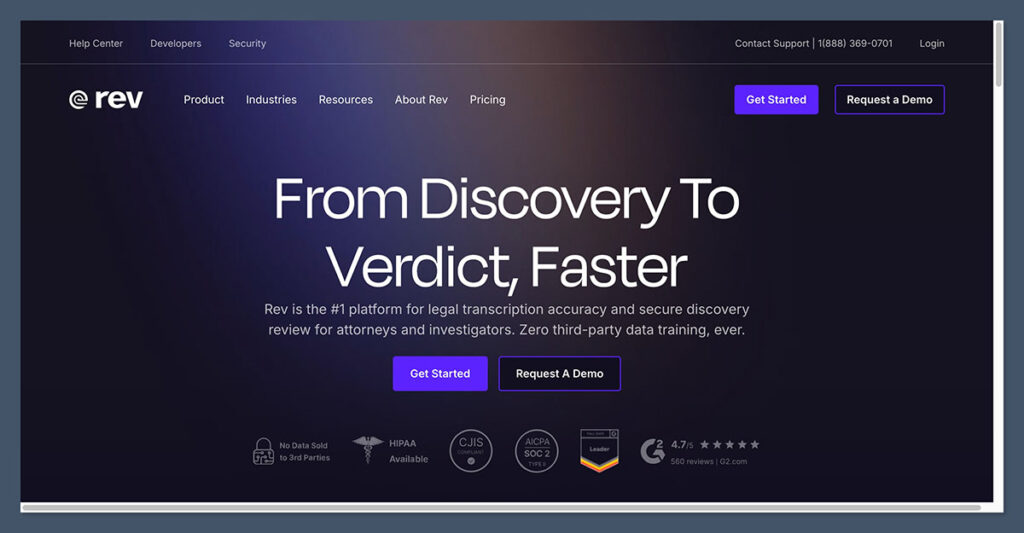
#5. Rev: Best for Human-Level Accuracy
Starting Price: $1.50 per audio minute (human)
Free Plan: No
AI Summarization: No
Website: Rev.com
If you need perfect accuracy — especially for legal work, media quotes, or medical transcripts — AI might not be enough.
That’s where Rev comes in. It uses trained human transcriptionists to manually listen and type transcripts, with accuracy as high as 99 percent.
I’ve used Rev for interviews that needed to be published in print, and the difference was noticeable. Every pause, filler word, and speaker change was properly marked. You also get timestamps and speaker IDs without needing to double-check anything.
Use Cases
- Legal recordings and court reports
- Journalism and high-stakes interviews
- Academic research
- Podcast and video subtitles
Key Features
- Human transcription with 99% accuracy
- Delivery within 12 to 24 hours
- AI transcription option for cheaper, faster service
- Captions and subtitles in various formats
- Translation services available
Pricing
| Service Type | Price |
|---|---|
| Human Transcription | $1.50/minute |
| AI Transcription | $0.25/minute |
| Captions/Subtitles | $1.50/minute |
| Rush Delivery | Additional fee |
Pros
- Most accurate transcription service
- Suitable for legal, medical, or official use
- Multiple export formats and services
Cons
- Costs add up quickly with longer files
- No real-time or app-based editing
- Requires uploading files via web
Rev is perfect when accuracy matters more than speed or cost. It’s the go-to choice for legal, medical, or high-stakes content that can’t afford transcription errors.
Final Verdict: Which App Should You Use?
Here’s a quick summary of who each app is best suited for:
| App | Best For |
|---|---|
| NoteGPT | Users who want automatic summaries and structured notes |
| Apple Notes | Casual users needing simple voice-to-text |
| Otter | Business teams and meeting transcription |
| Notta | Multilingual users and international work |
| Rev | Professionals needing 99% accuracy and human review |
There’s no universal best: the right app depends on your needs.
Personally, I rely on NoteGPT for summarizing meetings and interviews, and use Otter during group calls when I want speaker separation.
For short memos, Apple Notes is still convenient. If you work across languages, Notta is a solid option.
And if accuracy is critical, Rev is the top choice.
Every transcription app on this list brings something different to the table. Whether you want free, fast, smart, or flawless, there’s a tool here that can save you time and improve how you work.
