

If you study across more than one language, your notes tend to scatter. A lecture in one language, a paper in another, a half-translated quote you meant to come back to, all spread across apps that do not talk to each other.
The fix is not a single magic app. It is a small, deliberate stack: one place to think, a couple of AI tools to capture and translate, and a habit for keeping sources fresh.
This guide walks through that workflow and summarizes the AI note-taker tools worth knowing, with honest trade-offs and current pricing so you can pick what fits how you actually study.
Key takeaways
- For a fast all-in-one start, NoteGPT summarizes, transcribes, and translates across 100-plus languages and turns the result into flashcards and study notes.
- For a long-term system, build a networked notes base first (Obsidian, Logseq, or Notion), then layer AI capture and translation tools on top.
- Keep the original-language source alongside your translated note, never just the translation. NotebookLM is a strong free option when you want answers drawn from your own sources with citations.
- For lectures and interviews, language coverage matters: NoteGPT and Notta handle 100-plus and 58 languages respectively, while Otter is stronger in English but narrow elsewhere.
- A repeatable note template turns scattered captures into exam-ready and essay-ready material.
Why multilingual note-taking needs a system
Translating on the fly works for a sentence. It falls apart across a semester. You lose track of which idea came from which source, machine translations drift in meaning, and you end up re-reading material you already processed.
A system solves three problems at once: it gives every note a permanent home, it preserves the original wording so you can verify nuance later, and it links related ideas so revision becomes connecting notes rather than starting from a blank page.
The structure below uses a “networked notes plus AI” approach. You think and capture in whatever language a source appears in, then normalize everything into one main study language while keeping the originals intact.
The four-layer study stack
- A base for your knowledge. Pick one networked app with backlinks and a knowledge graph (Obsidian, Logseq, or Notion). This is your long-term memory. Everything else feeds into it.
- AI capture and translation. Use tools that turn readings, slides, and PDFs into structured notes and translate them into your study language (NotebookLM, Notion AI). Capture the idea once, in your own words, with the source attached.
- Voice and lecture capture. For classes, interviews, and recorded talks, use a transcription tool that records, transcribes, and translates (NoteGPT, Notta, Otter). A spoken lecture becomes searchable text you can revisit.
- Alerts for fresh sources. Set up lightweight alerting so new material reaches you instead of you hunting for it. Drop links into a single “new research” inbox note as they arrive.
Try this: Capture a quote or idea in its original language, then auto-translate it into your master study language in your main app, while keeping the original note version underneath. You preserve nuance and gain speed.
AI note-taker tools, summarized
Below are six tools that cover the four layers above. Each entry notes what it does well, where it falls short, language coverage, and what it costs. Pricing moves often, so treat the figures as a snapshot and confirm on the official site before paying.
| Tool | Best for | Languages | Free tier | Paid from |
|---|---|---|---|---|
| NoteGPT | All-in-one study capture and review | 100+ | Free, limited monthly credits | About $9.99/mo (Pro) |
| NotebookLM | Studying from your own sources | 50+ | Generous, free forever | Via Google AI plans |
| Notta | Multilingual lectures and interviews | 58 | ~120 min/month | About $8/mo (annual) |
| Otter.ai | English-language lectures | Narrow | 300 min/month | About $8/mo (annual) |
| Notion AI | One workspace for notes plus AI | 20+ (translation) | Limited AI trial | Plus from $10/user/mo |
| Obsidian | A private, long-term knowledge base | Any (you write) | Free for personal use | Sync add-on ~$4/mo |
| Logseq | Outline-style free notes | Any (you write) | Free, open source | Free |
1. NoteGPT
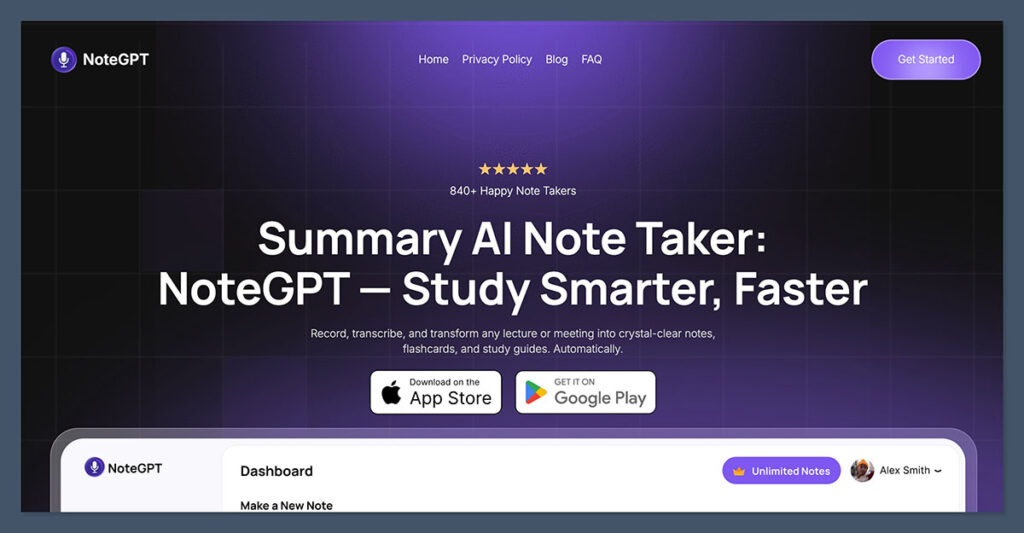
An all-in-one AI study assistant that summarizes, transcribes, and turns content into study material.
NoteGPT pulls in YouTube videos, lectures, web articles, and PDFs, then summarizes them, transcribes audio, and converts the result into study-ready material like flashcards, mind maps, and practice questions.
It supports over 100 languages, including English, Spanish, French, German, Mandarin, Japanese, and Arabic, so you can transcribe and study in whichever language you are most comfortable with. An AI chat lets you ask questions about your own material, and a writing assistant helps draft and tidy essays.
Pros
- Covers a lot in one place: summaries, transcription, flashcards, mind maps, and translation.
- Over 100 languages, broader than most study tools on this list.
- Free to start with no credit card, and built with students in mind.
Cons
- The free plan’s monthly credit allowance runs out quickly with heavy use.
- Focused on individual study, with no real-time collaboration, and it works online only.
Pricing: Free plan with a limited number of monthly credits (around 15 AI actions). Pro is about $9.99/month with roughly 1,000 monthly credits, and annual billing saves about 30%. Annual plans do not auto-renew.
Best for: Students who want one tool to capture, summarize, translate, and revise across many languages.
2. NotebookLM
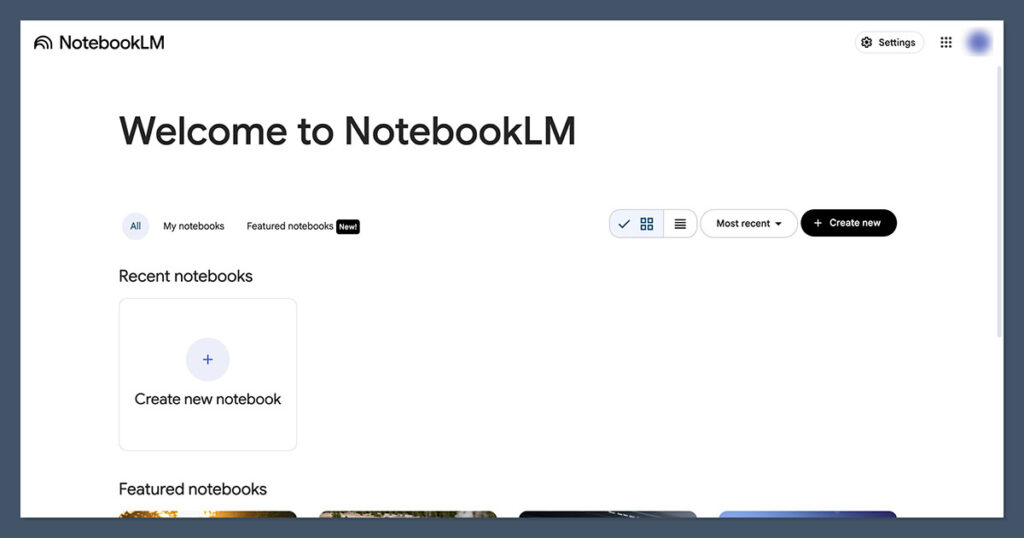
Google’s AI research and study assistant, grounded in your own sources.
You upload your sources (PDFs, lecture slides, notes, web pages), and NotebookLM answers questions, summarizes, and builds study guides using only that material, with inline citations back to the source.
That source-grounding is the reason it suits studying: it points to where each answer came from, which keeps you honest and makes verification fast. It works across 50 or more languages, so you can load sources in several languages and query them in one.
Pros
- Answers cite your sources, which reduces invented facts.
- Audio overviews turn dense readings into something you can revise while commuting.
- The free tier is generous (around 100 notebooks, with daily chat and source limits).
Cons
- It works from sources you upload; it is not a freeform daily-notes app.
- Higher limits are tied to Google’s paid AI plans rather than a standalone subscription.
Pricing: Free tier with no time limit. Higher limits come through Google AI plans (entry tier around $7.99/month, Pro around $19.99/month). US students with a .edu address can get the Pro-level features for about $9.99/month.
Best for: Synthesizing readings and lecture material into study guides across languages.
3. Notta
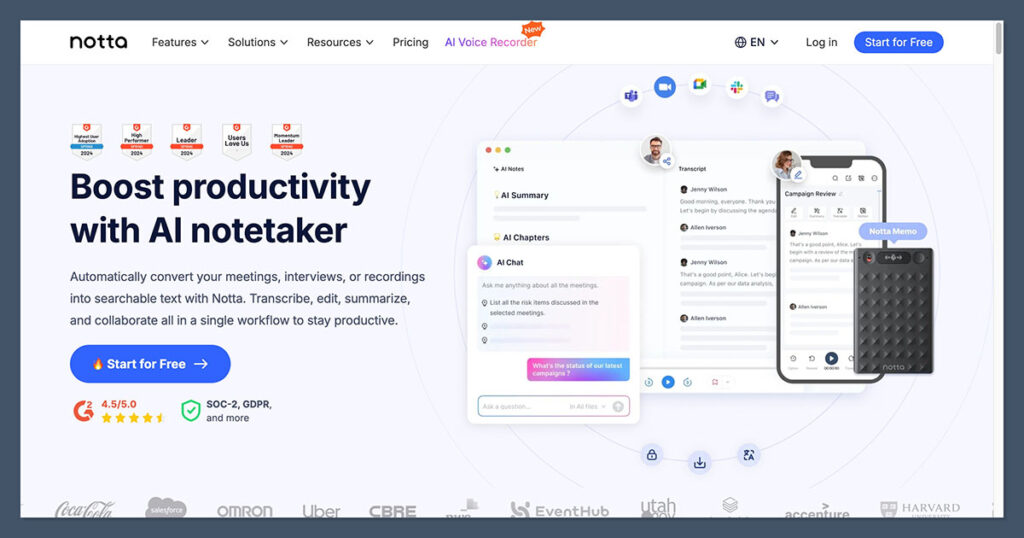
Multilingual transcription for lectures, interviews, and recorded talks.
Notta records and transcribes audio, generates AI summaries, and translates transcripts. Its standout feature for multilingual study is breadth: it supports 58 languages for transcription and translation, far more than most rivals.
Record a lecture, get a searchable transcript, then translate it into your study language and pull a summary for revision.
Pros
- Wide language coverage for both transcription and translation.
- AI summaries and action items save manual note-cleaning time.
- Annual pricing is among the lower rates in its category.
Cons
- The free tier is tight: roughly 120 minutes a month with a short per-recording cap.
- Translation accuracy varies by language; double-check less common ones.
Pricing: Free plan around 120 minutes/month. Pro is about $13.99/month, dropping to roughly $8.17/month on annual billing. Transcript translation is included on paid plans.
Best for: Turning recorded lectures and interviews into searchable, translatable notes.
4. Otter.ai
Strong English transcription with solid meeting integrations.
Otter is a well-known live transcription tool. It captures lectures and study-group calls, produces searchable transcripts with speaker labels, and generates summaries. It integrates cleanly with Zoom, Google Meet, and Microsoft Teams.
The honest caveat for this article: Otter’s language support is narrow, so it is best when your study material is mostly in English.
Pros
- Accurate English transcription with reliable speaker separation.
- Smooth integrations for recorded online sessions.
- A 20% student discount lowers the entry cost.
Cons
- Limited language coverage, which weakens it for multilingual study.
- Hard minute caps and, on the free plan, only a handful of lifetime file imports.
Pricing: Free Basic plan with 300 minutes/month. Pro is about $16.99/month, or roughly $8.33/month billed annually. Students get an additional 20% off.
Best for: English-language lectures and study calls where transcription accuracy matters most.
5. Notion AI

An all-in-one workspace with AI writing, summaries, and translation built in.
If you want notes, databases, and AI in one place, Notion fits. The AI layer drafts and summarizes, answers questions across your workspace, and translates content into 20 or more languages without leaving the page. For a student juggling sources in several languages, having translation and summarization inside the same app where you store notes removes a lot of copy-paste.
Pros
- Notes, databases, and AI translation live together.
- Very flexible; you can shape it into whatever study system you prefer.
- Students and educators get the Plus plan free with a .edu email.
Cons
- The most powerful AI features sit behind higher-priced tiers.
- The blank-canvas flexibility can be a time sink to set up.
Pricing: Free workspace with a limited AI trial. Plus is about $10/user/month (annual); full AI features generally require the Business tier at roughly $20/user/month. Students can get Plus free with a .edu address.
Best for: Students who want a single workspace covering notes, organization, and AI translation.
6. Obsidian
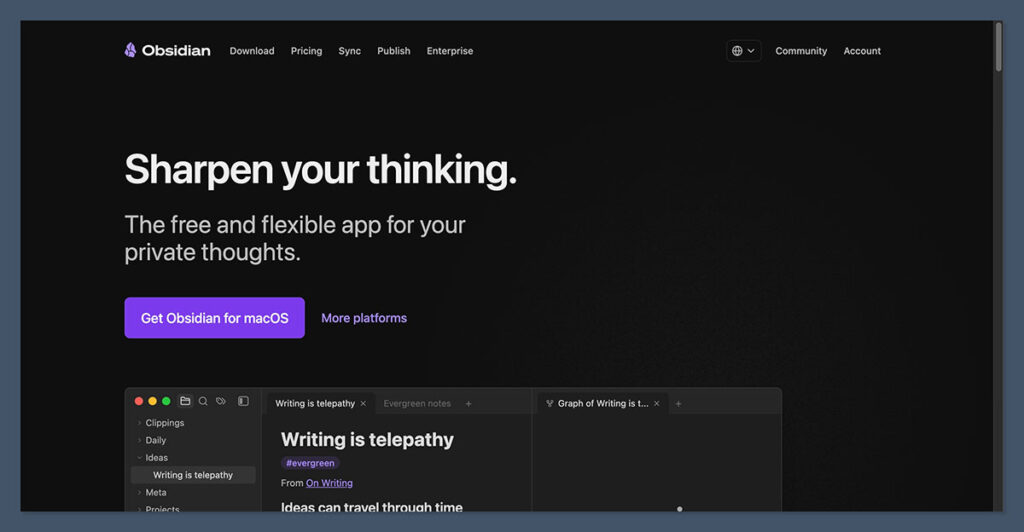
A private, local-first knowledge base with backlinks and a knowledge graph.
Obsidian stores your notes as plain Markdown files on your own device, linked together with backlinks and visualized as a knowledge graph.
Because you write in plain text, you can take notes in any language freely, and a large plugin ecosystem adds AI summarization and translation when you want them. It is the strongest pick for building a knowledge base you will keep for years.
Pros
- Free for personal use, private, and your files stay yours.
- Backlinks and the graph view make connections across topics and languages visible.
- Highly extensible through community plugins.
Cons
- A steeper learning curve than plug-and-play apps.
- AI and translation need plugins and a little setup rather than working out of the box.
Pricing: Free for personal use. Optional paid add-ons include Sync (around $4/month billed annually) for syncing across devices, and Publish for sharing notes online.
Best for: A long-term, private, cross-language knowledge base you fully control.
7. Logseq
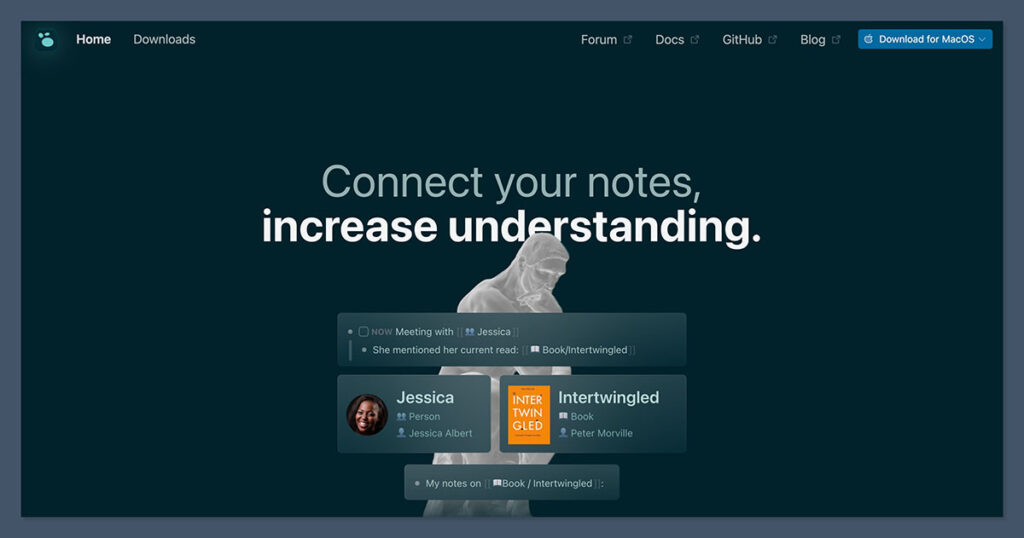
Open-source, outline-based notes with backlinks and daily notes.
Logseq is a free, privacy-first alternative built around outlining. You write in blocks and link ideas with backlinks, and it leans on a daily-notes journal that makes incremental capture natural. If you think in bullet points and want a no-cost networked system, it is a clean choice. You write in any language; it simply stores your text.
Pros
- Free and open source, with local-first storage.
- The outliner and daily journal suit steady, incremental note-building.
Cons
- A smaller plugin ecosystem than Obsidian.
- Less polished, and AI features are not native.
Pricing: Free and open source.
Best for: Outline-style thinkers who want a free, private networked-notes system.
Beyond these, two honorable mentions are worth a look: voice-to-clean-text apps that tidy spoken thoughts into structured notes, and a browser clipper for fast multilingual capture while you read. They slot into the capture layer rather than replacing your base app.
Pricing note: SaaS pricing and free-tier limits change frequently and vary by region and billing cycle. Always confirm the current numbers on each tool’s official pricing page before subscribing.
A repeatable note template
Tools only help if your notes follow a consistent shape. Use two note types so material becomes study-ready instead of piling up.
Source notes (one per source)
For each reading, lecture, or paper, create a single note containing:
- Bibliographic details and a permanent link.
- Key claims and definitions in your own words, not long quotes.
- The source language, plus a concise translation into your study language where needed.
- Backlinks to related concepts already in your knowledge base.
- A short AI summary so you can rebuild context quickly weeks later.
Concept notes (one per idea)
Separately, keep evergreen concept notes where you merge insights across multiple sources and languages into your own unified understanding. This is where real learning happens: you are not storing what each source said, you are writing what you now think, with the sources linked underneath as evidence.
Study payoff: When concept notes are written in your own words and linked to sources, exam revision becomes re-reading your own thinking, and essays become stitching linked notes together rather than starting cold.
Keeping your sources fresh
For ongoing subjects, set up light alerting so new material finds you:
- Journal and database alerts: subscribe to email alerts or RSS for key journals in your field, and set alerts on specific search queries where the platform allows.
- Publisher notifications: register on major publishers’ sites for new-paper or new-book alerts in your area.
- People and organizations: follow researchers, institutions, and standards bodies on social platforms for early signals.
Funnel everything into one “new research” inbox note. As each alert arrives, drop the link with a one-sentence note on why it matters. Once a topic has enough material, promote it into a study output.
From notes to a finished study output
When you are ready to write an essay or build a revision summary, your system should hand you most of an outline. Create a central hub note for the topic and pull in your most important concept notes, the relevant source notes, and the latest links from your research inbox. Then move through five simple stages you can reuse for every topic:
- Plan. Define the goal and the question you are answering, and set your main angle.
- Draft. Write a first pass mostly from your concept and source notes, in one focused sitting.
- Revise. Restructure, tighten the argument, and fold in any feedback.
- Edit. Refine the language and cross-check facts against your most recent sources, confirming citations are accurate.
- Finalize. Do a last coverage check so each main section rests on current sources, not only older ones in your archive.
How to choose your stack
Start with one or two tools, not all seven. For most multilingual students, the simplest starting point is a single all-in-one tool: NoteGPT handles summaries, transcription, flashcards, and translation across 100-plus languages, so you can capture and revise in one place from day one.
If you prefer to build a long-term knowledge base you fully own, pair a base app, Obsidian or Notion, with NotebookLM for working through readings, and add Notta for non-English lectures (or Otter if your classes are mostly in English). Layer in source alerts once the core habit sticks. The goal is a system simple enough that you actually use it, because the best note-taking tool is the one you open every day.
Frequently asked questions
What is the best free AI tool for multilingual studying?
NotebookLM is the strongest free starting point because it answers questions from your own uploaded sources, cites them, and works across 50 or more languages. Pair it with a free networked-notes app like Obsidian or Logseq for a complete no-cost setup.
Should I keep notes in the original language or translate them?
Keep both. Capture the original wording so you can verify nuance and avoid translation drift, then add a translation into your main study language for everyday use. Storing only the translation risks losing meaning you cannot recover later.
Which tool is best for transcribing lectures in another language?
For non-English lectures, NoteGPT is a strong pick because it transcribes and translates across 100-plus languages and turns the result straight into study material. Notta is another solid option with 58-language support for transcription and translation. Otter is more accurate for English but covers far fewer languages, so it suits English-only classes best.
Do I need a paid plan to start?
No. You can build a working multilingual study system entirely on free tiers: a free networked-notes app, NotebookLM’s free tier, and the free allowances on a transcription tool. Upgrade only when you hit a limit that genuinely slows you down.
How do I stop my notes from becoming a messy pile?
Use a consistent template and two note types: source notes for individual materials and concept notes for your own synthesized understanding. Link them together so revision becomes connecting ideas rather than searching through clutter.
